

Is Stability AI worth it?
Yes for developers, technical creators and anyone who generates in volume, because per-image costs are low and the models are yours to run. Skip it if you want to type a prompt and get a finished image with no setup, since other tools in this group do that better.
Choose Stability AI if you
- Want to run an image model on your own GPU
- Need an API and per-image pricing for a product
- Use LoRA, ControlNet or fine-tuned models
- Generate in volume and want low per-image cost
Look elsewhere if you
- Want a simple app with one monthly price
- Have no GPU and no technical time
- Need the most polished images from short prompts
- Run a company over $1M revenue and want a quick license
Stability AI scores
Eight creator-focused checks, each out of 5. The overall score is their average and matches the score shown everywhere on the site.
Stable Diffusion 3.5 Large and Stable Image Ultra produce good images, with typography improved over older versions. The leaders still look more polished.
Prompt adherence is solid for the model size. Complex scenes and exact text need more iteration than on newer chat-based tools.
Open weights mean LoRA, ControlNet and fine-tuning are possible. No hosted generator here offers that much control.
The API covers upscaling and image edits, and local tools add inpainting. Each takes setup that app-based tools skip.
Self-hosting needs a GPU and technical skill, and the hosted options keep changing. It is the hardest tool here to start with.
The Community License is clear: free commercial use under $1M annual revenue, enterprise terms above it. API terms need a separate check.
API images cost from 3.5 credits, about 3.5 cents, and self-hosting costs only your hardware and power.
The models are free to download and run commercially under $1M revenue, and new API accounts get 25 free credits.
Stability AI pricing in 2026
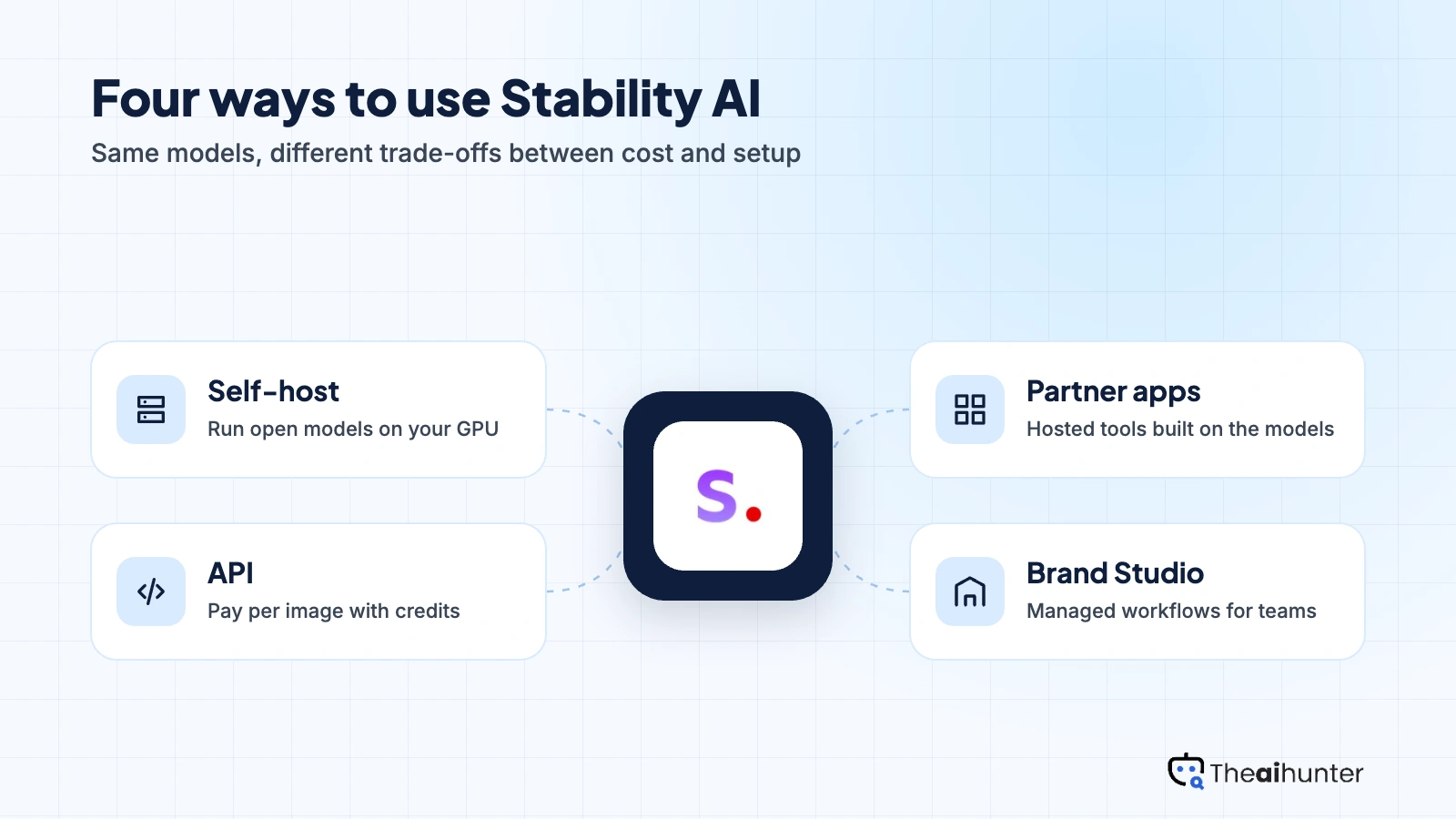
Stability AI has no single consumer plan. You choose a route: run the open models yourself for free, pay per image through the API at 1 credit for $0.01, or use a hosted Brand Studio plan aimed at teams.
| Plan | Price a month | How it is billed | Real output, roughly | What it adds |
|---|---|---|---|---|
| Community license | $0 | Open weights, your own GPU | Unlimited on your hardware | Free under $1M revenue |
| API credits Most creators | 1 credit = $0.01 | Pay as you go | About 15 images per $1 on SD 3.5 Large | 25 free credits for new accounts |
| Brand Studio Core | $50 | Hosted app for teams | Credit amounts not published | Reported price, enterprise focus |
| Enterprise | Custom | Sales quote | Custom volume | Commercial license above $1M revenue |
API credit prices from a provider price list read on October 18, 2026: Stable Image Ultra 8 credits, SD 3.5 Large 6.5, Large Turbo 4 and Medium 3.5. Brand Studio at $50 a month is as reported by independent trackers, and Stability has no public consumer pricing page we could verify. Plans change, so the checkout price is final.
What a month of content really costs
Four videos, ten concepts each and three rerolls is 120 images on SD 3.5 Large, about $7.80.
Thirty days of five prompts with three rerolls is 450 images, about $29.25. Cheaper than most subscriptions if you can use the API.
About 1,200 images a month is roughly $78 at 6.5 credits each. Self-hosting costs only hardware and power.
Our estimates, assuming SD 3.5 Large at 6.5 credits an image and 1 credit equal to $0.01. Ultra costs more and Medium costs less. API use also needs a developer or a tool that connects to it.
Can you use Stability AI images commercially?
Yes. The Community License allows commercial use free of charge for individuals and organizations under $1 million in annual revenue, from any source. Above that, an enterprise license applies.
| What you want to do | Community license | API | Enterprise |
|---|---|---|---|
| Commercial use under $1M annual revenue | Yes | Yes | Yes |
| Commercial use over $1M annual revenue | No | Check API terms | Yes |
| You own the outputs | Yes | Yes | Yes |
| Run models on your own hardware | Yes | No | Under license |
| Fine-tune or build derivative models | Yes | No | Yes |
Output ownership is assigned to you under Stability AI’s terms, but copyright protection for AI images remains unsettled and differs by country. Large companies and API resellers should read the enterprise terms before building on the models.
Stability AI features for creators
What you can make with it, and how each part is billed.
Stable Diffusion 3.5
Open Large, Large Turbo and Medium models that run on consumer hardware and can be fine-tuned. Large is the strongest.
Free to self-hostStable Image Ultra
The top-quality hosted model, available through the API at 8 credits an image.
API creditsLoRA and fine-tuning
Train small adapters on your own images to keep a character, product or style consistent.
Self-hosted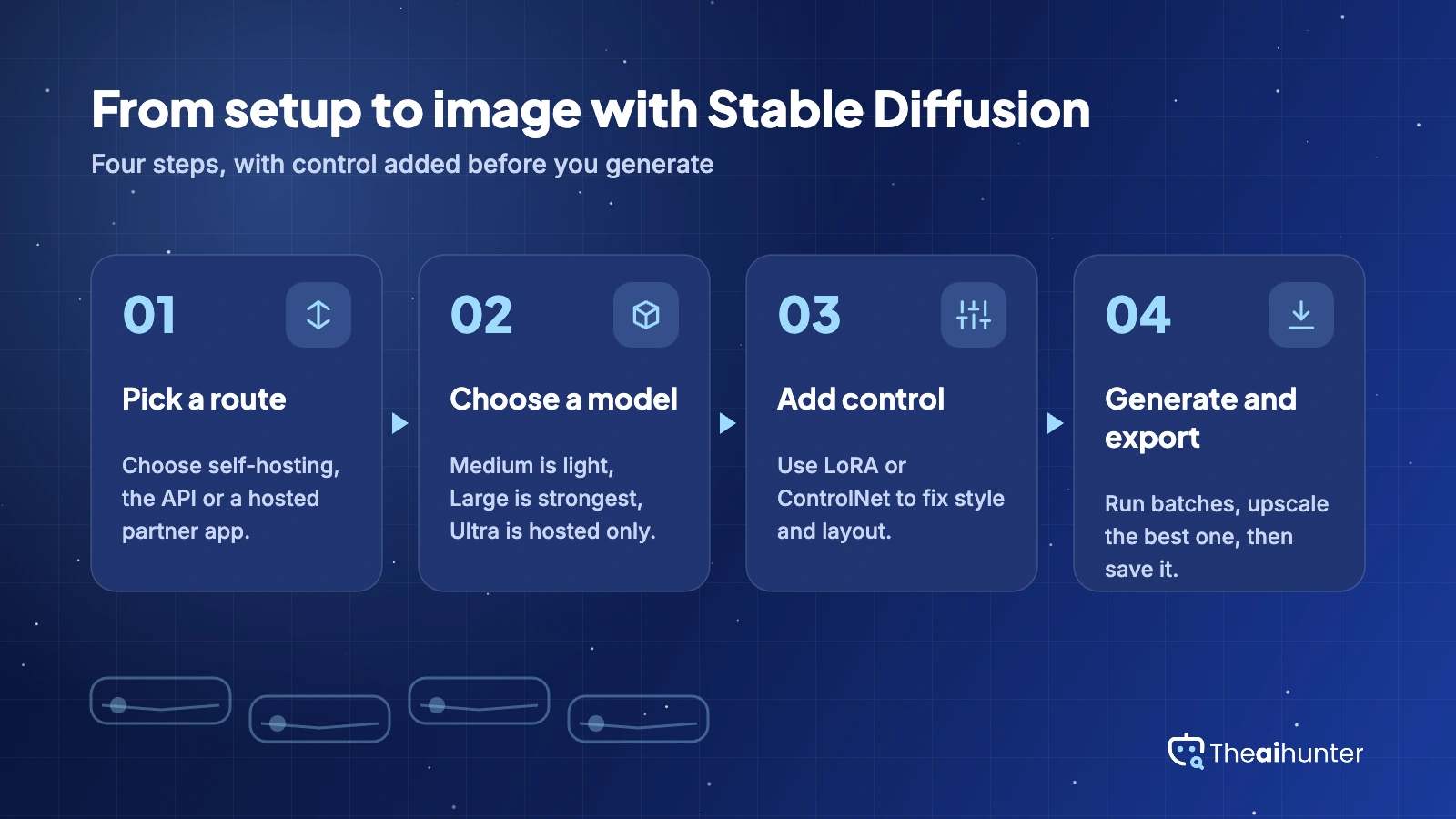
ControlNet
Guide composition with edges, depth or poses so the layout matches a reference.
Self-hostedUpscaling and edits
API endpoints for upscaling and changing parts of an image without leaving your own tools.
API creditsBrand Studio
A hosted application layer for teams that want managed workflows. Stability pivoted toward it in 2026.
Reported $50 a monthPros and cons
Pros
- Lowest cost per image of the tools we cover
- Open weights with LoRA and ControlNet
- Free commercial use under $1M revenue
- Run it on your own hardware
Cons
- Hardest to set up in this category
- No clear public consumer pricing page
- Image polish trails Midjourney
- Company offering has shifted toward enterprise
What users complain about
Complaints come from the setup effort and from how the product line keeps changing. These come up most, with fixes where one exists.
Setup takes technical work
Self-hosting needs a capable GPU and some comfort with Python or a local interface. Fix: start with the API or a hosted partner app.
Pricing is hard to find
There is no single public consumer plan, and credit costs sit in API documentation. Fix: read the credit table before you budget.
The product line keeps changing
DreamStudio gave way to other hosted options, and Stability moved its focus toward enterprise Brand Studio in 2026. Fix: do not build a workflow on one hosted app.
Results need iteration
Open models need prompting care and sometimes LoRAs to match top commercial tools. Fix: use Large or Ultra and test a few prompts first.
Stability AI alternatives
If setup effort or unclear pricing is the problem, compare these.


Stability AI FAQ
Is Stable Diffusion free?
The models are free to download and use commercially if your organization makes under $1M a year. You still pay for your own GPU or for any hosted service.
How much does the Stability AI API cost?
One credit costs $0.01. Stable Diffusion 3.5 Medium is 3.5 credits, Large is 6.5, Large Turbo is 4 and Stable Image Ultra is 8. New accounts get 25 free credits.
Can I use Stable Diffusion images commercially?
Yes, under the Community License if your organization earns under $1M a year. Above that you need an enterprise license.
Do I need a GPU to run it?
For self-hosting, yes, and Large wants a capable one while Medium is lighter. The API and hosted apps need no GPU.
What is the best alternative?
Midjourney for polish, Leonardo AI for a friendlier editor with custom models, and Ideogram when text in the image matters.
Is DreamStudio still available?
Reports say Stability moved its hosted focus to Brand Studio in 2026 and DreamStudio was superseded. Check Stability’s site for what is live.
How we review AI image tools
Every image tool on Theaihunter goes through the same four steps and gets the same eight scores, so any two image tool scores on this site can be compared directly.
Read the vendor’s own pages
Plans, credit and image limits, and license terms come from the product’s site first. We note the date we checked each one.
Test what we can reach
We sign up and check what the free plan and settings allow. When a login or paid credits are needed to go further, the review says what we did not test. Samples go on the page only when the license permits it.
Cross-check what users report
Independent reviews and user complaints from the last six months show what the sales page leaves out. Numbers copied across lookalike sites count once.
Score, date and update
Eight areas get a score from 1 to 5. When pricing or plans change, we recheck the review and log the change in its history.
How the score works
Each area is scored from 1 to 5. The overall score is their average, rounded to one decimal.
It is the same number on the review, the category page and anywhere else the tool appears.
- No review, no score. Tools we have not reviewed in full are never ranked.
- A strong output cannot hide unclear licensing, because each area is scored on its own.
Some links earn us a commission. A score or verdict is never changed because of one.
Prices, credits and limits are checked against the vendor’s pages and dated. When sources disagree, the review says so.
If we used a feature, we say so. If a detail comes from user reports, the review labels it as reported.
Ready to try Stability AI?
Test the API with the free credits, then decide whether to self-host or keep paying per image.
