Clockwise Logo
Editor's Rating:
Clockwise AI is best for automatically optimizing your calendar, freeing up focus time, and scheduling meetings efficiently without disrupting deep work.
Pricing Model: Freemium
Starting Price: $6.75
Clockwise Review

What is Clockwise?

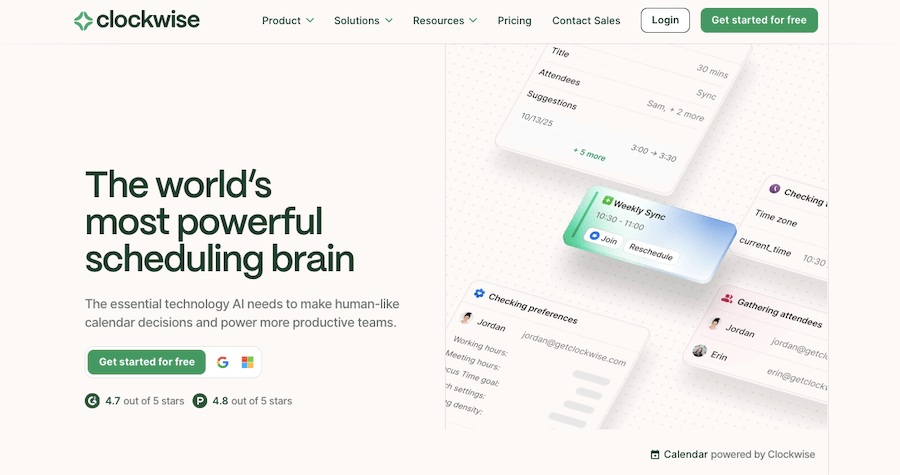
Managing your calendar shouldn’t feel like a full-time job, and that’s exactly what Clockwise helps with. It’s a smart scheduling tool that organizes your meetings, frees up focus time, and makes your workday flow better.

Instead of spending hours juggling meetings and tasks, Clockwise automatically optimizes your schedule so you have more time for deep work without sacrificing collaboration. It integrates seamlessly with Google Calendar, adjusting meetings intelligently to create more uninterrupted work time.

One of the best things about Clockwise is how it balances individual and team schedules. It doesn’t just move meetings around randomly; it considers everyone’s availability, preferences, and the importance of focus time. Need a few hours of quiet, uninterrupted work? Clockwise finds those gaps and protects them.

Have a team that struggles with too many scattered meetings? It aligns schedules to reduce context-switching, so everyone gets more productive time. It even helps teams work across time zones, making sure meetings happen at times that work for everyone.

Clockwise also integrates with tools like Slack and Asana, so your workflow stays smooth without extra effort. It automatically updates your status when you’re in focus mode, letting teammates know when you’re heads-down in work.

And if you need to set boundaries, it helps manage your work hours, making sure meetings don’t creep into personal time.

For individuals, it brings clarity and control to your day. For teams, it makes collaboration easier and more efficient. Instead of spending time figuring out when to work, you just get to work. With Clockwise, your calendar finally works for you, not the other way around.
Show More

Clockwise Review 2026: Top Features, Pricing, Pros & Cons

Clockwise: Editor's Rating

Here's a detailed breakdown of Clockwise rating based on different parameters.
Ease of Use
4.5/5
Very intuitive interface; easy for teams and individuals
Features & Functionality
4.3/5
Smart scheduling, focus time, and meeting optimization
Output Quality
4.2/5
Calendar adjustments feel practical and reduce conflicts
Performance & Speed
4.1/5
Responsive; handles real-time calendar changes well
Customization / Controls
3.9/5
Solid settings, though fewer deep controls than some rivals
Reliability
4.2/5
Stable overall; occasional small sync issues
Integrations / Export Options
4.3/5
Strong Google Calendar + Slack integrations
Pricing & Value
4.0/5
Good free tier; paid plans work well for teams
Support & Resources
4.0/5
Helpful guides; support quality generally positive
Privacy & Data Safety
4.1/5
Meets standard enterprise practices; permissions require care
Overall rating
4.2/5
Reliable AI scheduler with strong team productivity impact

Clockwise Top Features

Intelligent Calendar Optimization
Clockwise automatically reshuffles meetings to create more uninterrupted focus time in your day.
Focus Time Protection
It blocks dedicated deep work sessions in your schedule, minimizing distractions and context-switching.
Smart Meeting Rescheduling
Meetings are automatically adjusted to fit everyone’s availability while prioritizing productive work hours.
Team Calendar Alignment
It syncs team schedules to reduce scattered meetings, making collaboration smoother.
Time Zone Coordination
For remote teams, it finds meeting times that work across different time zones effortlessly.
Work Hours Management
Set clear work hours to prevent meetings from creeping into personal time.
Slack Integration
Clockwise updates your Slack status automatically when you’re in focus mode or in a meeting.
Asana Integration
It syncs with Asana to balance task deadlines with your meeting schedule.
Personal & Team Scheduling
Works for individuals managing their time and teams looking to optimize collective productivity.
Automatic Lunch & Break Time Blocking
Ensures you get time for breaks by reserving time for lunch and personal moments.

Clockwise Pros & Cons 2026

Pros
Automatically optimizes your calendar for focus time.
Seamlessly integrates with Google Calendar, Slack, and Asana.
Helps teams schedule meetings with minimal disruptions.
Reduces context-switching by aligning team availability.
Supports time zone coordination for remote teams.
Prevents meetings from overlapping with personal time.
Cons
Only works with Google Calendar, no Outlook support.
Requires access to calendar data for optimization.
AI-driven scheduling may not always match personal preferences.
Limited free plan with premium features behind a paywall.
Works best for teams; solo users may see less benefit.

Clockwise Pricing 2026

Meet Clockwise. AI-powered scheduling that works like magic. You can get Free as well as Paid plans to suit your requirements. Here are details of their plans
Free
$0 / Per Month
Teams
$6.75 / Per Month
Business
$11.50 / Per Month
Enterprise
Custom

Please note that pricing information may not be up to date. For the most accurate and current pricing details, please refer to the official website.

Clockwise Use Cases

Freeing Up Focus Time

Automatically rearranges meetings to create large blocks of uninterrupted work time.

Reducing Meeting Overload

Optimizes team schedules so meetings don’t take over the entire day.

Managing Remote Team Schedules

Balances different time zones to schedule meetings at convenient times for everyone.

Preventing Calendar Conflicts

Ensures meetings don’t overlap with personal commitments or work priorities.

Enhancing Team Collaboration

Aligns team availability to reduce scattered, inefficient meetings.

Automating Calendar Management

Handles scheduling adjustments so you don’t have to manually rearrange meetings.

Clockwise Questions & Answers

Clockwise is an AI-powered scheduling tool that optimizes your calendar by automatically adjusting meetings to create more focus time and reduce scheduling conflicts.
Clockwise offers a free plan with basic features, while premium plans provide advanced scheduling, team coordination, and additional integrations.
Currently, Clockwise only integrates with Google Calendar, so Outlook users cannot use its scheduling features.
Clockwise aligns team schedules by optimizing meeting times, reducing scattered meetings, and ensuring better time zone coordination for remote teams.
Yes, Clockwise follows strict security measures and only accesses calendar data to optimize scheduling without sharing personal information.

Clockwise User Reviews 2026

Overall Clockwise Rating
0.0 out of 5 stars (based on 0 reviews)
Rating Distribution
Excellent0%
Very good0%
Average0%
Poor0%
Terrible0%
Share Your Experience

Clockwise: Recent Reviews

There are no reviews yet. Be the first one to write one.

Submit Your Review For Clockwise

Pricing:
Categories:
Social

Best Clockwise Alternatives AIs

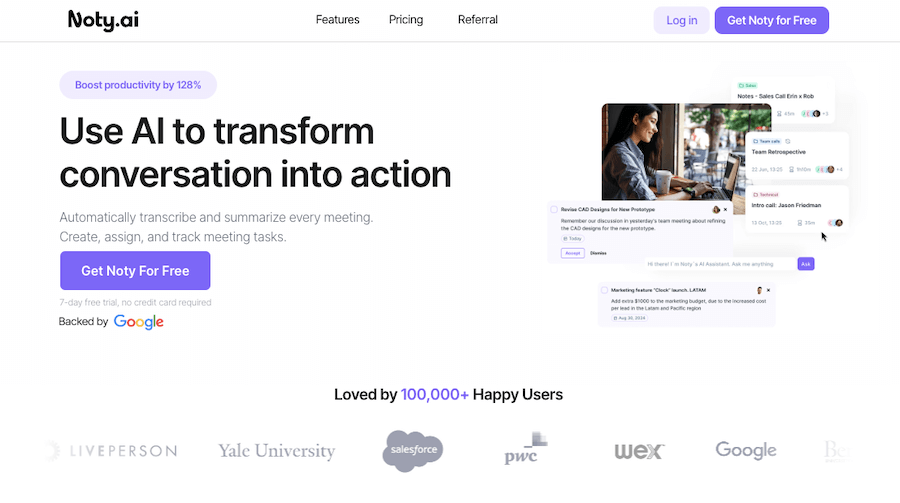
Noty AI Review

Noty AI

Meetings can feel like a blur, with important details slipping...
Echowin Review

Echowin

Handling phone calls can be overwhelming, especially when you’re juggling...
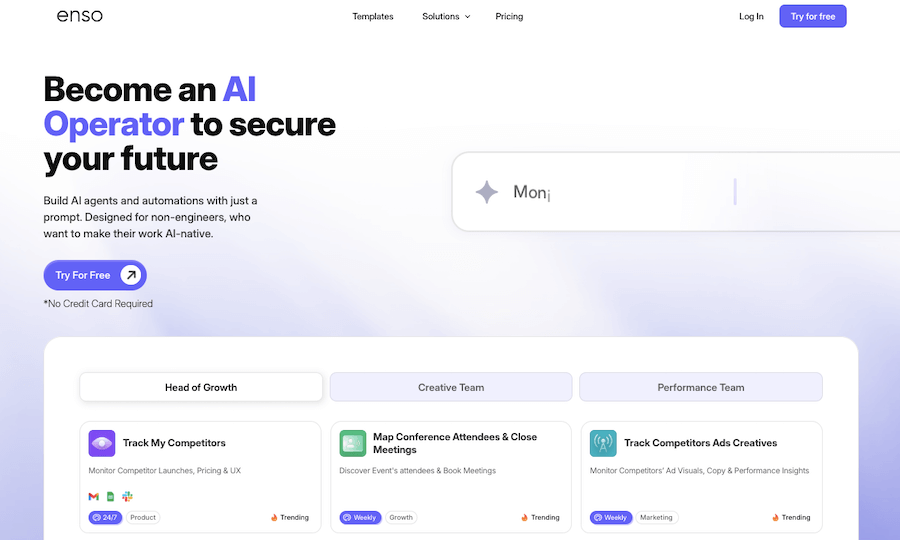
Enso Review

Enso

Enso is like having an intelligent assistant that understands what...

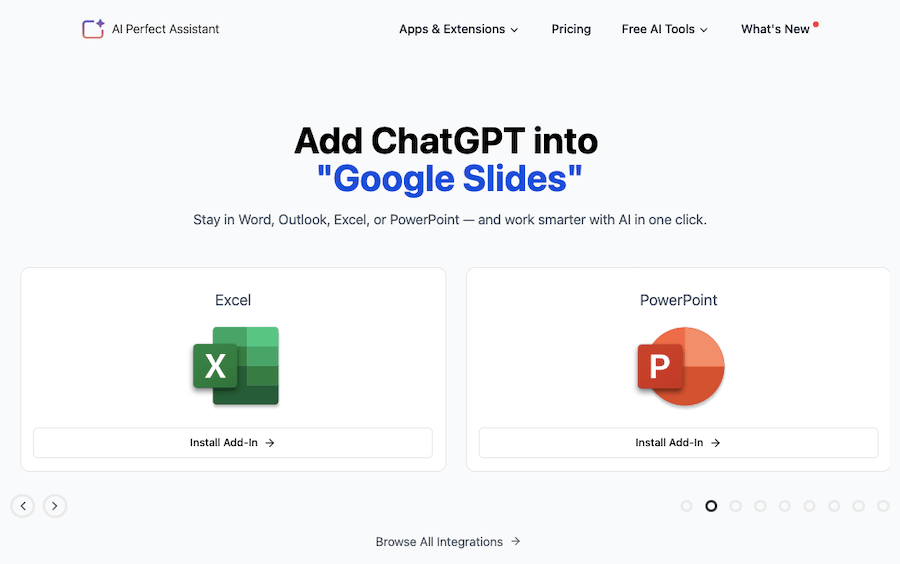
AI Perfect Assistant

AI Perfect Assistant is like having a personal helper that’s...
Receive the latest AI news

Learn About AI in 5 Min Daily

Get our daily email newsletter with trending AI news and top AI tools. Subscribe for FREE.

Cookie Policy

Theaihunter uses cookies

This website uses cookies to enhance user experience and to analyze performance and traffic on our website. By continuing to browse this site you are agreeing to our use of cookies.