

Is SeaArt AI worth it?
Yes, if you want to try many models and styles on a free daily allowance and you are happy to learn the credit system. Be more careful if you plan to sell the output or pay for a full year up front.
Choose SeaArt AI if you
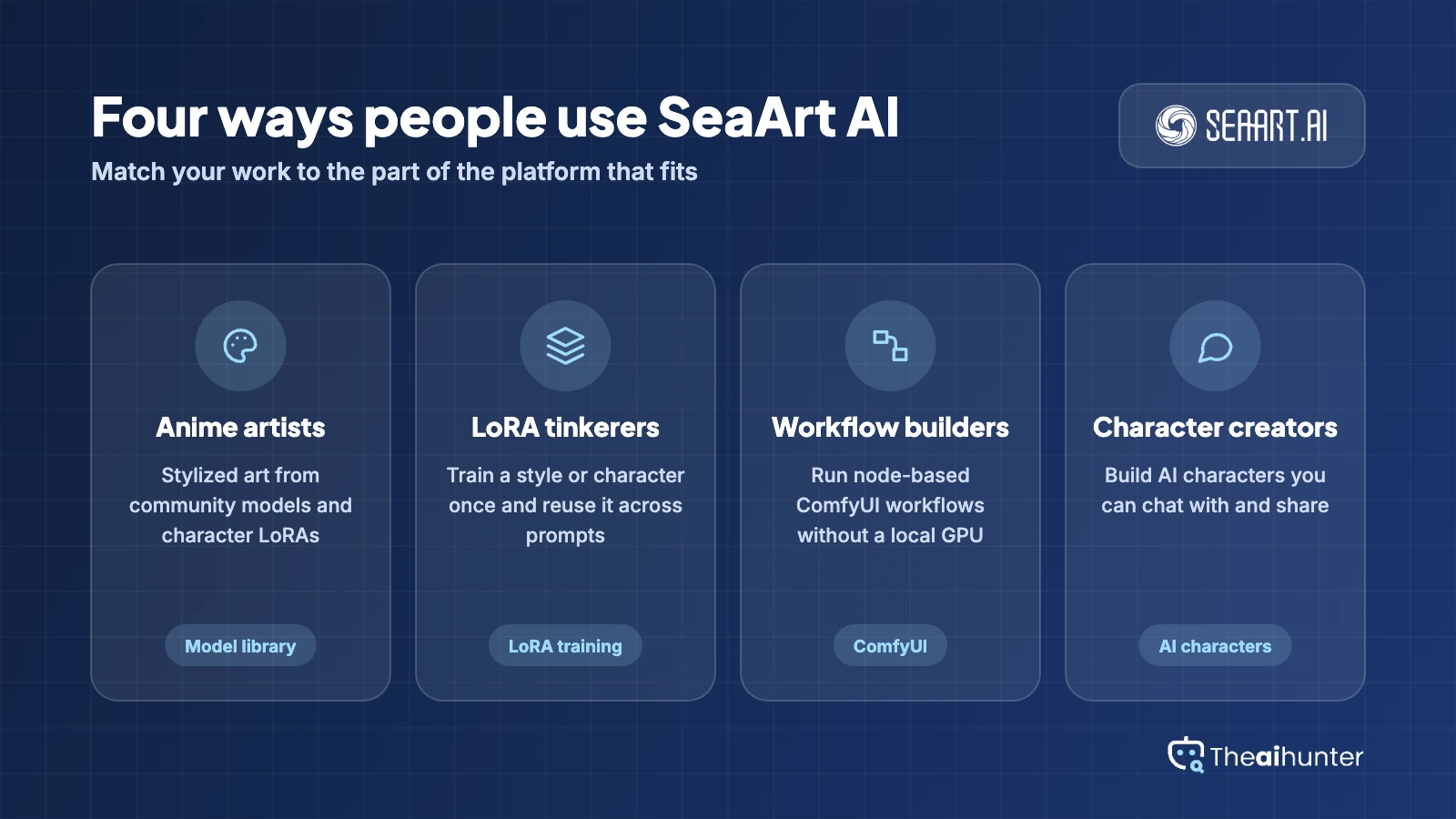
- Want to test many models, from Flux to Seedream, in one place
- Need LoRA training or ComfyUI workflows without your own GPU
- Make anime, character or stylized art and share it with a community
- Want a free daily allowance before paying anything
Look elsewhere if you
- Need clean licensing for every model and LoRA you use
- Want one flat price with no second currency
- Mostly need exact text, logos or product photos
- Cannot accept a strict no-refund policy on subscriptions
SeaArt AI scores
Eight creator-focused checks, each out of 5. The overall score is their average and matches the score shown everywhere on the site.
Quality depends on the model you pick. Seedream, Flux and similar models give strong results, while weaker community checkpoints do not.
Newer models follow prompts well. Text and small details still vary from one model to the next.
A large model library, LoRA training, ComfyUI and image-to-image tools give you more control than most generators.
The platform bundles many image tools beyond text to image. We score breadth here and have not tested each tool in depth.
The interface covers images, video, chat and a community feed, so it feels busy. Stamina and Credits add a second system to learn.
SeaArt says you can use your own output commercially, but sources disagree on free-plan images, and community models and LoRAs carry their own terms.
Paid plans run from $5.99 to $149.99 a month. Billing and refund complaints pull this score down.
A daily Stamina allowance covers casual use. Free output is reported to carry a watermark and runs two tasks at a time.
SeaArt AI pricing in 2026
SeaArt bills in Stamina, an allowance that refreshes, and Credits, a purchased balance. Paid plans add a monthly Stamina pool, more parallel tasks and priority queues.
| Plan | Price a month | Stamina a month | Real output, roughly | What it adds |
|---|---|---|---|---|
| Beginner | $5.99 | 4,000 | About 200 images or 13 videos | 5 parallel tasks, private generation, video without watermark |
| StandardMost creators | $29.99 | 24,000 | About 1,200 images or 80 videos | 10 parallel tasks, free unlimited image creation, HD video |
| Professional | $59.99 | 52,000 | About 2,600 images or 173 videos | 15 parallel tasks, three LoRA trainings at once |
| Master | $149.99 | 135,000 | About 6,750 images or 450 videos | 20 parallel tasks, ComfyUI 750 minutes a day, premium model access |
Monthly list prices from the plan page we read on November 18, 2026, which displayed a local currency. They match the $5.99 to $149.99 range other reviews report. Yearly billing is cheaper, and the live page shows the exact discount.
What a month of use really costs
The free plan gives a small daily Stamina allowance, listed at 180 on the plan page. At the rate paid plans quote, that is roughly nine images a day.
Beginner gives 4,000 Stamina, about 200 images by SeaArt’s own estimate, and lets you download video without a watermark.
Professional adds 52,000 Stamina and three parallel LoRA trainings, about 2,600 images a month.
Our estimates use SeaArt’s own output figures. Video costs more: a five-second 480p Seedance 2.5 clip costs 1,015 Stamina.
Can you use SeaArt AI images commercially?
Mostly yes, with conditions. SeaArt’s FAQ supports commercial use of your own generated work, but other reviews report that free-plan output is not covered, and community models and LoRAs carry their own terms. Check each one before client work.
| What you want to do | Free | Paid plans | Community LoRAs |
|---|---|---|---|
| Post your own images online | Yes | Yes | Check terms |
| Sell prints, merch or client work | Unclear | Yes | Check terms |
| Keep generations private | No | Yes | N/A |
| Download video without watermark | No | Yes | N/A |
| Use a real person’s likeness | Consent needed | Consent needed | Consent needed |
Credits bought on or after April 1, 2026 are valid for two years, and daily Stamina resets every 24 hours. Check expiry before you stock up.
SeaArt AI features for creators
What you can make with it, and where the limits sit.
Model library
Seedream, Nano Banana, Qwen Image, Flux and many community models sit in one place.
Varies by planLoRA training
Train your own style or character LoRA and use it when you generate.
Paid plansComfyUI workflows
Run node-based workflows on SeaArt’s servers without a local GPU.
Time limited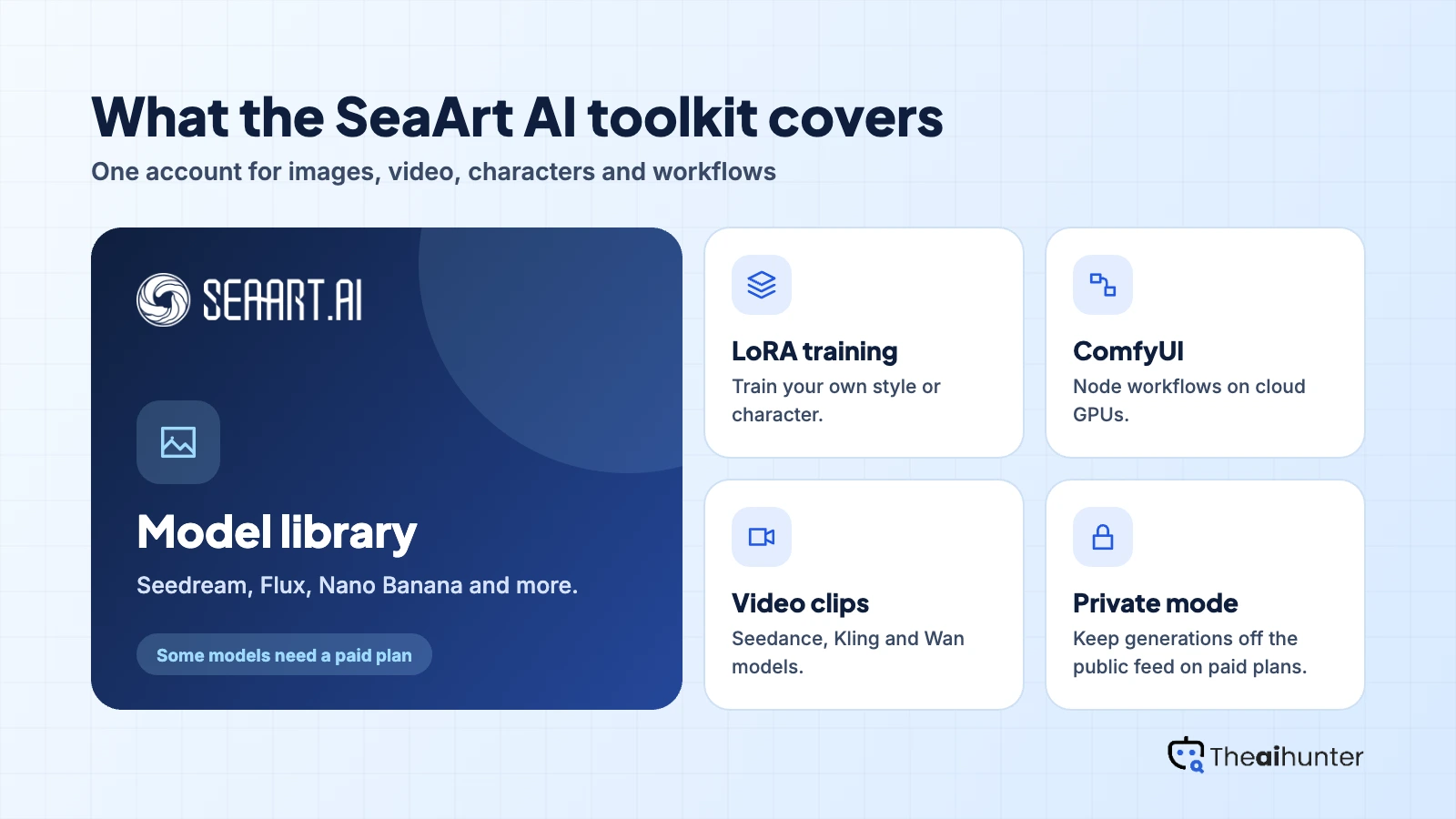
AI characters
Build chat characters and share them on the community feed.
Memory by planVideo generation
Animate images and generate clips with Seedance, Kling and Wan models.
Costs more StaminaPrivate generation
Keep your generations out of the public feed.
Paid plansPros and cons
Pros
- Large model library with Seedream, Flux and community checkpoints
- LoRA training and ComfyUI without owning a GPU
- A free daily Stamina allowance for casual use
- Image, video, character and chat tools in one account
Cons
- Stamina and Credits make the real cost hard to predict
- Billing and refund complaints are common, including unwanted annual renewals
- Moderation flags harmless images as NSFW, with no credit refund
- Commercial rights depend on the plan, the model and the LoRA
What users complain about
SeaArt’s public feedback board and the third-party reviews we read on November 18, 2026 point to the same few problems.
Billing and refunds
Users report annual renewals charged without a clear warning and refund requests denied under a no-refund policy. Read the renewal terms before choosing a yearly plan.
Stamina and Credits confusion
Two currencies with different reset and expiry rules make cost hard to predict. Daily Stamina resets every 24 hours and does not carry over.
NSFW false flags
Users say harmless images, such as swimwear or pale artwork, get flagged and no credits come back. Moderation has tightened since mid-2025.
Hidden or missing images
Some users report older images disappearing or being hidden after moderation reviews.
SeaArt AI alternatives
If the Stamina and Credits system, the billing record or the licensing questions put you off, these are the closest options.


SeaArt AI FAQ
Is SeaArt AI free?
Partly. The free plan gives a small daily Stamina allowance with limited access, watermarked output and two parallel tasks. Paid plans start at $5.99 a month.
How much does SeaArt AI cost?
On monthly billing, Beginner is $5.99, Standard $29.99, Professional $59.99 and Master $149.99, with 4,000 to 135,000 Stamina a month. Yearly billing is discounted. The live page shows your local currency, so check it before you pay.
What are Stamina and Credits?
Stamina is the main allowance. Free users get a daily amount that resets every 24 hours, and paid plans add a monthly pool. Credits are a separate purchased balance. Credits bought on or after April 1, 2026 are valid for two years.
Can I use SeaArt AI images commercially?
SeaArt’s FAQ supports commercial use of your own generated work. Free-plan output may not be covered, and community models, LoRAs and real people’s likeness carry their own limits. Check each model before client work.
Does SeaArt AI add a watermark?
Free output is reported to carry a watermark. Paid plans let you download video without one.
Can SeaArt AI make video?
Yes, with Seedance, Kling and Wan models. A five-second 480p Seedance 2.5 clip costs 1,015 Stamina, so video drains your allowance far faster than images.
Can I get a refund?
Plan on no. Several users report refund requests denied after accidental annual renewals. Start with monthly billing and set a reminder before it renews.
What is the best SeaArt AI alternative?
Leonardo AI for design work and a simpler plan, Midjourney for polished images, and Ideogram when text inside images matters.
How we review AI image tools
Every image tool on Theaihunter goes through the same four steps and gets the same eight scores, so any two image tool scores on this site can be compared directly.
Read the vendor’s own pages
Plans, credit and image limits, and license terms come from the product’s site first. We note the date we checked each one.
Test what we can reach
We sign up and check what the free plan and settings allow. When a login or paid credits are needed to go further, the review says what we did not test. Samples go on the page only when the license permits it.
Cross-check what users report
Independent reviews and user complaints from the last six months show what the sales page leaves out. Numbers copied across lookalike sites count once.
Score, date and update
Eight areas get a score from 1 to 5. When pricing or plans change, we recheck the review and log the change in its history.
How the score works
Each area is scored from 1 to 5. The overall score is their average, rounded to one decimal.
It is the same number on the review, the category page and anywhere else the tool appears.
- No review, no score. Tools we have not reviewed in full are never ranked.
- A strong output cannot hide unclear licensing, because each area is scored on its own.
Some links earn us a commission. A score or verdict is never changed because of one.
Prices, credits and limits are checked against the vendor’s pages and dated. When sources disagree, the review says so.
If we used a feature, we say so. If a detail comes from user reports, the review labels it as reported.
Ready to try SeaArt AI?
Start on the free plan to test the models you care about, and choose monthly billing before you commit to a paid tier.
