

Is Dream by WOMBO worth it?
For casual use, yes, especially on the free plan. For regular output the paid plans are pricey next to rivals that include editing tools. Check the renewal terms before you subscribe.
Choose Dream by WOMBO if you
- Want stylized art with almost no learning curve
- Like picking from a library of ready-made styles
- Want video from the same prompt on paid plans
- Are happy with a small free daily allowance
Look elsewhere if you
- Need inpainting, upscaling or other editing tools
- Want clear, unconditional commercial rights
- Need fine control over composition
- Want predictable billing with no surprises
Dream by WOMBO scores
Eight creator-focused checks, each out of 5. The overall score is their average and matches the score shown everywhere on the site.
Pleasant stylized results. Reviewers note the output rarely matches marketing samples.
Short prompts work, but results lean on the chosen style.
A large style library, with little control beyond style and prompt.
We found no inpainting, upscaling or editing tools on the pricing page.
Write a prompt, pick a style, generate. It works on the web and in the app.
WOMBO’s help center asks you to credit WOMBO for commercial use.
Standard is $19.99 a month, which is high without editing tools.
5 daily credits with watermarked exports and standard styles only.
Dream by WOMBO pricing in 2026
Dream has a Free plan and two paid plans. Credits pay for generation, and paid plans include all styles, HD exports and video.
| Plan | Price a month | Credits | Real output, roughly | What it adds |
|---|---|---|---|---|
| Free | $0 | 5 a day | Basic image generation with standard styles | Watermarked exports |
| StandardMost popular | $19.99 | 1,250 a month | Unlimited image generation, all styles | HD exports without watermark, video generation |
| Pro | $34.99 | 3,250 a month | Everything in Standard | Priority queue, exclusive Pro styles, extended videos |
Monthly prices from the pricing page we read on November 18, 2026. Yearly billing brings Standard to $8.33 a month ($99.99 a year) and Pro to $16.67 ($199.99 a year).
What a month of use really costs
5 daily credits cost nothing, but exports carry a watermark.
1,250 credits with all styles and HD exports without a watermark.
3,250 credits, a priority queue and longer videos.
The pricing page does not list credit costs per image or video, so watch your balance on the first few generations.
Can you use Dream by WOMBO images commercially?
With a condition. WOMBO’s help center says that if you use outputs commercially, you should credit or attribute WOMBO, for example with a mention. We found no fuller license on the pricing page, so read the Terms of Use before client work.
| What you want to do | Free | Standard | Pro |
|---|---|---|---|
| Personal projects | Yes | Yes | Yes |
| Commercial use | Credit WOMBO | Credit WOMBO | Credit WOMBO |
| Exports without a watermark | No | Yes | Yes |
| HD exports | No | Yes | Yes |
| Video generation | Not listed | Yes | Yes |
| Priority queue | No | No | Yes |
The attribution guidance comes from WOMBO’s help center. Plan features are as listed on the pricing page we read on November 18, 2026.
Dream by WOMBO features
What you get, mostly style-driven.
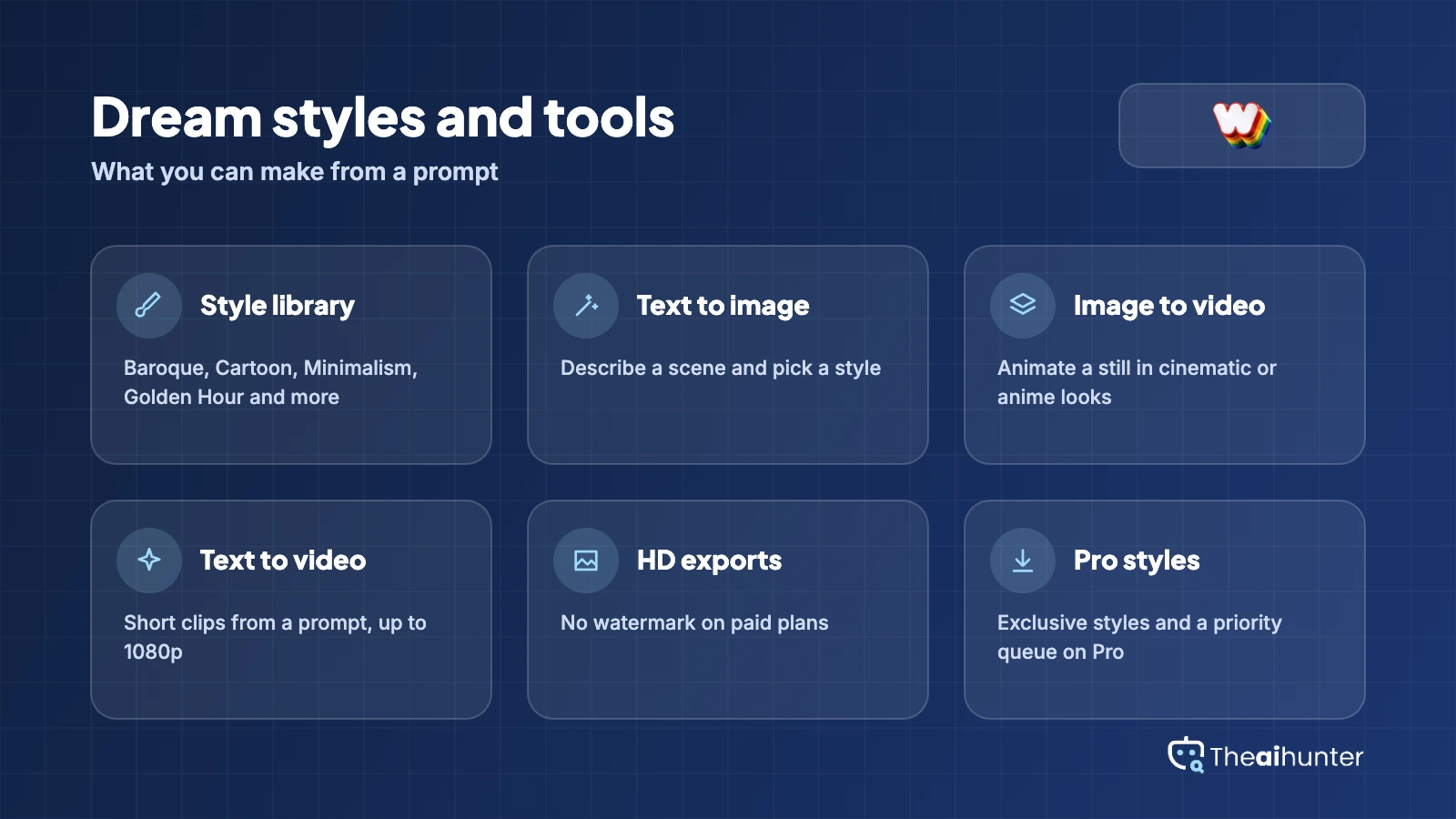
Text to image
Write a prompt, pick a style, get an image in seconds.
5 free daily creditsStyle library
Styles such as Baroque, Cartoon, Minimalism and Golden Hour.
All styles on paidText to video
Short clips from a prompt, up to 1080p.
Paid plans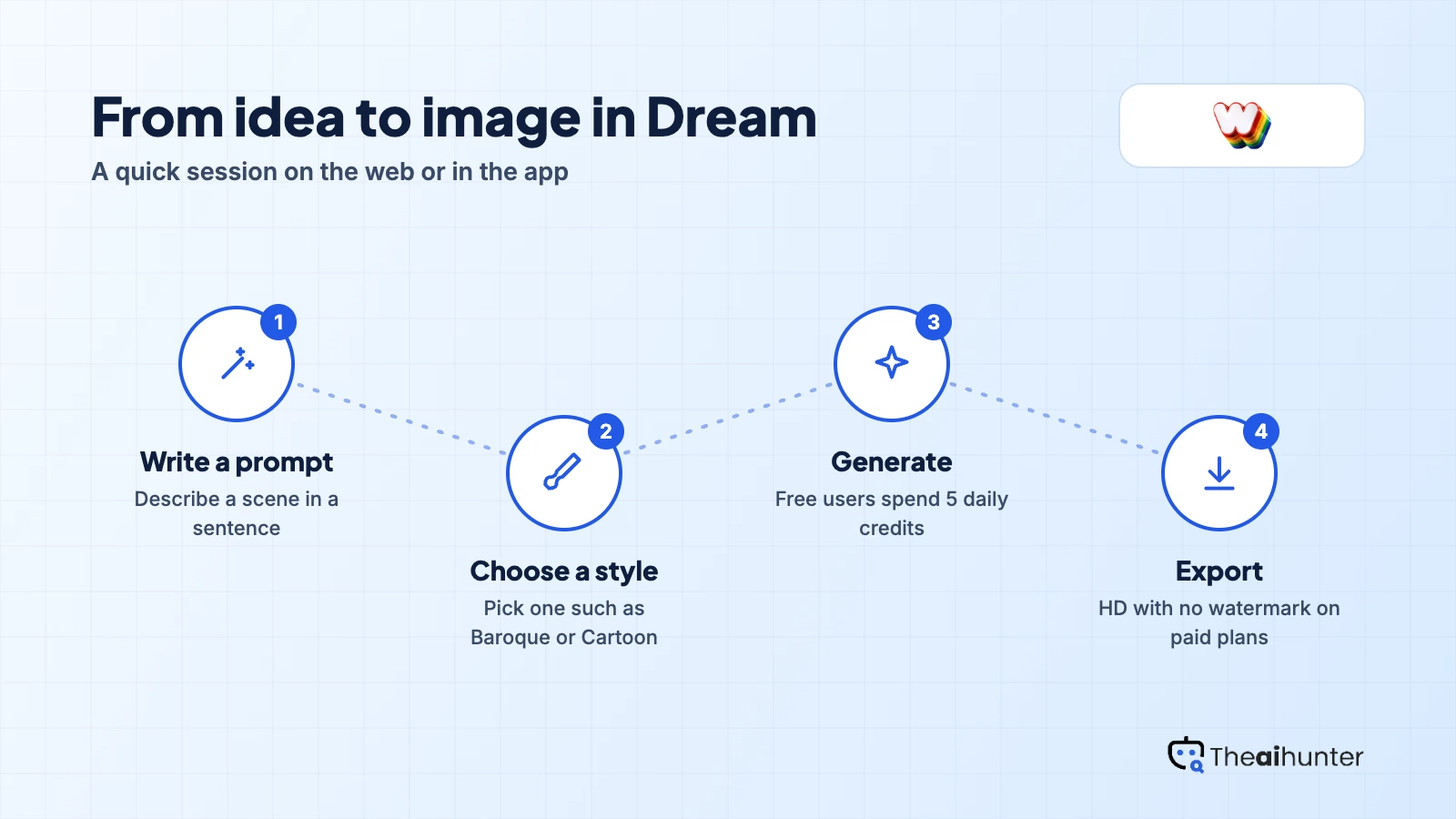
Image to video
Animate a still in cinematic or anime looks.
Paid plansHD exports
Export without a watermark.
Paid plansPro styles
Exclusive styles, a priority queue and early features.
Pro onlyPros and cons
Pros
- Very easy to start, with a large style library
- Free daily credits to test it
- Video generation on paid plans
- Works on the web and in an app
Cons
- No editing tools that we could find
- Commercial use comes with an attribution request
- Paid plans are pricey for what they include
- Some reviewers report billing and support problems
What users complain about
Reviews on SourceForge, the app stores and BBB raise billing and free-access points. We read them on November 18, 2026, and they are a small sample.
Unexpected subscription charges
A few reviewers describe charges they did not expect, and one BBB complaint concerns a yearly subscription bought in the app. Check the renewal terms first.
Free use has shrunk
Reviewers ask for the older free access back. Today the free plan is 5 daily credits with watermarked exports.
Support is hard to reach
One reviewer pointed to a lack of customer support after a billing problem.
Lag in the app
Some reviewers report the app lagging, even on a paid plan.
Dream by WOMBO alternatives
If you want editing tools, clearer rights or a bigger free allowance, these are the closest options.



Dream by WOMBO FAQ
Is Dream by WOMBO free?
Partly. The free plan gives 5 daily credits, standard styles and watermarked exports. Paid plans include all styles, HD exports and video.
How much does Dream by WOMBO cost?
Standard is $19.99 a month and Pro is $34.99. Billed yearly they work out to $8.33 and $16.67 a month.
What are Dream by WOMBO credits?
Credits pay for generations. Free users get 5 a day, Standard gets 1,250 a month and Pro gets 3,250. The pricing page does not list per-image costs.
Can I use Dream by WOMBO images commercially?
WOMBO’s help center says to credit or attribute WOMBO if you use outputs commercially. Read the Terms of Use before client work.
Does Dream by WOMBO make video?
Yes on paid plans. Standard includes video generation, and Pro adds extended video durations.
Is Dream by WOMBO an app or a website?
Both. You can create on dream.ai, and WOMBO also publishes a mobile app.
Who makes Dream by WOMBO?
WOMBO, a Canadian AI company, makes Dream. The dream.ai site is run by WOMBO AI Inc.
How we review AI image tools
Every image tool on Theaihunter goes through the same four steps and gets the same eight scores, so any two image tool scores on this site can be compared directly.
Read the vendor’s own pages
Plans, credit and image limits, and license terms come from the product’s site first. We note the date we checked each one.
Test what we can reach
We sign up and check what the free plan and settings allow. When a login or paid credits are needed to go further, the review says what we did not test. Samples go on the page only when the license permits it.
Cross-check what users report
Independent reviews and user complaints from the last six months show what the sales page leaves out. Numbers copied across lookalike sites count once.
Score, date and update
Eight areas get a score from 1 to 5. When pricing or plans change, we recheck the review and log the change in its history.
How the score works
Each area is scored from 1 to 5. The overall score is their average, rounded to one decimal.
It is the same number on the review, the category page and anywhere else the tool appears.
- No review, no score. Tools we have not reviewed in full are never ranked.
- A strong output cannot hide unclear licensing, because each area is scored on its own.
Some links earn us a commission. A score or verdict is never changed because of one.
Prices, credits and limits are checked against the vendor’s pages and dated. When sources disagree, the review says so.
If we used a feature, we say so. If a detail comes from user reports, the review labels it as reported.
Ready to try Dream by WOMBO?
Start on the free plan to see the styles, and read the renewal terms before you move to Standard.
