

Is Magnific worth it?
Yes, if model choice matters more than a predictable bill. Cheap models like Kling 2.5 keep drafts affordable, while premium models can use a month of credits in a handful of clips.
Choose Magnific if you
- Want to test Kling, Veo and Seedance without separate accounts
- Already use its stock library or image tools
- Need a commercial AI license on a paid plan
- Can watch credit costs clip by clip
Look elsewhere if you
- Want a free plan that includes video
- Need a flat price per finished video
- Want a single in-house video model
- Need credits that survive a cancellation
Magnific scores
Eight creator-focused checks, each scored out of 5 from vendor pages, independent reviews and user reports. We did not generate test videos.
Kling, Veo and Seedance are all on tap, so quality depends on the model you pick. Decrypt’s reviewer rated Veo the most realistic in an earlier test.
Text and image to video, reference inputs and motion control on some Kling models give you more levers than a single-model tool.
A video editor, upscalers and the Spaces canvas come with the account. We did not test how far the editor goes.
Many models and a different credit cost for each can overwhelm newcomers, and Reddit users say the interface takes time to learn.
Paid plans list a commercial AI license, and Plus and Pro add music rights. Individual plans do not list indemnification.
Kling 2.5 at 140 credits a clip is cheap, but Veo 3.1 in 4K with audio takes 2,080 credits for 4 seconds, so costs swing widely.
Credits last a year and extra credits are forfeited if you cancel. We could not confirm watermark rules.
The free plan covers limited daily image generations. We found no video on it, and no free trial is offered.
Magnific pricing in 2026
You pay in credits, and the same plan buys very different amounts of video depending on the model. Credits last a year.
| Plan | Price a month | Credits | Video, roughly | What it adds |
|---|---|---|---|---|
| Free | $0 | Limited daily | None found | Daily image generations and stock downloads |
| Premium Start here | $14.50 | 240K a year | About 1,700 Kling 2.5 clips | Commercial AI license, Spaces, image and video upscalers |
| Plus | $33.75 | 600K a year | About 4,300 Kling 2.5 clips | Adds music rights and the Topaz upscaler |
| Pro | $82.50 | 1.5M a year | About 10,700 Kling 2.5 clips | Adds a 4M credit tier and merchandise license |
Billed yearly, per month. Monthly billing costs $20, $45 and $110. Prices exclude VAT. Checked on Magnific’s pricing page, November 17, 2026.
What a month of content costs
About 20 Kling 2.5 clips of 5 seconds use roughly 2,800 credits, against 20,000 a month on average.
32 Kling 3.0 Pro 1080p clips of 5 seconds use about 14,400 credits, inside the 50,000 a month average.
Fifty Veo 3.1 4K clips of 4 seconds with audio use 104,000 credits, close to the 125,000 a month average.
Our estimates from Magnific’s credit table. Credits come as one yearly pool, so a heavy month draws from the same balance.
Can you monetize Magnific videos?
Yes on paid plans. The pricing page lists a commercial AI license on Premium, Plus and Pro. Free plan output is not licensed for commercial use, per a third-party summary, and individual plans do not list indemnification.
| What you want to do | Premium | Plus | Pro |
|---|---|---|---|
| Monetize on YouTube or social | Yes | Yes | Yes |
| Use in client work | Yes | Yes | Yes |
| Watermark rules | Not stated | Not stated | Not stated |
| Music commercial rights | No | Yes | Yes |
| Topaz upscaler | No | Yes | Yes |
| API and MCP access | Yes | Yes | Yes |
Read the license terms before client work. Business and Enterprise plans list indemnification, individual plans do not.
Magnific features that matter
Six things the account does, with what they cost in credits.
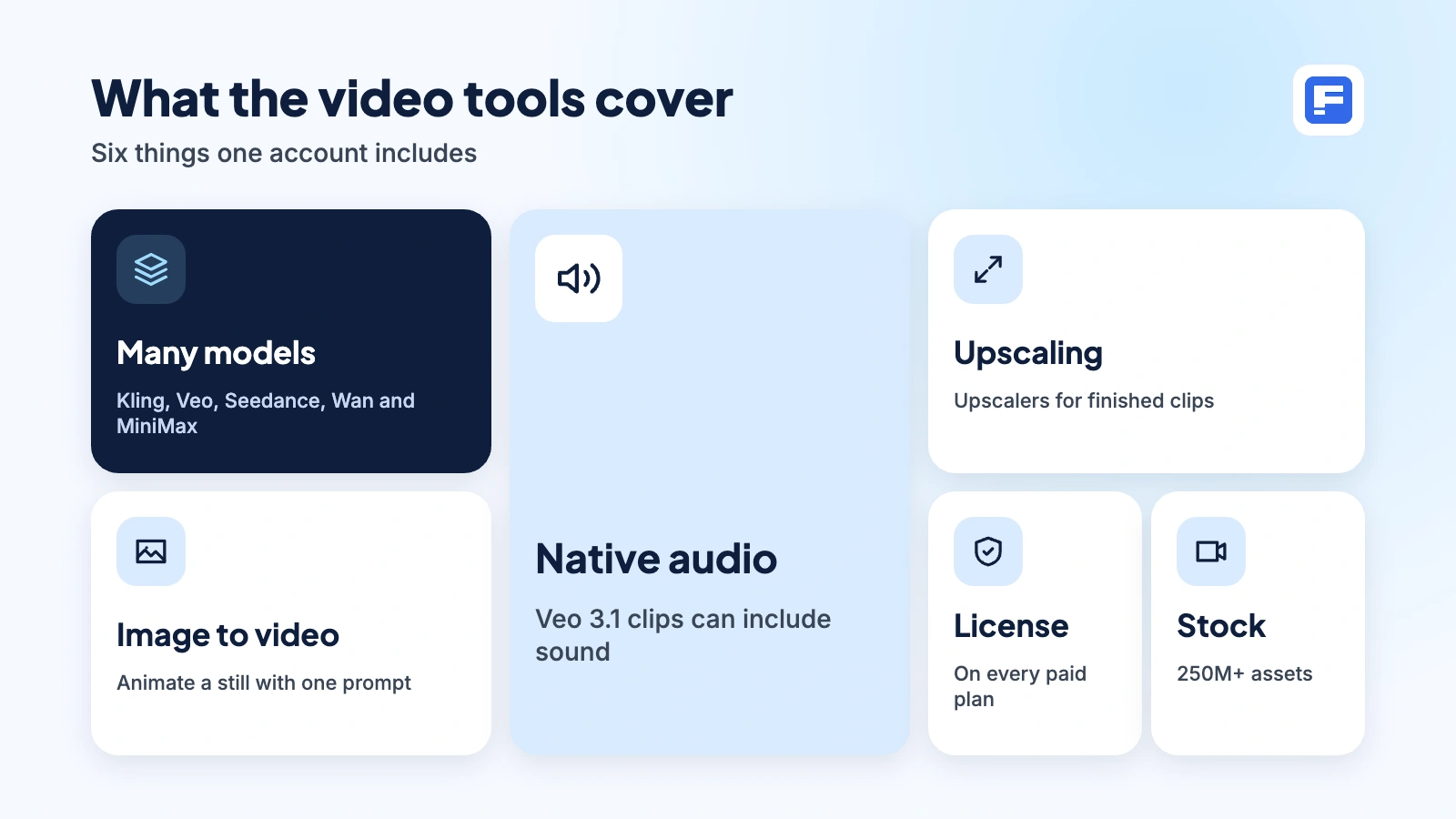
Many models, one balance
Pick from 30+ models, including Kling, Veo, Seedance, Wan and MiniMax, and pay from one credit pool.
140 to 2,080 credits a clipImage to video
Upload a still and animate it, or start from text alone.
Kling 2.5: 140 credits per 5sAudio with the clip
Veo 3.1 can generate sound with the video, and the account adds voice, sound effect and music generation.
Veo 3.1 4K: 2,080 per 4s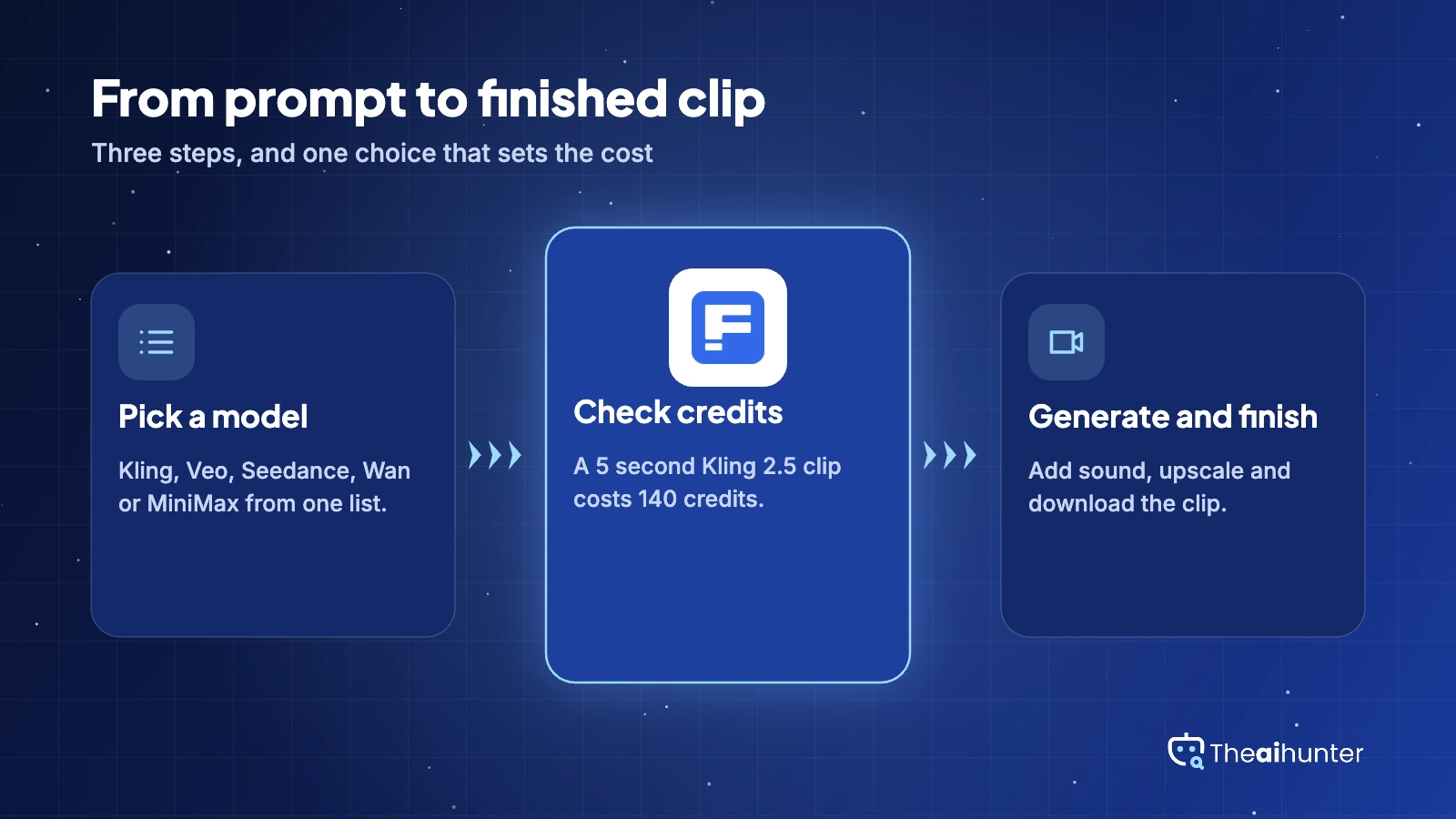
Upscaling
Run finished clips through the Magnific or Topaz upscalers. Check the credit estimate first, since one Trustpilot reviewer lost a large share of credits to a single upscale.
Credit cost varies by clipSpaces and editing
A shared canvas for building workflows, plus video and design editing tools in the same account.
IncludedLicense and stock library
Paid plans carry a commercial AI license, and the stock library holds 250M+ photos, videos and vectors.
All paid plansPros and cons
Pros
- One credit balance covers Kling, Veo, Seedance, Wan, MiniMax and more
- Kling 2.5 costs 140 credits for 5 seconds, so drafts stay cheap
- Paid plans list a commercial AI license, with music rights from Plus
- Image, audio, upscaling and stock assets live in the same account
Cons
- No video on the free plan that we could find
- Veo 3.1 in 4K with audio costs 2,080 credits for 4 seconds
- Credits expire after a year and extra credits are forfeited on cancel
- Trustpilot reviewers report refund disputes and account bans
What users complain about
The problems that come up most in Trustpilot reviews and independent write-ups.
Credits disappear faster than expected
One Trustpilot reviewer on an older plan says a year of credits ran out in two days. Fix: price each clip first, draft on Kling 2.5 and keep Veo 4K for final shots.
Refunds and cancellations
Trustpilot reviewers describe refund requests denied or left unresolved, and extra credits are lost if you cancel. Fix: start on monthly billing and read the refund terms before paying for a year.
The video upscaler can drain credits
One reviewer says a single upscaler run consumed a huge amount of credits with little warning. Fix: upscale only the final cut and check the estimate before you run it.
Slow queues and a learning curve
Video generation can slow at busy hours, and the interface takes time to learn. Fix: generate off-peak and begin with one model.
Magnific alternatives
If you want a single maker, a prompt to finished video flow, or an editor first tool, start here.


Magnific FAQ
Is Magnific the same product as Freepik’s AI video generator?
Yes. Freepik rebranded as Magnific on April 28, 2026, and freepik.com now serves the Magnific site. Many older articles and listings still use the Freepik name.
Is it free?
The free plan covers limited daily image generations. We found no video on it, and a third-party review says Magnific does not currently offer free trials. Video starts on a paid plan.
How much does it cost?
On the pricing page, Premium is $14.50 a month billed yearly or $20 monthly. Plus is $33.75 or $45, and Pro is $82.50 or $110. Prices exclude VAT and local taxes.
How many videos do the credits buy?
Premium gives 240,000 credits a year. At the listed rates that is about 1,700 Kling 2.5 clips of 5 seconds, or about 115 Veo 3.1 clips in 4K with audio. Plus and Pro scale that up about 2.5 and 6 times.
Can I use the videos commercially?
Paid plans list a commercial AI license, and Plus and Pro add music rights. Individual plans do not list indemnification, while Business and Enterprise plans do. Read the terms before client work.
Do credits roll over?
Credits are valid for one year with no monthly reset. A third-party review says extra credits are forfeited if you cancel your plan, so use them before you stop paying.
Which video models can I use?
The pricing page names Kling, Veo 3.1, Seedance, Wan and MiniMax among 30+ models. The line-up changes often, so check the live list and the credit cost of each model.
What is the best Magnific alternative for video?
Runway suits people who want one maker’s own models and an editor. Invideo AI is closer to prompt to finished video, and Veed is stronger on editing. ImagineArt offers a similar multi-model setup.
How we review AI video tools
Every video tool on Theaihunter goes through the same four steps and gets the same eight scores, so any two video tool scores on this site can be compared directly.
Read the vendor’s own pages
Plans, credit and minute limits, and license terms come from the product’s site first. We note the date we checked each one.
Test what we can reach
We sign up and check what the free plan and settings allow. When a login or paid credits are needed to go further, the review says what we did not test. Samples go on the page only when the license permits it.
Cross-check what users report
Independent reviews and user complaints from the last six months show what the sales page leaves out. Numbers copied across lookalike sites count once.
Score, date and update
Eight areas get a score from 1 to 5. When pricing or plans change, we recheck the review and log the change in its history.
How the score works
Each area is scored from 1 to 5. The overall score is their average, rounded to one decimal.
It is the same number on the review, the category page and anywhere else the tool appears.
- No review, no score. Tools we have not reviewed in full are never ranked.
- A strong output cannot hide unclear licensing, because each area is scored on its own.
Some links earn us a commission. A score or verdict is never changed because of one.
Prices, credits and limits are checked against the vendor’s pages and dated. When sources disagree, the review says so.
If we used a feature, we say so. If a detail comes from user reports, the review labels it as reported.
Ready to try Magnific?
Start with one short Kling 2.5 clip and check the credit cost before you scale up.
