

Is Let’s Enhance worth it?
For upscaling and restoring photos, yes. For a free tool you can lean on, look elsewhere.
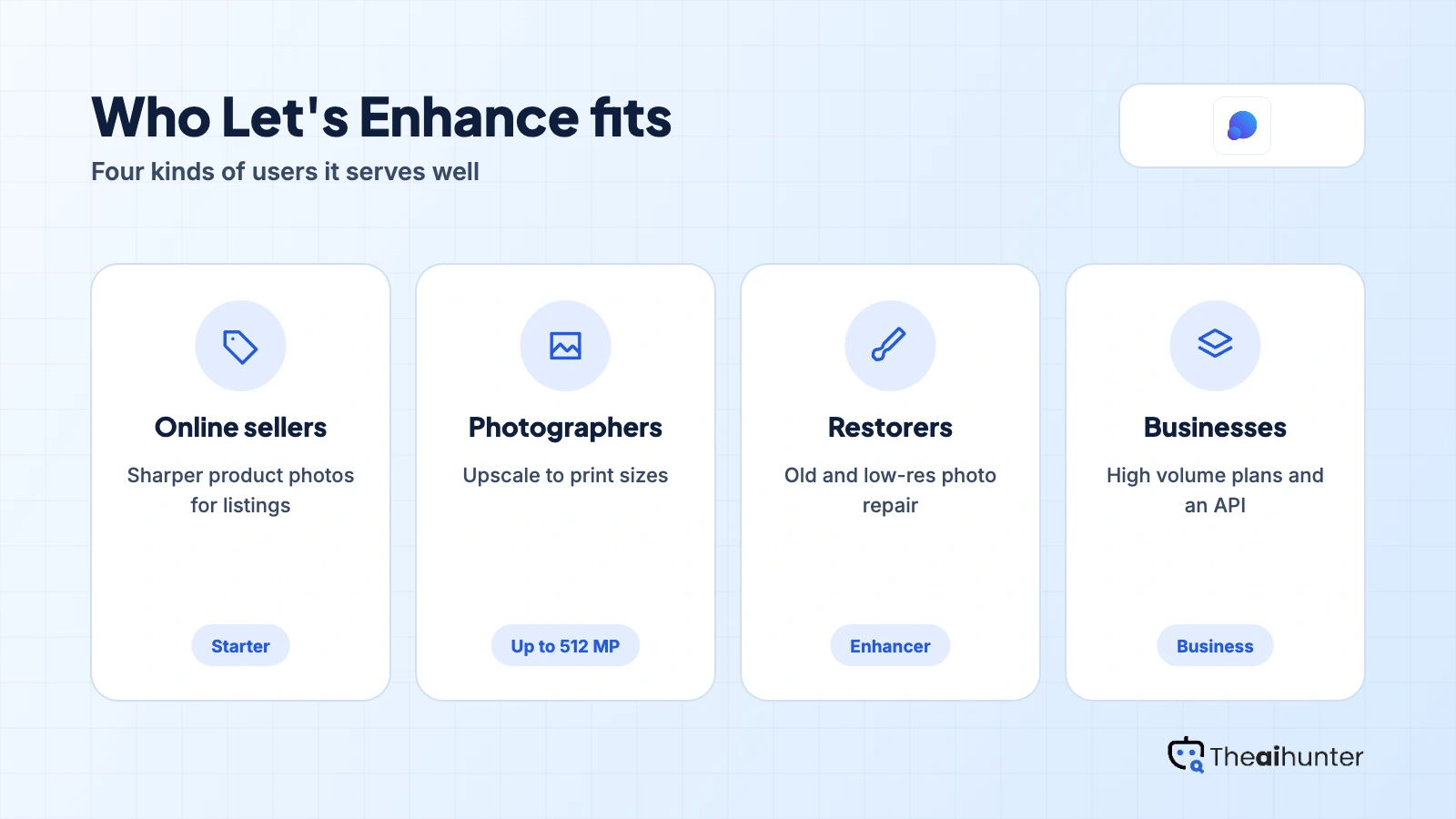
Choose Let’s Enhance if you
- Upscale product or print photos regularly
- Restore old or low-resolution pictures
- Process many images in a batch
- Want unused credits to roll over
Look elsewhere if you
- Need a free plan without watermarks
- Want credits to stay after cancelling
- Need commercial terms stated on the page
- Dislike card authorization for renewals
Let’s Enhance scores
Eight creator-focused checks, each out of 5. The overall score is their average and matches the score shown everywhere on the site.
Trustpilot users praise the upscaling and restoration results, though one found automatic output too harsh.
AI art generation is listed on paid plans, but upscaling is the core strength here.
Enhancement controls are percentage based, and one reviewer found them confusing.
It adds background removal and AI art on top of upscaling, with limited manual editing.
Upload and batch enhance are simple, though one user saw a slow upload.
The pricing page does not state commercial use, and watermarks stay until you pay.
Plans start at $9 a month billed yearly, and credits roll over up to six times your monthly amount on personal plans.
Ten free credits at sign-up with a watermark, upscaling up to 8 megapixels.
Let’s Enhance pricing in 2026
Let’s Enhance sells monthly credit plans, and one credit processes one image. Prices here are per month on annual billing.
| Plan | Price a month | Credits | Real output, roughly | What it adds |
|---|---|---|---|---|
| Starter | $9 | 100 a month | About 100 images a month | $12 if billed monthly. Up to 256 MP output |
| Pro | $24 | 300 a month | About 300 images a month | $32 if billed monthly. Up to 350 MP output |
| Max | $34 | 500 a month | About 500 images a month | $45 if billed monthly. Up to 512 MP output |
Prices from the pricing page we read on November 18, 2026. Business plans of 1,000 to 5,000 credits and pay-as-you-go bundles exist, and their prices need a click through.
What a month of use really costs
100 images a month, with unused credits saved.
300 images a month and 350 MP output.
500 images a month and 512 MP output.
One credit equals one image. Personal plans save unused credits up to six times the monthly amount while you stay subscribed. Credits end with your billing period if you cancel.
Can you use Let’s Enhance images commercially?
The pricing page does not state commercial use. Read the terms of service before you use enhanced images in client work.
| What you get | Free | Starter | Pro and Max |
|---|---|---|---|
| Watermark removed | No | Yes | Yes |
| Output size limit | 8 MP | 256 MP | 350 to 512 MP |
| Background removal | Not stated | Yes | Yes |
| Credits roll over | No | Yes | Yes |
| Commercial use | Not stated | Not stated | Not stated |
| Storage | 6 months | 3 months | 6 months |
We read the pricing page, not the full terms. Credits and benefits end at the close of the billing period if you cancel.
Let’s Enhance features
An upscaler first, with restoration and a few extra tools.
AI upscaling
Enlarge photos with detail preserved.
Core toolEnhancer
Sharpen, denoise and improve color.
Core toolBackground removal
Remove backgrounds up to 16 megapixels.
Paid plans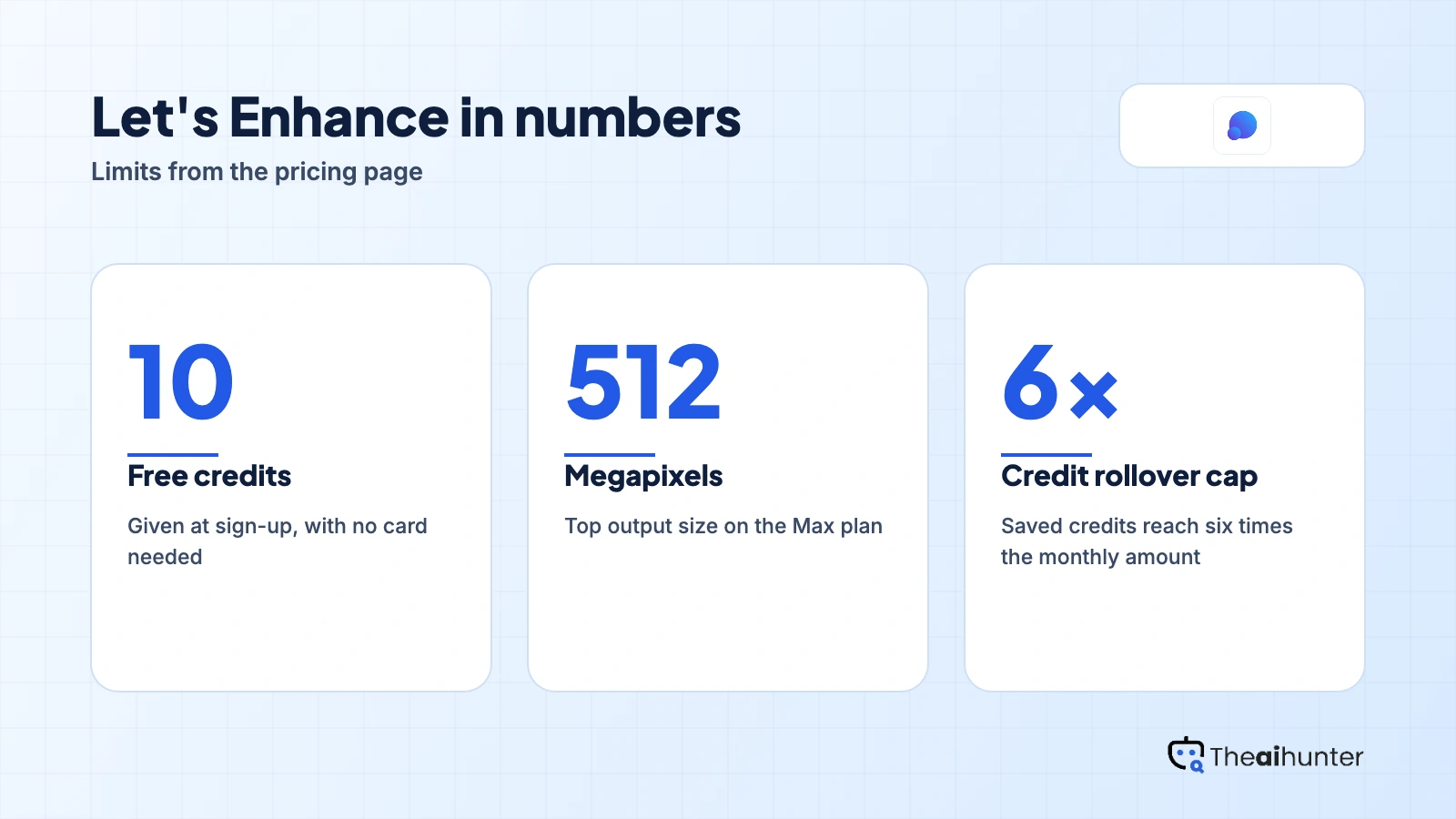
AI art generation
Create images on paid plans.
Paid plansBatch processing
Enhance many photos together.
Core toolPriority enhancement
Faster queue on paid plans.
Paid plansPros and cons
Pros
- Strong upscaling results in user reviews
- Credits roll over on personal plans
- Support praised for fixing billing problems
- Output up to 512 megapixels on Max
Cons
- Credits disappear if you cancel
- Free output carries a watermark
- Commercial use is not stated
- Business plans do not roll credits over
What users complain about
Let’s Enhance has a good review base, so these points come from Trustpilot, read on November 18, 2026.
4.1 from 186 reviews
About 81 percent are five-star, and 11 percent are one-star.
Card authorization concern
One reviewer disliked the authorization for future charges and the terms the company can change.
Watermark and JPG only
A trial user reported watermarked results and no transparent PNG option.
Harsh results for some
One reviewer found the automatic output unnatural and the controls confusing.
Let’s Enhance alternatives
If you want other upscalers or a broader editor, these reviews are the closest fits.




Let’s Enhance FAQ
Is Let’s Enhance free?
You get 10 free credits at sign-up with no card needed. Free output is watermarked and upscaling is limited to 8 megapixels.
How much does Let’s Enhance cost?
Starter is $9 a month billed yearly or $12 billed monthly for 100 credits. Pro is $24 and Max is $34 on annual billing.
Do Let’s Enhance credits roll over?
On personal plans, yes, up to six times your monthly credits while you stay subscribed. Business plans do not roll credits over.
What happens to my credits if I cancel?
Unused credits and other benefits expire at the end of the paid billing period.
How do I remove the watermark?
Buy a subscription or a pay-as-you-go bundle, then re-download the images. That also clears watermarks on images made with free credits.
What is the maximum output size?
Personal plans reach 256 to 512 megapixels, and business plans reach 500. Input can be up to 64 megapixels or 50 MB.
Does Let’s Enhance remove backgrounds?
Yes, on paid plans, with input and output both limited to 16 megapixels.
Does Let’s Enhance have an API?
Yes, an API for business exists, but the pricing page does not show its terms.
Can I use Let’s Enhance images commercially?
The pricing page does not say. Read the terms of service before you use enhanced images in client work.
How we review AI image tools
Every image tool on Theaihunter goes through the same four steps and gets the same eight scores, so any two image tool scores on this site can be compared directly.
Read the vendor’s own pages
Plans, credit and image limits, and license terms come from the product’s site first. We note the date we checked each one.
Test what we can reach
We sign up and check what the free plan and settings allow. When a login or paid credits are needed to go further, the review says what we did not test. Samples go on the page only when the license permits it.
Cross-check what users report
Independent reviews and user complaints from the last six months show what the sales page leaves out. Numbers copied across lookalike sites count once.
Score, date and update
Eight areas get a score from 1 to 5. When pricing or plans change, we recheck the review and log the change in its history.
How the score works
Each area is scored from 1 to 5. The overall score is their average, rounded to one decimal.
It is the same number on the review, the category page and anywhere else the tool appears.
- No review, no score. Tools we have not reviewed in full are never ranked.
- A strong output cannot hide unclear licensing, because each area is scored on its own.
Some links earn us a commission. A score or verdict is never changed because of one.
Prices, credits and limits are checked against the vendor’s pages and dated. When sources disagree, the review says so.
If we used a feature, we say so. If a detail comes from user reports, the review labels it as reported.
Ready to try Let’s Enhance?
Use the 10 free credits on a photo you care about, then pick Starter if the result fits.
