

Is Hotpot AI worth it?
For occasional edits and marketing visuals, yes, and the pay-once packs keep costs predictable. For client work, confirm the license with Hotpot first, since the terms page does not cover it.
Choose Hotpot AI if you
- Want many small tools under one credit balance
- Like trying tools with no account first
- Prefer pay-once credit packs to a subscription
- Need an API for image tools in your own app
Look elsewhere if you
- Need top-tier image quality
- Need clear commercial license terms
- Want deep control over one generator
- Expect fast support replies
Hotpot AI scores
Eight creator-focused checks, each out of 5. The overall score is their average and matches the score shown everywhere on the site.
Reviewers describe generic, marketing-safe output with uneven quality.
Prompts work for general looks, with limited control over detail.
Several tools, but little depth in styles or settings.
Object removal, background removal, restoration, headshots and design tools.
Simple screens, and you can try tools with no account.
The terms page does not cover commercial rights. Review sites say commercial use needs credits.
Credit packs start at $12 for 1,000, and monthly plans at $10.
Many tools are free to try, with credits needed for full use.
Hotpot AI pricing in 2026
Hotpot AI sells credits three ways: one-time packs, monthly plans and yearly plans. Monthly plans save 17 percent over one-time packs and yearly plans save 25 percent.
| Plan | Price a month | Credits a month | Real output, roughly | What it adds |
|---|---|---|---|---|
| Monthly 1,000 | $10 | 1,000 | Yearly: $108 a year | One-time pack: $12 |
| Monthly 5,000Popular | $50 | 5,000 | Yearly: $540 a year | One-time pack: $60, plus 2 free headshot packs |
| Monthly 10,000 | $100 | 10,000 | Yearly: $1,080 a year | One-time pack: $120 |
| Monthly 20,000 | $200 | 20,000 | Yearly: $2,160 a year | One-time pack: $240 |
Prices from the pricing page we read on November 18, 2026. A 2,500-credit tier also exists at $25 a month, $270 a year or $30 once. Monthly plans have a 2-payment minimum.
What a month of use really costs
Many tools can be tried with no account, within limits.
1,000 credits paid once for light use.
5,000 credits a month, the tier the page marks as popular.
The page does not say how many credits one image costs. Cost varies by tool and settings.
Can you use Hotpot AI images commercially?
The terms page does not cover commercial rights. Review sites say commercial use and advanced settings require credits. Ask Hotpot for written confirmation before client work.
| What you want to do | Free | One-time pack | Subscription |
|---|---|---|---|
| Personal projects | Yes | Yes | Yes |
| Commercial use | Needs credits | Yes | Yes |
| Top-up credits | No | Yes | Yes |
| Subscription minimum | Not applicable | Not applicable | 2 payments monthly |
| Credits added | Not applicable | At purchase | Monthly |
| Refund policy | Not found | Not found | Not found |
Commercial-use notes come from review sites. We found no refund policy or license statement on Hotpot’s terms page.
Hotpot AI features
A toolbox that covers images, headshots, edits and designs.
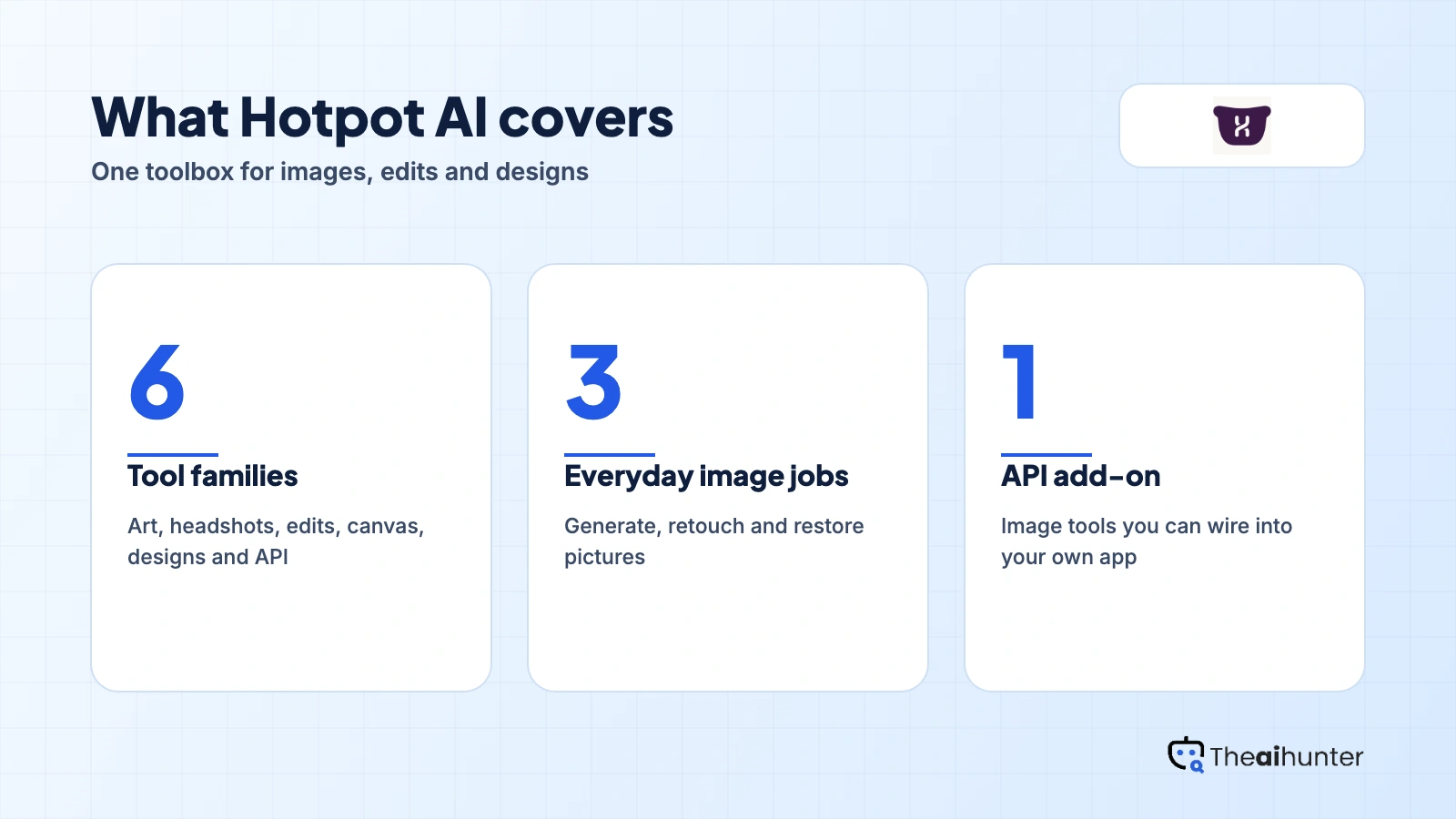
AI art generator
Turn prompts into paintings, illustrations and other styles.
Core toolAI headshots
Profile photos from your own pictures.
CreditsAI editing
Object removal, background removal and photo restoration.
Core tool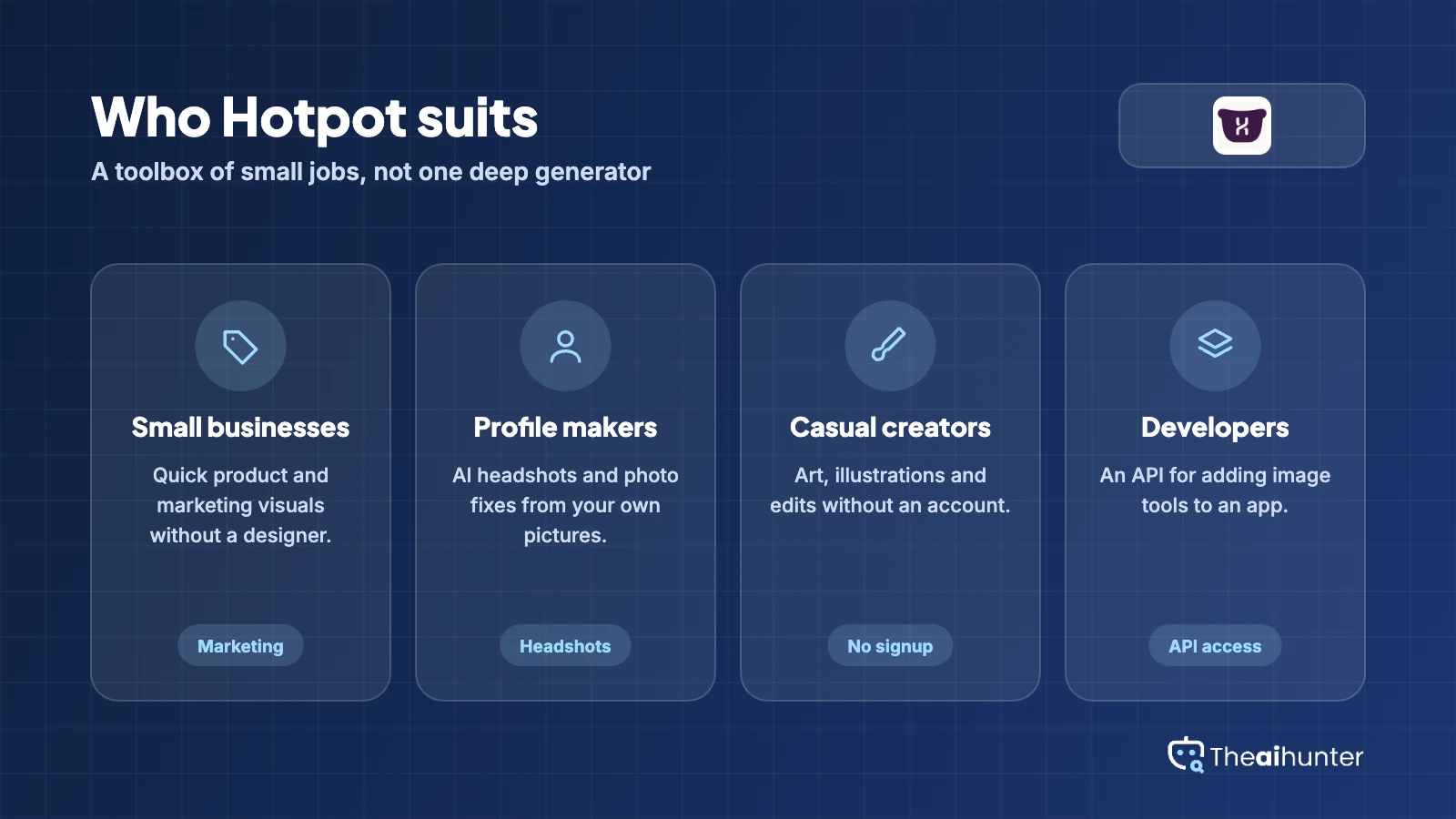
Hotpot canvas
Draw on a canvas and work with AI on the result.
Core toolDesigns
Graphics and layouts for marketing.
Core toolAPI access
Add image tools to your own app.
Add-onPros and cons
Pros
- Simple screens, and a no-account way to try tools
- Pay-once packs as well as monthly and yearly plans
- Wide set of editing and headshot tools
- Yearly plans save 25 percent
Cons
- Output quality is uneven
- Terms page does not cover commercial use
- Support is described as slow to reply
- All-in-one breadth can feel scattered
What users complain about
Hotpot AI has no large review hub, so these points come from review sites and the terms page, read on November 18, 2026.
Uneven output
A 2026 review says quality is inconsistent enough to matter and does not rank Hotpot as best in class.
Slow to answer
One review site notes complaints about unresponsive customer support.
Commercial use costs credits
Reviews say commercial use and advanced settings require credits, and the terms page is silent on it.
Scattered toolbox
A review says the all-in-one breadth can feel scattered, with specialist tools offering more control.
Hotpot AI alternatives
If you want deeper editing or a different pricing model, these are worth a look.




Hotpot AI FAQ
Is Hotpot AI free?
Many tools can be tried free with no account, within limits. Full use needs credits.
How much does Hotpot AI cost?
One-time packs run from $12 for 1,000 credits to $240 for 20,000. Monthly plans run from $10 to $200, and yearly plans save 25 percent.
Can I use Hotpot AI images commercially?
The terms page does not say. Review sites report that commercial use needs credits, so confirm with Hotpot before client work.
What is the difference between pay once and monthly?
One-time packs are a single payment. Monthly plans add credits every month with a 2-payment minimum, and cost 17 percent less per credit.
Does Hotpot AI have an API?
Yes. Review sites list API access for adding the tools to your own product, with custom pricing for high volume.
What can Hotpot AI do besides art?
It also offers AI headshots, photo editing such as object removal and restoration, and design tools.
How we review AI image tools
Every image tool on Theaihunter goes through the same four steps and gets the same eight scores, so any two image tool scores on this site can be compared directly.
Read the vendor’s own pages
Plans, credit and image limits, and license terms come from the product’s site first. We note the date we checked each one.
Test what we can reach
We sign up and check what the free plan and settings allow. When a login or paid credits are needed to go further, the review says what we did not test. Samples go on the page only when the license permits it.
Cross-check what users report
Independent reviews and user complaints from the last six months show what the sales page leaves out. Numbers copied across lookalike sites count once.
Score, date and update
Eight areas get a score from 1 to 5. When pricing or plans change, we recheck the review and log the change in its history.
How the score works
Each area is scored from 1 to 5. The overall score is their average, rounded to one decimal.
It is the same number on the review, the category page and anywhere else the tool appears.
- No review, no score. Tools we have not reviewed in full are never ranked.
- A strong output cannot hide unclear licensing, because each area is scored on its own.
Some links earn us a commission. A score or verdict is never changed because of one.
Prices, credits and limits are checked against the vendor’s pages and dated. When sources disagree, the review says so.
If we used a feature, we say so. If a detail comes from user reports, the review labels it as reported.
Ready to try Hotpot AI?
Try the tools with no account first, then pick the pack that matches how often you use them.
