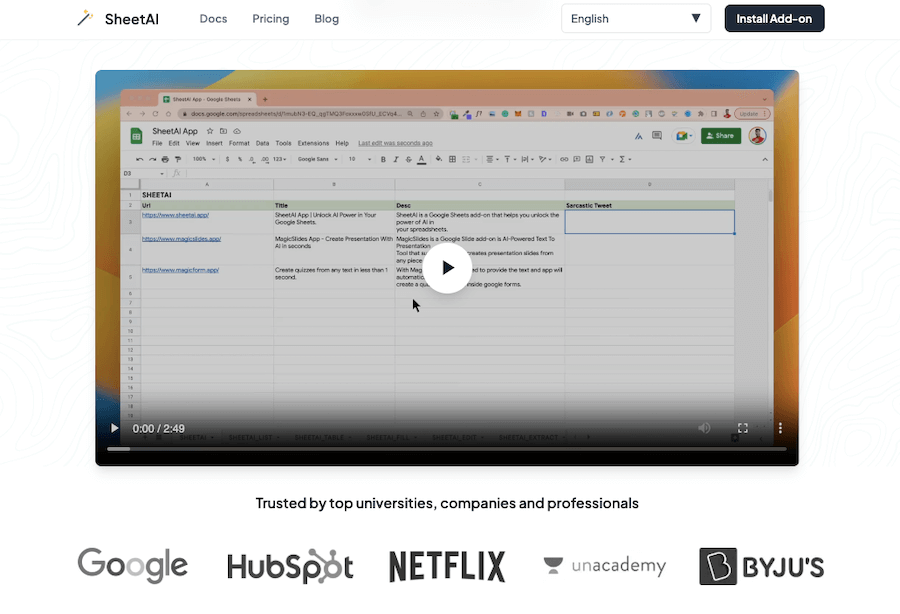
If you’ve ever wished for a smarter way to handle spreadsheets without spending hours on formulas and manual work, SheetAI might be exactly what you need. It’s a tool that brings the power of AI directly into Google Sheets, making complex tasks easier, faster, and way less frustrating.
Instead of struggling with formulas or digging through endless rows of data, you can simply type what you need in plain language, and SheetAI takes care of the rest.
What makes it so useful? Well, for starters, it lets you generate text, extract insights, and even analyze data using AI, all within your spreadsheet. Whether you’re summarizing long paragraphs, categorizing data, or even brainstorming content ideas, it does the heavy lifting for you.
No need to switch between different apps or copy-paste things back and forth, everything happens inside Google Sheets.
One of my favorite things about it is how effortlessly it automates repetitive tasks. Need to clean up messy data? Done.
Want quick summaries of long text? No problem. Struggling to come up with unique content ideas? Just ask, and it delivers. And the best part? You don’t have to be a tech expert to use it. If you know how to use a spreadsheet, you’re good to go.
For anyone who works with data, content, or even simple to-do lists, SheetAI turns Google Sheets into a powerful AI assistant. It saves time, cuts down on manual work, and makes everything feel just a little bit easier.