Scheduler AI Logo
Editor's Rating:
SchedulerAI is best for effortlessly scheduling meetings without the back-and-forth, ensuring the perfect time for everyone while handling invites, reminders, and rescheduling automatically.
Pricing Model: Premium
Starting Price: $500
Scheduler AI Review

What is Scheduler AI?

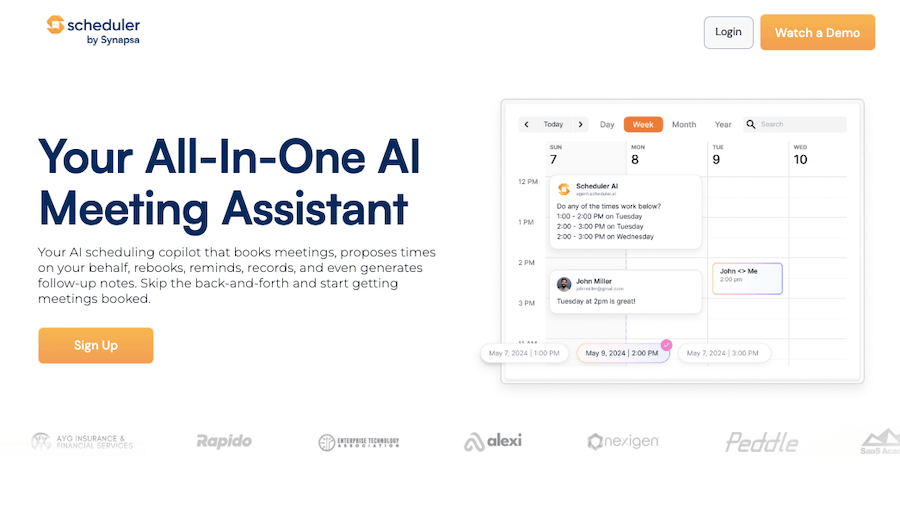
SchedulerAI is an intelligent meeting scheduling tool that takes the headache out of back-and-forth emails and calendar conflicts. It’s built to make booking meetings effortless, whether it’s a one-on-one chat, a team discussion, or a client call across different time zones.

Instead of juggling availability and sending endless emails, SchedulerAI handles everything for you, finding the best time, sending invites, and even following up when needed.

What makes it stand out is its ability to understand preferences and priorities. It doesn’t just pick any random open slot; it actually considers working hours, time zones, and even personal scheduling habits to suggest the most convenient time for everyone involved.

It syncs smoothly with Google Calendar, Outlook, and other major scheduling platforms, so there’s no need to switch between apps or manually update anything.

Another thing that makes it super useful is its AI-powered assistant, which communicates naturally with participants, just like a human would.

Whether you’re booking meetings with your team or coordinating with external clients, SchedulerAI ensures that scheduling feels seamless rather than robotic. It even automates reminders and rescheduling, so missed meetings and last-minute confusion become a thing of the past.

For businesses, sales teams, and busy professionals, this tool is a lifesaver. It saves time, reduces scheduling conflicts, and makes sure meetings happen without unnecessary delays.

Whether you’re setting up interviews, client calls, or team check-ins, SchedulerAI works quietly in the background, making sure everything runs smoothly. Instead of wasting time figuring out when to meet, you can focus on what actually matters, having productive conversations and getting work done.
Show More

Scheduler AI Review 2026: Top Features, Pricing, Pros & Cons

Scheduler AI: Editor's Rating

Here's a detailed breakdown of Scheduler AI rating based on different parameters.
Ease of Use
4.1/5
Onboarding is simple; AI handles meeting booking with minimal input.
Features & Functionality
4.0/5
Covers booking, reminders, rescheduling, follow-ups and call summaries.
Output Quality
4.0/5
Meeting logistics and follow-ups feel reliable; AI proposals useful.
Performance & Speed
3.9/5
Generally responsive; complex pipelines may lag a bit.
Customization / Controls
3.8/5
Some flexibility in triggers and booking preferences; deeper rules limited.
Reliability
4.0/5
Works well for scheduling and reminders; occasional syncing quirks noted.
Integrations / Export Options
4.0/5
Integrates with Google, Outlook, Zoom and CRMs for linking/booking.
Pricing & Value
3.7/5
Pricing is premium relative to simpler schedulers; higher tiers add value.
Support & Resources
3.8/5
Documentation and support present; direct feedback channels could improve.
Privacy & Data Safety
3.9/5
Standard scheduling tool permissions; clarity on data use needs work.
Overall rating
4.0/5
Strong meeting-focused AI assistant; some maturity and value gaps.

Scheduler AI Top Features

AI-Powered Scheduling
Automatically finds the best meeting time based on availability, preferences, and time zones, eliminating scheduling conflicts.
Smart Calendar Sync
Seamlessly integrates with Google Calendar, Outlook, and other platforms to keep all your meetings in one place.
Natural Language AI Assistant
Communicates like a human, sending invites and follow-ups in a conversational way without sounding robotic.
Time Zone Awareness
Automatically detects and adjusts for different time zones, making global meetings easy and hassle-free.
Automated Reminders
Sends timely reminders to all participants, reducing the chances of missed meetings.
Rescheduling Made Easy
Quickly reschedules meetings when conflicts arise, without requiring manual intervention.
Group Meeting Coordination
Finds the best slot for multiple participants by analyzing everyone’s availability and preferences.
Client & Team Scheduling
Works for both internal team meetings and external client calls, ensuring smooth coordination.
No App Downloads Required
Works via email and calendar integrations, so participants don’t need to install anything.
Hands-Free Meeting Booking
Handles scheduling from start to finish, so you can focus on the meeting itself instead of the setup.

Scheduler AI Pros & Cons 2026

Pros
Automates meeting scheduling, saving time and effort.
Smart AI assistant communicates naturally with participants.
Syncs seamlessly with Google Calendar and Outlook.
Considers time zones, working hours, and preferences.
Sends automatic reminders and follow-ups.
Reduces scheduling conflicts and missed meetings.
Cons
Requires calendar integration, which some may find limiting.
AI-driven scheduling may not always match personal preferences.
Limited customization compared to manual scheduling.
Might take time to fully trust automated scheduling.

Scheduler AI Pricing 2026

Scheduler AI instantly qualifies, books, and manages meetings 24/7. You can get different plans with varied features. Here are details of their plans
Start-Up
$500 per month
Growth
$1,000 per month
Business
$2,500* per month

Please note that pricing information may not be up to date. For the most accurate and current pricing details, please refer to the official website.

Scheduler AI Use Cases

Sales Meetings

Book client calls effortlessly without the back-and-forth, ensuring smooth sales conversations.

Team Meetings

Coordinate internal team discussions across different schedules without manual effort.

Client Onboarding

Schedule onboarding calls with new clients quickly, making the process smooth and efficient.

Job Interviews

Easily manage interview slots for candidates and hiring teams without conflicts.

Global Meetings

Set up meetings across multiple time zones without worrying about mismatches.

Freelancers & Consultants

Book client sessions and consultations without wasting time on scheduling emails.

Scheduler AI Questions & Answers

SchedulerAI uses AI to find the best meeting time by analyzing participants' availability, time zones, and scheduling preferences. It sends invites and manages rescheduling automatically.
Yes, SchedulerAI seamlessly syncs with Google Calendar, Outlook, and other major scheduling platforms to keep all your meetings organized.
Absolutely! It automatically detects and adjusts for different time zones, ensuring meetings are set at a convenient time for all participants.
No, there’s no need for downloads. SchedulerAI works through email and calendar integrations, making it easy for everyone to use.
Yes, it handles rescheduling effortlessly, adjusting the meeting time if conflicts arise without requiring manual intervention.

Scheduler AI User Reviews 2026

Overall Scheduler AI Rating
0.0 out of 5 stars (based on 0 reviews)
Rating Distribution
Excellent0%
Very good0%
Average0%
Poor0%
Terrible0%
Share Your Experience

Scheduler AI: Recent Reviews

There are no reviews yet. Be the first one to write one.

Submit Your Review For Scheduler AI

Pricing:
Categories:
Social

Best Scheduler AI Alternatives AIs

Noty AI Review

Noty AI

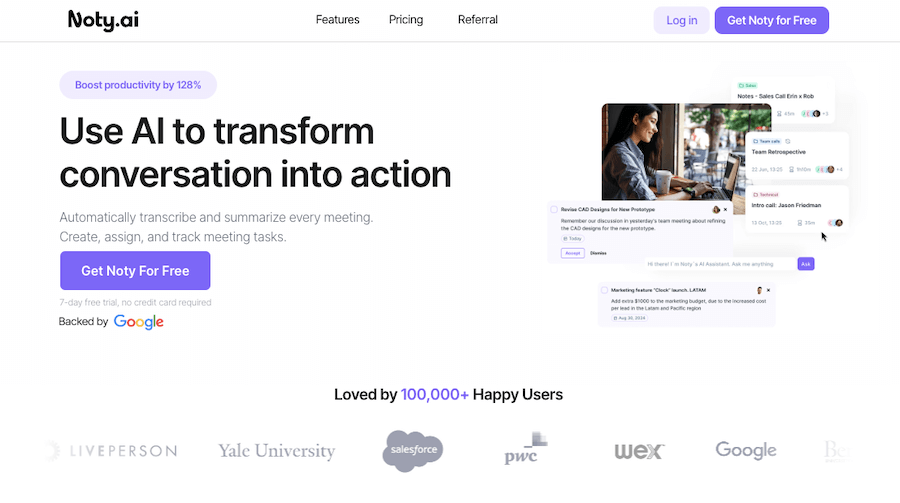
Meetings can feel like a blur, with important details slipping...
Echowin Review

Echowin

Handling phone calls can be overwhelming, especially when you’re juggling...
Enso Review

Enso

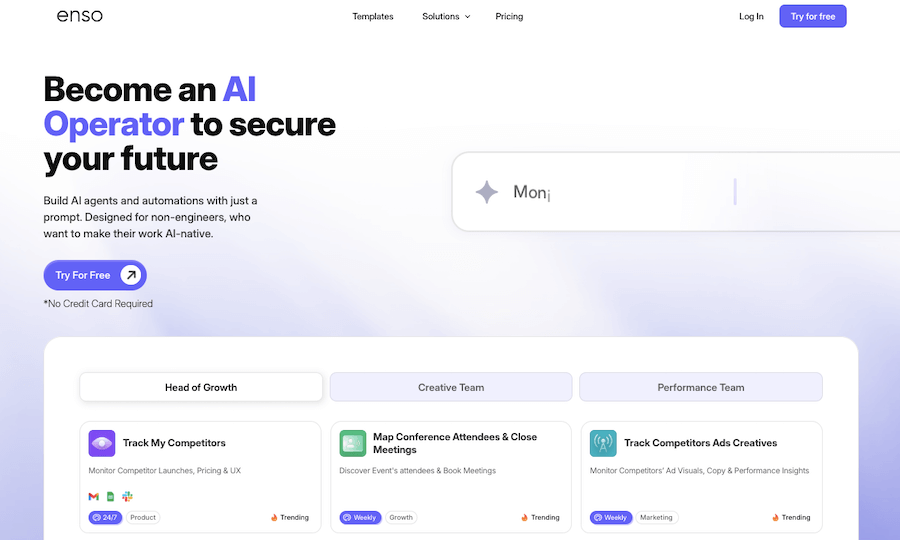
Enso is like having an intelligent assistant that understands what...

AI Perfect Assistant

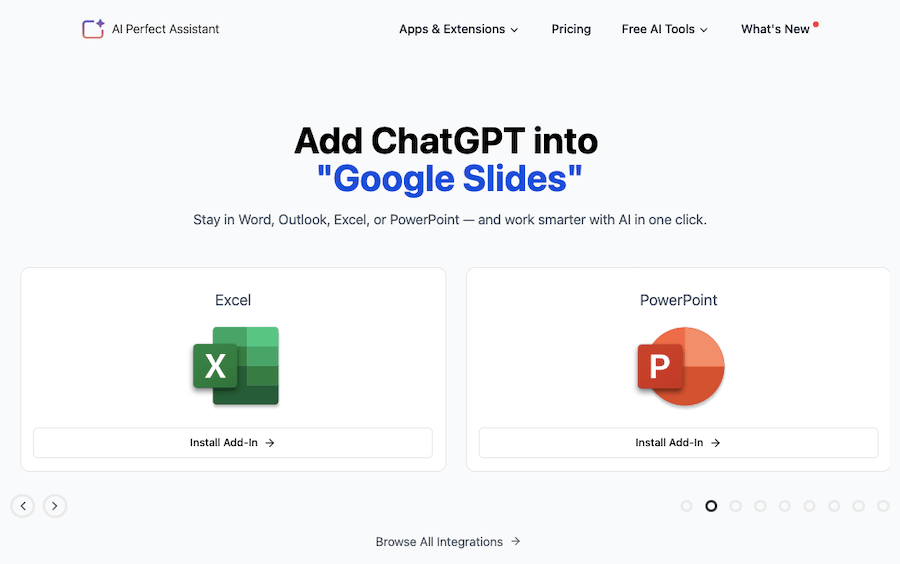
AI Perfect Assistant is like having a personal helper that’s...
Receive the latest AI news

Learn About AI in 5 Min Daily

Get our daily email newsletter with trending AI news and top AI tools. Subscribe for FREE.

Cookie Policy

Theaihunter uses cookies

This website uses cookies to enhance user experience and to analyze performance and traffic on our website. By continuing to browse this site you are agreeing to our use of cookies.