Notta AI Logo
Editor's Rating:
Notta AI is best for converting spoken words into accurate text, making it easy to transcribe meetings, interviews, lectures, and audio files effortlessly.
Pricing Model: Freemium
Starting Price: $13.49
Notta AI Review

What is Notta AI?

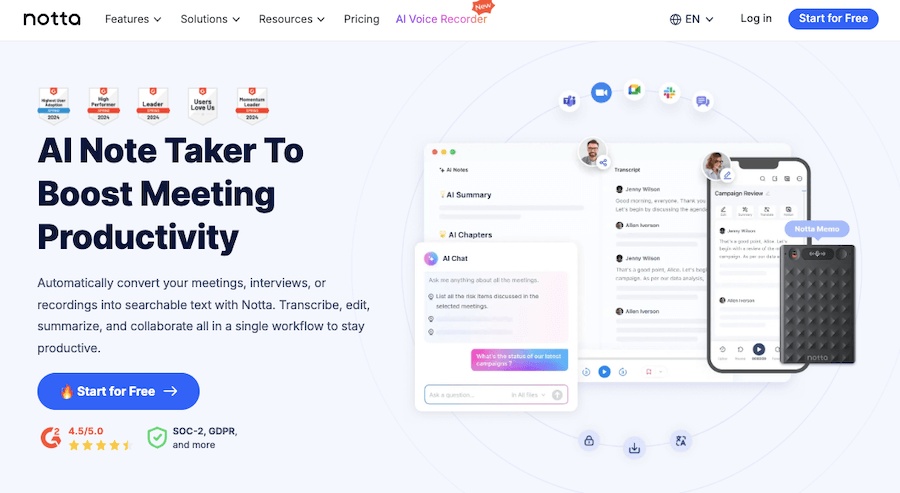
Notta AI is a powerful yet easy-to-use transcription tool that turns spoken words into written text with impressive accuracy. Whether you’re recording meetings, interviews, lectures, or just need to convert audio to text, Notta makes the process effortless.

It works in real-time, capturing every word as it’s spoken, so you don’t have to scramble to take notes or worry about missing important details. And if you already have an audio or video file, simply upload it, and Notta will quickly generate a clean, readable transcript.

One of the best things about Notta is how smoothly it fits into your workflow. It syncs with platforms like Zoom, Google Meet, and Microsoft Teams, automatically transcribing conversations as they happen.

The AI doesn’t just write down words; it organizes the text in a way that’s easy to follow, separating different speakers and even summarizing key points. You can highlight important sections, add notes, and share transcripts with your team in just a few clicks.

And it’s not just about English. Notta supports multiple languages, making it a great tool for international teams, content creators, or anyone dealing with multilingual conversations.

Plus, if you’re on the go, the mobile app lets you record and transcribe from anywhere, so you’re never tied to your desk.

Security and privacy? Notta has that covered, too. Your data is encrypted, and you have full control over who gets access to your transcripts.

Whether you’re a professional handling business meetings, a journalist conducting interviews, or a student wanting to revisit lectures, Notta AI helps you stay organized, save time, and focus on what really matters, without the hassle of manual note-taking.
Show More

Notta AI Review 2026: Top Features, Pricing, Pros & Cons

Notta AI: Editor's Rating

Here's a detailed breakdown of Notta AI rating based on different parameters.
Ease of Use
4.1/5
Interface is clean and beginner-friendly; recording and uploads are easy to manage.
Features & Functionality
4.0/5
Includes transcription, summaries, translation, and templates without feeling bloated.
Output Quality
4.0/5
Delivers accurate results with clear audio; performance dips with accents or noise.
Performance & Speed
4.0/5
Fast processing for live meetings and uploaded files.
Customization / Controls
3.8/5
Editing and templates help, but advanced control options are limited.
Reliability
3.9/5
Stable overall; occasional export or sync issues noted.
Integrations / Export Options
4.0/5
Supports major meeting platforms and common export formats.
Pricing & Value
3.7/5
Good value for regular use; free tier feels restrictive.
Support & Resources
3.8/5
Documentation is clear; support experience varies by case.
Privacy & Data Safety
3.9/5
Standard security practices; more transparency would help.
Overall Rating
4.0/5
A dependable transcription tool that balances accuracy and ease of use.

Notta AI Top Features

Real-Time Transcription
Notta AI converts spoken words into text instantly, ensuring you never miss important details during live conversations.
Audio & Video File Transcription
Upload pre-recorded audio or video files, and Notta quickly generates accurate, editable transcripts.
Multi-Language Support
With support for multiple languages, Notta is ideal for international teams and multilingual conversations.
Speaker Identification
It detects different speakers in a conversation, making transcripts clear and easy to follow.
AI-Powered Summarization
Automatically condenses long discussions into concise summaries, saving time and effort.
Zoom & Google Meet Integration
Seamlessly integrates with virtual meeting platforms, capturing and transcribing conversations without manual effort.
Mobile App for On-the-Go Transcription
Record and transcribe from anywhere using Notta’s mobile app, ensuring flexibility and convenience.
Editable & Shareable Transcripts
Make quick edits, highlight key points, and share transcripts effortlessly with your team.
Voice Playback & Text Sync
Replay audio while following along with synced text, making it easier to review important moments.
Secure & Encrypted Data Storage
Ensures privacy with encrypted storage and user-controlled access to transcripts.

Notta AI Pros & Cons 2026

Pros
Accurately transcribes audio and video in real-time.
Supports multiple languages for global users.
Integrates with Zoom, Google Meet, and Microsoft Teams.
Allows easy editing, highlighting, and sharing of transcripts.
Offers a mobile app for on-the-go recording and transcription.
Secure encryption ensures data privacy.
Cons
Free plan has limited transcription minutes.
Accuracy may drop with poor audio quality or heavy accents.
Some advanced features require a paid subscription.
Processing large files can take time.

Notta AI Pricing 2026

Automatically convert your meetings, interviews, or recordings into searchable text with Notta. Check out details of their plans
Free
$0 USD
Pro
$13.49 USD/month
Business
$27.99 USD/month
Enterprise
Custom

Please note that pricing information may not be up to date. For the most accurate and current pricing details, please refer to the official website.

Notta AI Use Cases

Business Meetings

Transcribe meetings in real time, ensuring clear documentation and easy follow-ups.

Journalism & Interviews

Capture every word from interviews accurately, saving time on manual note-taking.

Education & Lectures

Students and educators can transcribe lectures for easy reference and study material.

Content Creation

Extract insights from discussions to generate articles, scripts, and social media content.

Legal & Compliance Documentation

Professionals can record and transcribe legal discussions for accurate records.

Multilingual Communication

Break language barriers with transcriptions and translations in multiple languages.

Notta AI Questions & Answers

Notta AI offers a free plan with limited transcription minutes, while premium plans unlock more features and higher usage limits.
Notta AI provides high transcription accuracy, but results may vary depending on audio quality, background noise, and speaker accents.
Yes, Notta AI integrates with Zoom, Google Meet, and other platforms to automatically transcribe live meetings.
Yes, it supports multiple languages, making it a useful tool for international users and multilingual conversations.
Notta AI uses encryption to protect data and gives users control over their transcripts to ensure privacy and security.

Notta AI User Reviews 2026

Overall Notta AI Rating
0.0 out of 5 stars (based on 0 reviews)
Rating Distribution
Excellent0%
Very good0%
Average0%
Poor0%
Terrible0%
Share Your Experience

Notta AI: Recent Reviews

There are no reviews yet. Be the first one to write one.

Submit Your Review For Notta AI

Pricing:
Categories:
Social

Best Notta AI Alternatives AIs

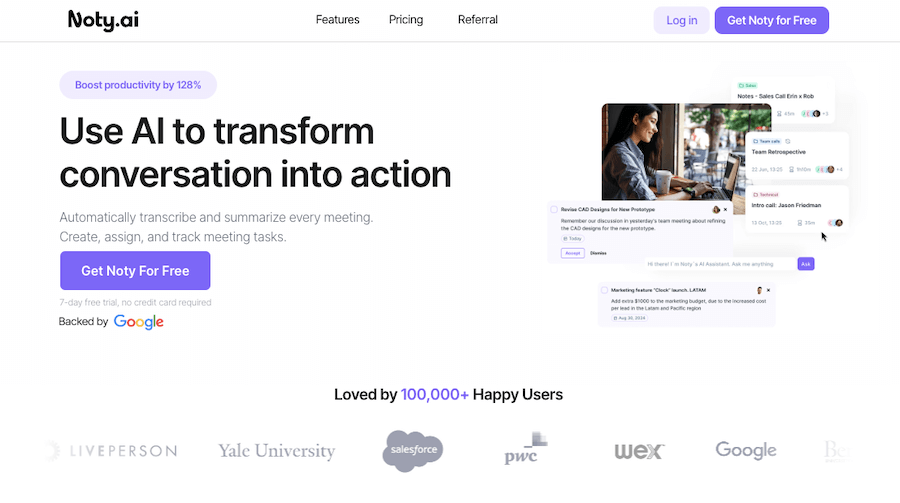
Noty AI Review

Noty AI

Meetings can feel like a blur, with important details slipping...
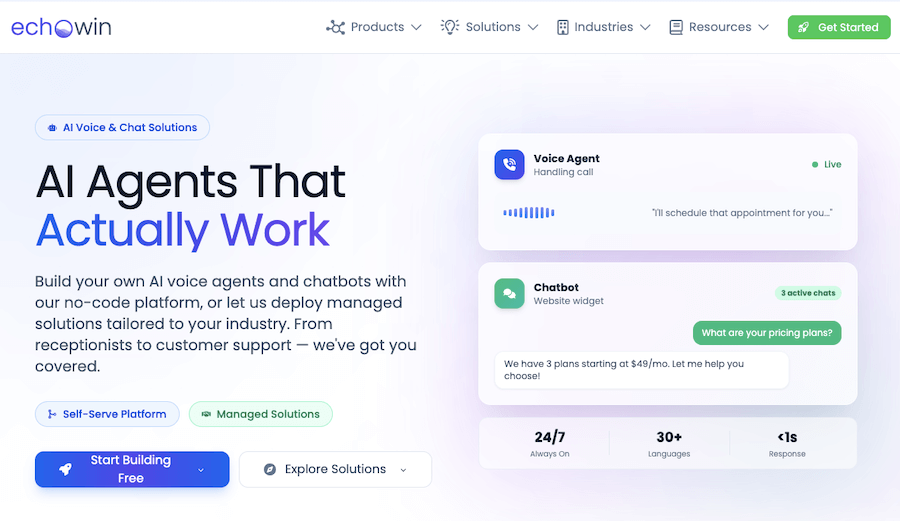
Echowin Review

Echowin

Handling phone calls can be overwhelming, especially when you’re juggling...
Enso Review

Enso

Enso is like having an intelligent assistant that understands what...

AI Perfect Assistant

AI Perfect Assistant is like having a personal helper that’s...
Receive the latest AI news

Learn About AI in 5 Min Daily

Get our daily email newsletter with trending AI news and top AI tools. Subscribe for FREE.

Cookie Policy

Theaihunter uses cookies

This website uses cookies to enhance user experience and to analyze performance and traffic on our website. By continuing to browse this site you are agreeing to our use of cookies.