

Is Starryai worth it?
For casual art and avatars, yes, if you accept paid plans. The rights are clear and the tools are broad. Check the live plan page after signing in, and be ready to run refunds through Apple or Google.
Choose Starryai if you
- Want clear commercial rights stated on one page
- Make art, anime looks or avatars on a phone
- Like having upscaling and background removal in the same app
- Are fine with paid plans and a Lumen system
Look elsewhere if you
- Need a confirmed free plan
- Need strong photorealism or accurate in-image text
- Want deep manual control over a generation
- Need quick support replies
Starryai scores
Eight creator-focused checks, each out of 5. The overall score is their average and matches the score shown everywhere on the site.
Good for stylized art. Reviewers mention distorted hands, garbled text and weak photorealism.
Prompts work for general looks, but reviewers cite misses on detail.
Many styles and tools, with limited manual control.
Upscaling, enhancing, background removal and photo styles sit alongside generation.
Mobile-first design, with a 4.7 rating on iOS and 4.0 on Android.
A dedicated license page says you own your creations and may use them commercially.
Plans start near $15 a month, and heavy users say Lumens burn faster than expected.
We could not confirm a free tier. One April 2026 review says it was removed.
Starryai pricing in 2026
Starryai sells three paid plans. Its plan page sits behind sign-in, so the prices below come from an independent review dated April 2026 and match a second source on the entry and top plans.
| Plan | Price a month | Fast generations a month | Real output, roughly | What it adds |
|---|---|---|---|---|
| Starter | $15 | 800 | 200 Lumens included | Video generation, 50% off Lumen packs |
| Unlimited ProUnlimited images | $35 | 4,000 | 1,000 Lumens included | Unlimited image generations |
| Unlimited Pro Max | $95 | 12,000 | 3,000 Lumens included | The highest generation quota |
Monthly prices. Yearly billing brings the plans to $12, $28 and $76 a month ($144, $336 and $912 a year). We could not read the live plan page without signing in, so check it before paying.
What a month of use really costs
800 fast generations and 200 Lumens cover light use.
4,000 fast generations and unlimited image generations.
12,000 fast generations and 3,000 Lumens.
Quotas are from an April 2026 review, not from Starryai’s own plan page. Lumens are a separate currency for slower, higher-quality runs.
Can you use Starryai images commercially?
Yes. Starryai’s license page says you own the copyright to your creations and can use them for commercial and non-commercial purposes without permission. Content that breaks its content policy is excluded.
| What you want to do | Starter | Unlimited Pro | Unlimited Pro Max |
|---|---|---|---|
| Personal projects | Yes | Yes | Yes |
| Commercial use | Yes | Yes | Yes |
| Copyright ownership | Yes | Yes | Yes |
| Watermark-free output | Yes | Yes | Yes |
| Attribution required | No | No | No |
| Refund route | Support | Support | Support |
License terms are from the license page and apply to all creations. Web purchases go through support. App purchases are refunded by Apple or Google.
Starryai features
An art generator with photo tools and video alongside.
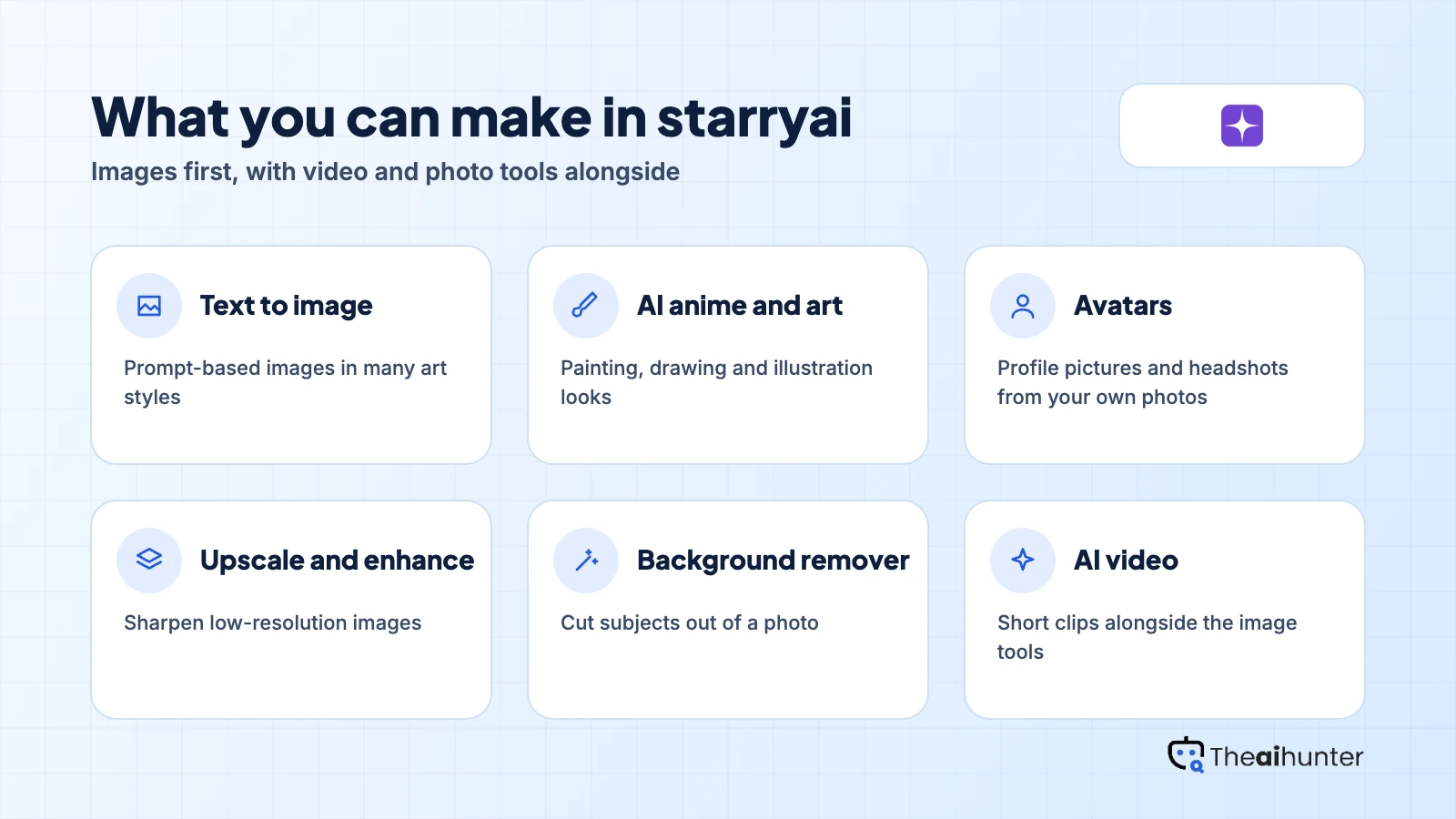
Text to image
Turn a prompt into an image in many art styles.
Core toolAI art and anime
Painting, drawing, illustration and anime looks.
StylesAvatars and headshots
Make profile pictures from your own photos.
Photo tool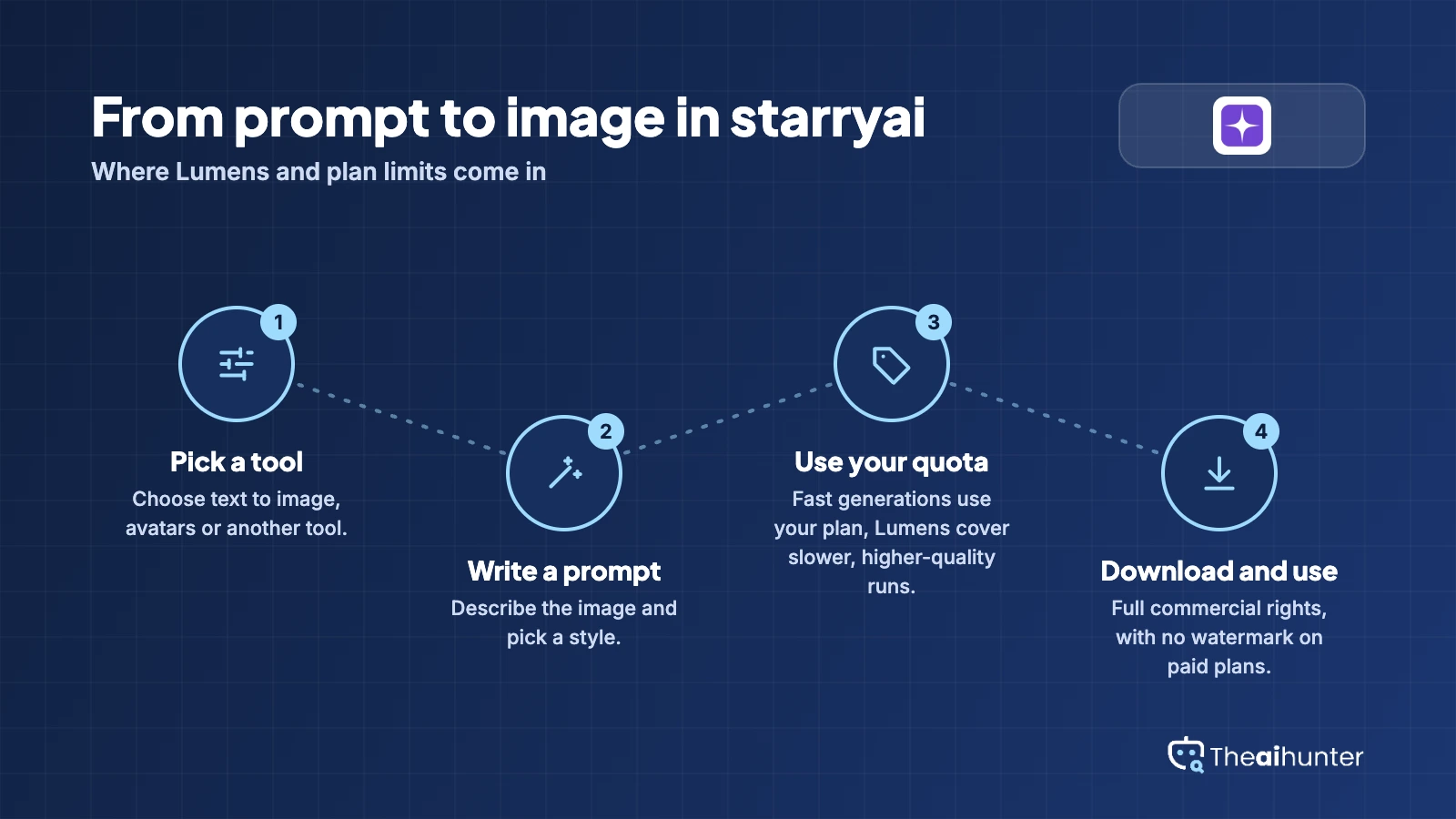
Upscale and enhance
Sharpen and enlarge low-resolution images.
Photo toolBackground remover
Cut a subject out of a photo.
Photo toolAI video
Short video clips from the same app.
Plan featurePros and cons
Pros
- License page clearly gives you copyright and commercial use
- Easy, phone-friendly design with a 4.7 iOS rating
- Upscaling and background removal in the same app
- Yearly billing lowers each plan by about 20 percent
Cons
- No confirmed free plan
- Plan page sits behind sign-in
- Reviewers report crashes and generation errors
- Support can be slow to resolve problems
What users complain about
Starryai’s app store ratings are 4.7 on iOS and 4.0 on Android, with the complaints coming from reviews summarised by Somake in April 2026.
Crashes and blank screens
Reviewers describe the app crashing on launch, black or white screens and errors mid-generation.
Slow to resolve
Some users report waiting over a week for a meaningful reply from support.
Lumens run down fast
Heavy users say Lumens burn faster than expected, and packs cost extra.
Hands, text and photorealism
Reviewers cite distorted hands, garbled text in images and a painted look to skin.
Starryai alternatives
If you want a free tier or different pricing, these are worth a look.



Starryai FAQ
Is Starryai free?
We could not confirm a free plan. One April 2026 review says the free tier was removed and plans start around $15 a month. Check the live plan page after signing in.
How much does Starryai cost?
Starter is about $15 a month, Unlimited Pro about $35 and Unlimited Pro Max about $95. Yearly billing brings them to about $12, $28 and $76 a month.
Can I use Starryai images commercially?
Yes. The license page says you own the copyright and may use creations commercially without permission. Content that breaks the content policy is excluded.
What are Lumens in Starryai?
Lumens are a separate currency used for slower, higher-quality generations and some advanced features. Each plan includes some, and extra packs can be bought.
How do I get a refund from Starryai?
App purchases are refunded through Apple or Google. For web purchases, contact Starryai support and they review the request.
Does Starryai work on mobile and web?
Yes. It started as a mobile app and also runs on the web, with a plan page you reach after signing in.
How we review AI image tools
Every image tool on Theaihunter goes through the same four steps and gets the same eight scores, so any two image tool scores on this site can be compared directly.
Read the vendor’s own pages
Plans, credit and image limits, and license terms come from the product’s site first. We note the date we checked each one.
Test what we can reach
We sign up and check what the free plan and settings allow. When a login or paid credits are needed to go further, the review says what we did not test. Samples go on the page only when the license permits it.
Cross-check what users report
Independent reviews and user complaints from the last six months show what the sales page leaves out. Numbers copied across lookalike sites count once.
Score, date and update
Eight areas get a score from 1 to 5. When pricing or plans change, we recheck the review and log the change in its history.
How the score works
Each area is scored from 1 to 5. The overall score is their average, rounded to one decimal.
It is the same number on the review, the category page and anywhere else the tool appears.
- No review, no score. Tools we have not reviewed in full are never ranked.
- A strong output cannot hide unclear licensing, because each area is scored on its own.
Some links earn us a commission. A score or verdict is never changed because of one.
Prices, credits and limits are checked against the vendor’s pages and dated. When sources disagree, the review says so.
If we used a feature, we say so. If a detail comes from user reports, the review labels it as reported.
Ready to try Starryai?
Check the live plan page after signing in, then pick the plan that matches how often you generate.
