
Is Pixelmator Pro worth it?
For a native Mac editor with AI helpers, yes. For prompts or Windows, look elsewhere.
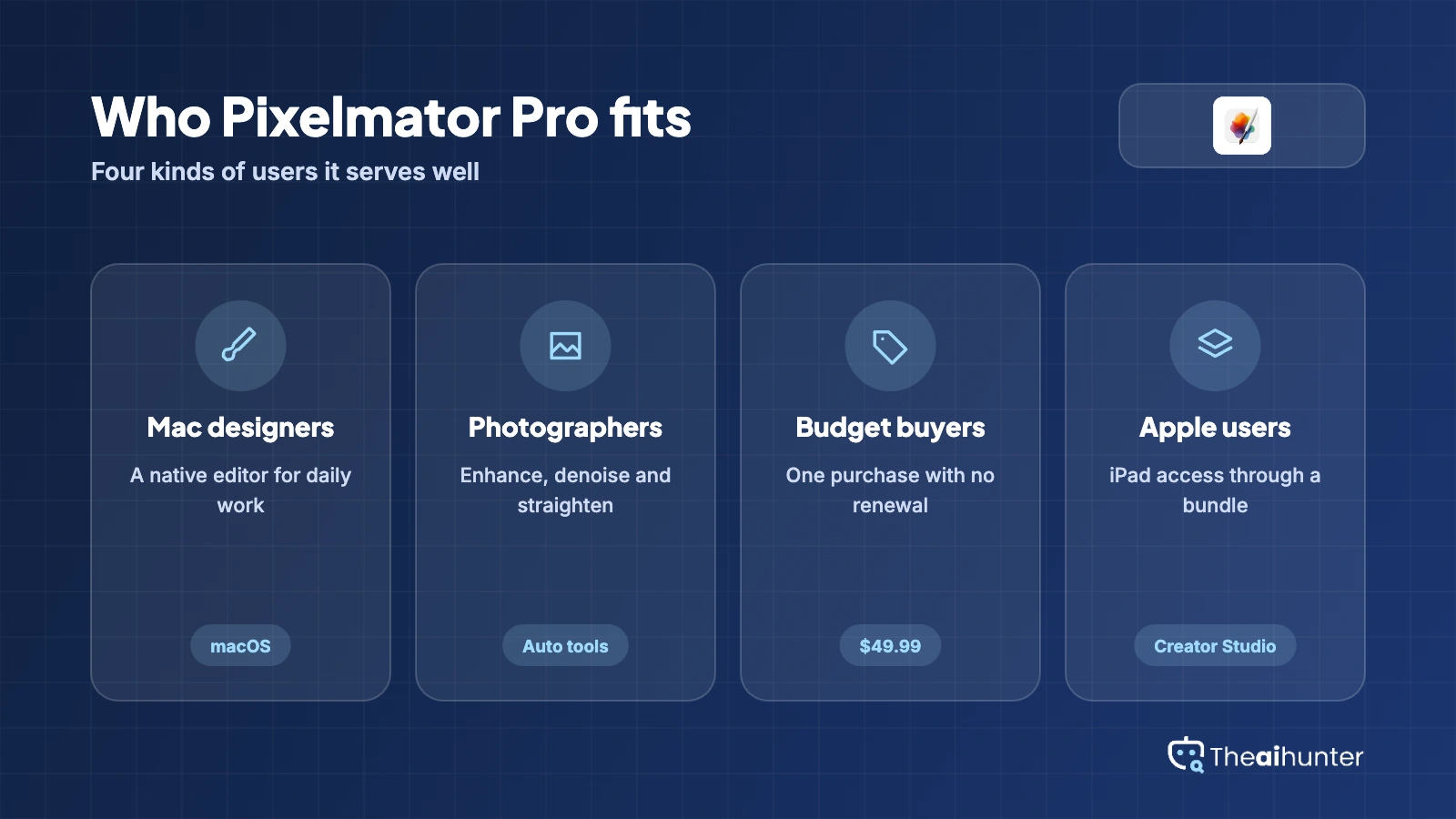
Choose Pixelmator Pro if you
- Work on a Mac and want a full layer editor
- Prefer one purchase over a subscription
- Want Super Resolution and one-click cutouts
- Edit on an iPad through Creator Studio
Look elsewhere if you
- Use Windows or Android
- Want text-to-image generation
- Need collaboration and cloud features
- Need stated commercial terms on the page
Pixelmator Pro scores
Eight creator-focused checks, each out of 5. The overall score is their average and matches the score shown everywhere on the site.
Machine learning upscaling, denoise and enhance give clean results on photos.
It does not generate from prompts, so this scores on how well its ML tools follow the source image.
Layers, selections, masks and detailed adjustments give deep manual control.
It is a full layer based editor with ML tools for cutouts, upscaling and denoising.
The interface is native and tidy, but a full editor takes more learning than a one-click tool.
The Apple page does not state commercial terms, though you edit and keep your own files.
$49.99 once on the Mac is low next to monthly editors, and Creator Studio is $12.99 a month.
Apple Creator Studio has a 30-day free trial, and the one-time Mac app has no free version.
Pixelmator Pro pricing in 2026
Pixelmator Pro is sold as a one-time Mac purchase or inside the Apple Creator Studio subscription.
| Plan | Price a month | Platform | Real output, roughly | What it adds |
|---|---|---|---|---|
| Mac purchase | $49.99 | Mac only | One purchase, no renewal | Through the App Store. No Warp Tool |
| Creator Studio | $12.99 | Mac and iPad | Billed monthly, or $129 a year | Includes Final Cut Pro, Logic Pro and more. Adds the Warp Tool |
| Student and educator | $2.99 | Mac and iPad | Billed monthly, or $29.99 a year | Same Creator Studio apps at a lower rate |
Prices from the Apple Pixelmator Pro page we read on November 18, 2026. The one-time price is not monthly, and Creator Studio prices are for new subscribers.
What a month of use really costs
One payment and the app is yours.
Pixelmator Pro plus video and audio apps.
The same bundle at a student rate.
The one-time purchase is Mac only and is not part of Creator Studio. The iPad app needs the subscription and an M1 chip or later. Some features need an Apple Intelligence-capable device.
What does each Pixelmator Pro option include?
The Apple page does not state commercial terms. Read the license agreement before you use edited images in client work.
| What you get | Mac one-time | Creator Studio | Student |
|---|---|---|---|
| Mac app | Yes | Yes | Yes |
| iPad app | No | Yes | Yes |
| Warp Tool | No | Yes | Yes |
| Free trial | No | Yes | Yes |
| Commercial use | Not stated | Not stated | Not stated |
| Auto-renews | No | Yes | Yes |
We read the Apple page, not the full license. The 30-day trial applies to Apple Creator Studio, and the page states the plan renews until cancelled.
Pixelmator Pro features
A full layer editor with machine learning tools built in.
Super Resolution
Upscale images with machine learning.
Core toolBackground removal
Cut out a subject in one click.
Core toolAuto Enhance
Fix color and light automatically.
Core tool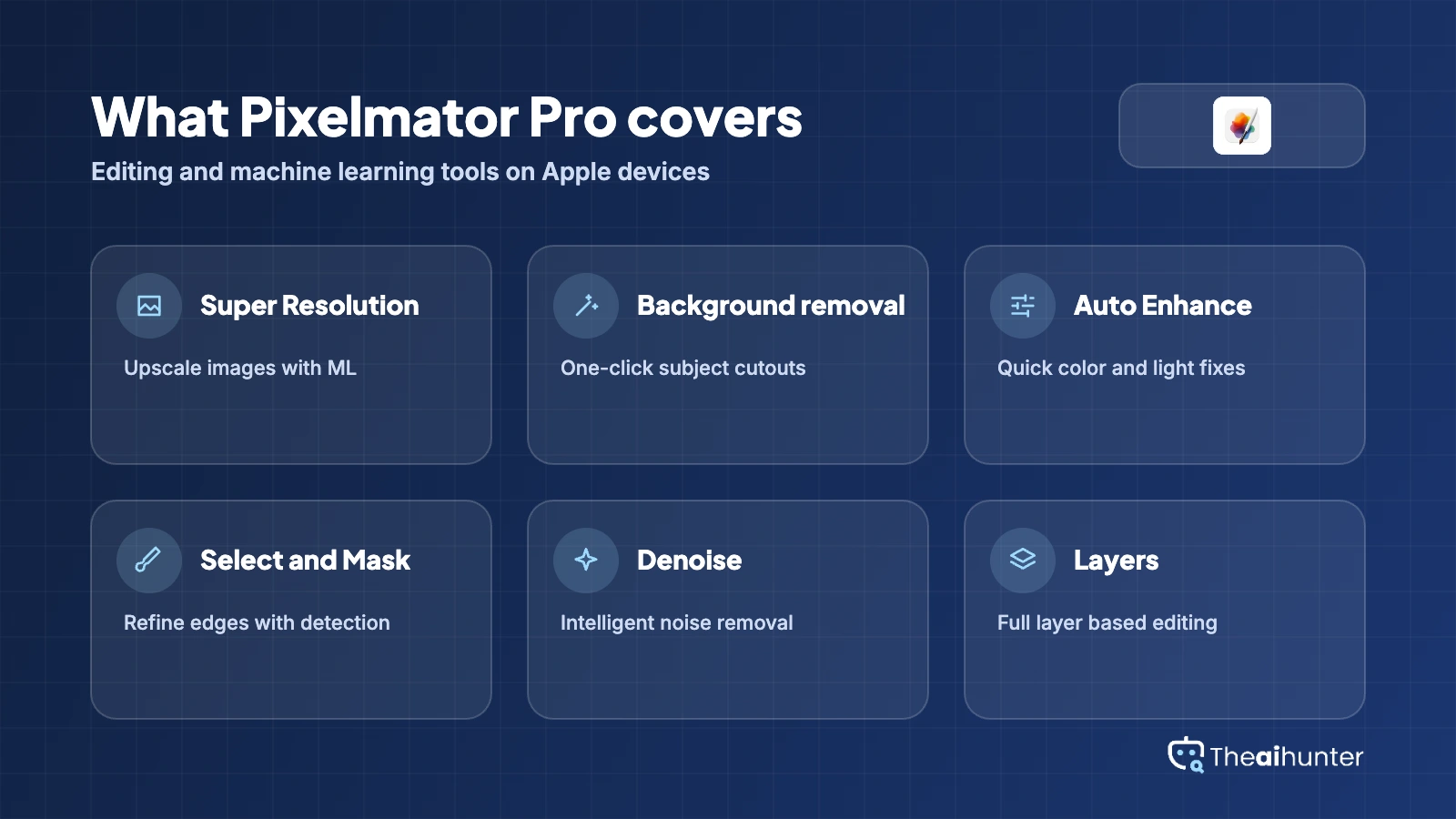
Select and Mask
Refine edges with detection.
Core toolIntelligent Denoise
Remove noise from photos.
Core toolWarp Tool
Reshape images with a warp.
Creator StudioPros and cons
Pros
- One-time $49.99 price on the Mac
- Full layer editor with ML tools
- 30-day trial through Creator Studio
- Support praised for fast fixes
Cons
- Mac and iPad only, no Windows
- No prompt-based generation
- Warp Tool and iPad need the subscription
- Refund terms are not on the page
What users complain about
Pixelmator Pro has a tiny Trustpilot base, so these points come from Trustpilot and the Apple page, read on November 18, 2026.
3.4 from 7 reviews
Only one review is from the last year, so treat it as a rough signal.
Praised as responsive
Reviewers described quick help, including one crash fixed within days.
Apple only
The app runs on Mac, and iPad only through Creator Studio.
Not described
The Apple page links to sales and refunds terms and gives no details itself.
Pixelmator Pro alternatives
If you use Windows or want a web tool, these reviews are the closest fits.




Pixelmator Pro FAQ
How much does Pixelmator Pro cost?
The Mac app costs $49.99 once through the App Store. Apple Creator Studio costs $12.99 a month or $129 a year for new subscribers.
Is there a Pixelmator Pro free trial?
Apple Creator Studio can be tried free for 30 days. The one-time Mac purchase has no free version.
Does Pixelmator Pro work on iPad?
Yes, but only through the Creator Studio subscription. It needs an M1 chip or later, an iPad with A16 or an iPad mini with A17 Pro.
Is there a student discount?
Yes. Students and educators pay $2.99 a month or $29.99 a year for Creator Studio.
What AI features does Pixelmator Pro have?
Super Resolution, one-click background removal, Auto Enhance, Intelligent Denoise, Deband, Auto Crop and Select and Mask.
Does Pixelmator Pro run on Windows?
No. It runs on Mac and iPad only.
Can I use Pixelmator Pro images commercially?
The Apple page does not say. Read the license agreement before you use edited images in client work.
How we review AI image tools
Every image tool on Theaihunter goes through the same four steps and gets the same eight scores, so any two image tool scores on this site can be compared directly.
Read the vendor’s own pages
Plans, credit and image limits, and license terms come from the product’s site first. We note the date we checked each one.
Test what we can reach
We sign up and check what the free plan and settings allow. When a login or paid credits are needed to go further, the review says what we did not test. Samples go on the page only when the license permits it.
Cross-check what users report
Independent reviews and user complaints from the last six months show what the sales page leaves out. Numbers copied across lookalike sites count once.
Score, date and update
Eight areas get a score from 1 to 5. When pricing or plans change, we recheck the review and log the change in its history.
How the score works
Each area is scored from 1 to 5. The overall score is their average, rounded to one decimal.
It is the same number on the review, the category page and anywhere else the tool appears.
- No review, no score. Tools we have not reviewed in full are never ranked.
- A strong output cannot hide unclear licensing, because each area is scored on its own.
Some links earn us a commission. A score or verdict is never changed because of one.
Prices, credits and limits are checked against the vendor’s pages and dated. When sources disagree, the review says so.
If we used a feature, we say so. If a detail comes from user reports, the review labels it as reported.
Ready to try Pixelmator Pro?
Start the Creator Studio trial to test the ML tools, then buy the Mac app if you only need this editor.
