

Is Photoroom worth it?
For product photos at volume, yes. For one-off edits or strict budgets, check the billing terms first.
Choose Photoroom if you
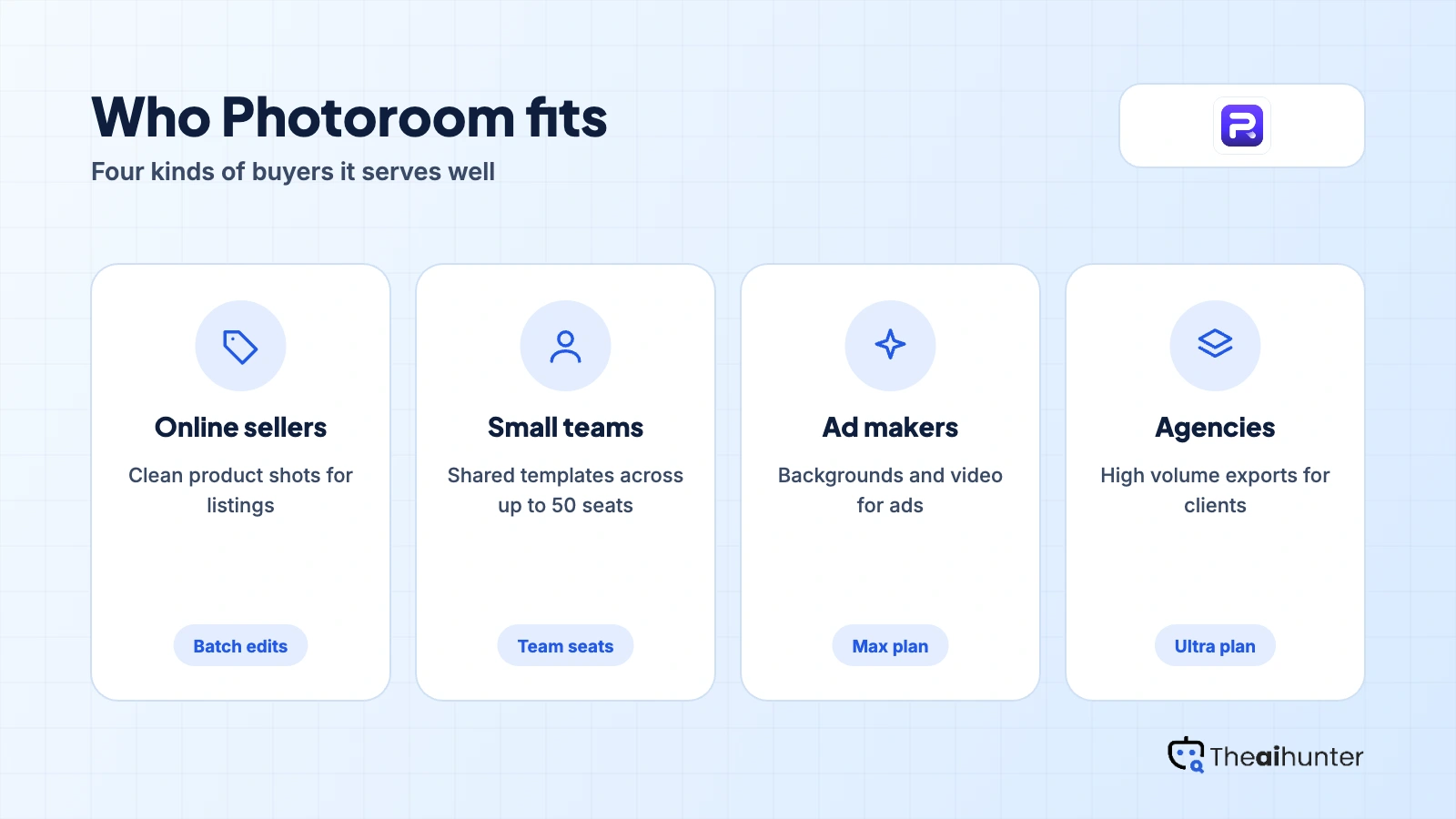
- Edit product photos for a store every week
- Want AI backgrounds and templates in one app
- Need up to 50 team seats on a paid plan
- Prefer a mobile and web editor
Look elsewhere if you
- Need a free plan with clear limits
- Want monthly pricing shown up front
- Need written commercial-use terms
- Dislike subscription billing disputes
Photoroom scores
Eight creator-focused checks, each out of 5. The overall score is their average and matches the score shown everywhere on the site.
Cutouts and AI scenes look polished for product shots, though reviewers report some outputs that miss the prompt.
AI backgrounds follow written prompts, but results vary and some reviewers say outputs do not match.
Templates, resizing and batch edits give solid control, with less depth than a full editor.
Cutouts, backgrounds, retouching, resizing and batch work are all in one app.
The web and mobile apps are quick to learn, even for first-time sellers.
The pricing page states no commercial use terms, so confirm them in the terms of service.
Pro starts at $7.50 a month billed yearly for 1,000 exports, and larger plans add credits and video.
The pricing page lists no free plan limits, and only Pro and Max show a free trial button.
Photoroom pricing in 2026
Photoroom prices its plans per month, billed yearly, and limits them by AI credits and monthly exports.
| Plan | Price a month | Exports | Real output, roughly | What it adds |
|---|---|---|---|---|
| Pro | $7.50 | 1,000 a month | About 1,000 exports a month | 8,000 AI credits. Billed yearly at $90 |
| Max | $20.99 | 3,000 a month | About 3,000 exports a month | 25,000 AI credits, video for ads and Shopify. Billed yearly at $251.88 |
| Ultra | $82.50 | 10,000 a month | About 10,000 exports a month | 75,000 AI credits, 4K images and HD video. Billed yearly at $990 |
Prices from the pricing page we read on November 18, 2026. The page shows monthly prices when billed yearly, and Enterprise is custom with API access included.
What a month of use really costs
1,000 exports a month covers most small catalogs.
3,000 exports and Shopify integration.
10,000 exports, 4K images and more video.
Prices are the yearly-billed monthly rate. The page shows no monthly-billing prices, so a month-to-month plan may cost more. Plans carry up to 50 team seats.
What does each Photoroom plan include?
The pricing page does not state commercial use terms. Read the terms of service before you use images in client or ad work.
| What you get | Pro | Max | Ultra |
|---|---|---|---|
| Video for ads and product pages | No | Yes | Yes |
| Shopify integration | No | Yes | Yes |
| 4K images | Not stated | Not stated | Yes |
| API access | No | No | No |
| Commercial use | Not stated | Not stated | Not stated |
| Refund window | One week | One week | One week |
We read the pricing page, not the full terms of service. The page says refunds are available up to one week after purchase, and the process depends on where you subscribed.
Photoroom features
A photo editor aimed at product images, with AI backgrounds and team features.
Background removal
Cut out products in one tap.
Core toolAI backgrounds
Generate scenes for products from a prompt.
Core toolBatch edits
Apply the same edit across many photos.
Paid plans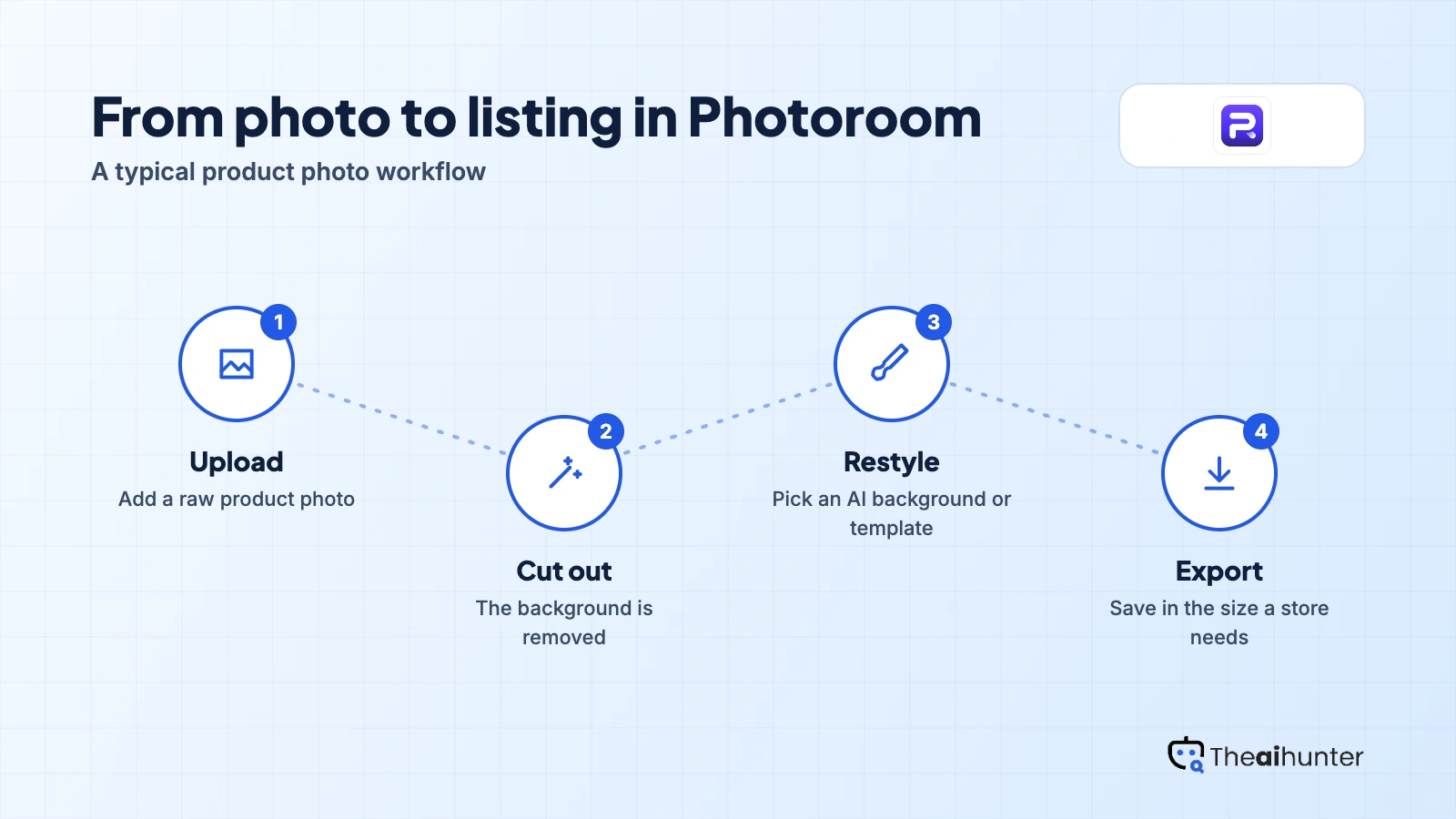
Templates
Resize for stores and social posts.
Core toolVideo for ads
Create product and ad video.
Max and upTeam seats
Share work across up to 50 seats.
Paid plansPros and cons
Pros
- Strong editing set for product photos in one app
- Up to 50 team seats on every paid plan
- Refunds available up to one week after purchase
- Shopify integration on Max
Cons
- Pricing page shows no monthly-billing prices
- No free plan details on the pricing page
- Commercial use is not stated
- Trustpilot score is low at 2.2
What users complain about
Photoroom has a large review base, so these points come from Trustpilot, read on November 18, 2026.
Changes that slowed workflows
Reviewers said recent updates made batch editing harder, with crashes and slow processing.
Charges after free trials
Users described charges after trials, plan changes and trouble canceling or getting refunds.
Hard to reach
Many said support relies on automated replies, though some praised the team as responsive.
2.2 from 275 reviews
Trustpilot rates Photoroom as poor, so check refund rules and cancel dates early.
Photoroom alternatives
If you want other editing tools or a free tier, these reviews are the closest fits.




Photoroom FAQ
How much does Photoroom cost?
Pro is $7.50 a month billed yearly, Max is $20.99 and Ultra is $82.50. The page shows no monthly-billing prices.
Does Photoroom have a free plan?
The pricing page does not describe one. Pro and Max show a free trial button, and the trial length is not stated.
Can I get a refund from Photoroom?
The page says refunds are available up to one week after purchase. The process depends on whether you subscribed on the web, App Store or Google Play.
Does Photoroom have an API?
Not on the standard plans. API access is part of the custom Enterprise plan, with usage-based pricing.
Can I use Photoroom images commercially?
The pricing page does not say. Read the terms of service before you use images in client or ad work.
How we review AI image tools
Every image tool on Theaihunter goes through the same four steps and gets the same eight scores, so any two image tool scores on this site can be compared directly.
Read the vendor’s own pages
Plans, credit and image limits, and license terms come from the product’s site first. We note the date we checked each one.
Test what we can reach
We sign up and check what the free plan and settings allow. When a login or paid credits are needed to go further, the review says what we did not test. Samples go on the page only when the license permits it.
Cross-check what users report
Independent reviews and user complaints from the last six months show what the sales page leaves out. Numbers copied across lookalike sites count once.
Score, date and update
Eight areas get a score from 1 to 5. When pricing or plans change, we recheck the review and log the change in its history.
How the score works
Each area is scored from 1 to 5. The overall score is their average, rounded to one decimal.
It is the same number on the review, the category page and anywhere else the tool appears.
- No review, no score. Tools we have not reviewed in full are never ranked.
- A strong output cannot hide unclear licensing, because each area is scored on its own.
Some links earn us a commission. A score or verdict is never changed because of one.
Prices, credits and limits are checked against the vendor’s pages and dated. When sources disagree, the review says so.
If we used a feature, we say so. If a detail comes from user reports, the review labels it as reported.
Ready to try Photoroom?
Start with the Pro trial, then check the refund window before you add a team.
