

Is Fotor worth it?
Yes for creators and small shops that need generation plus editing, because the annual Pro price is low and the editor is strong. If generation volume matters most, check the credit math first. Midjourney or Leonardo AI suit pure image making better.
Choose Fotor if you
- Generate an image, then retouch it in the same tool
- Want several models, including recent ones, in one account
- Make social, shop or ad visuals on a small budget
- Need batch background removal for product photos
Look elsewhere if you
- Need flat-rate unlimited generation
- Rely on the free plan for client work
- Want one specialist model with deep controls
- Dislike credit-based pricing
Fotor scores
Eight creator-focused checks, each out of 5. The overall score is their average and matches the score shown everywhere on the site.
Quality depends on the model you pick. The lineup includes recent models such as FLUX.2 and Midjourney v7, so results can be strong.
Newer models follow detailed prompts well. You can switch models when one misreads a prompt.
Presets, reference images, aspect ratios and model choice give decent control. There is no fine-tuning or custom model training.
Enhancer, upscaler, background removal, object removal, retouching and templates sit next to the generator.
Browser based, with a familiar editor layout and apps on mobile and desktop.
Support says AI images can be used commercially and that you own the output. Free is personal use only, and Max is not covered on that page.
Annual Pro and Pro+ prices are low. Monthly billing costs several times more, and credits run out on heavy use.
Free gives limited credits and one generation at a time, and free use is personal only.
Fotor pricing in 2026
Fotor has a free plan and three paid tiers, and the annual price is far lower than monthly. Each AI generation spends credits, and the cost per image depends on the model.
| Plan | Price a month | Credits a month | Real output, roughly | What it adds |
|---|---|---|---|---|
| Free | $0 | Limited credits | A few images a day | 1 generation at a time, personal use only |
| Pro Most creators | $3.99 | 100 credits | About 20 images on a 5-credit model | 10 concurrent generations, HD and transparent PNG |
| Pro+ | $5.83 | 300 credits | About 60 images on a 5-credit model | 30 concurrent generations, 100GB storage |
| Max | $13.99 | Selectable, from 1,000 | About 200 or more images | 50 concurrent generations, 500GB storage |
Annual prices from a tracker capture dated November 16, 2026. Fotor’s own pricing page hides the amounts until it loads for your region. Monthly billing is reported at about $12.99 for Pro and $19.99 for Pro+, and some listings still show an older $8.99 Pro price. Credits roll over for up to 5 months while subscribed.
What a month of content really costs
About 30 images a month fits inside 100 credits on a 5-credit model, with room for retries.
About 120 images a month needs 600 credits on a 5-credit model, so Pro+ runs short. Use cheaper models or move to Max.
Higher credit tiers and 50 concurrent generations suit batches. Pick the credit tier that matches your monthly count.
Our estimates. Credit costs per image vary by model: from about 1 credit on a basic model to 5 on FLUX.2 Pro or Midjourney v7, and more on premium models.
Can you use Fotor images commercially?
Yes on paid plans, according to Fotor’s support page. AI images can be used for both personal and commercial purposes. Free is personal use only.
| What you want to do | Free | Pro | Pro+ | Max |
|---|---|---|---|---|
| Commercial use of AI images | No | Yes | Yes | Not stated |
| Commercial use of Pro templates | No | Yes | Yes | Not stated |
| All paid stock and elements | No | No | Yes | Not stated |
| HD and transparent PNG export | No | Yes | Yes | Yes |
| You own what you create | Personal use | Yes | Yes | Not stated |
Fotor says it does not claim copyright over user output and that this may change as laws develop. The terms were last updated July 2025. Free exports may carry a watermark, while the AI generator page advertises none. Confirm before business use.
Fotor features for creators
What you can do with it, and what each part needs.
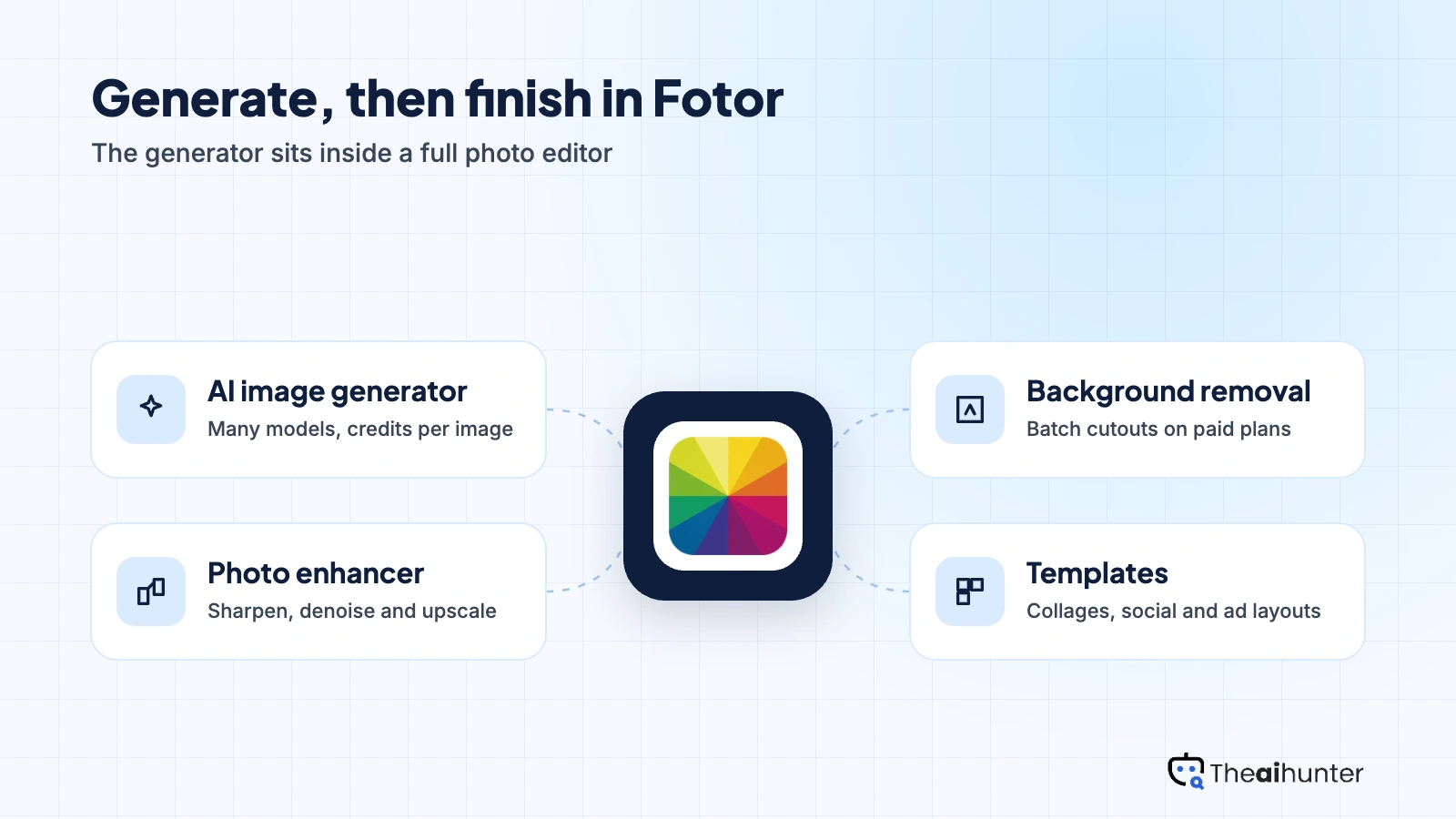
AI image generator
Text to image and image to image across a long list of models, with credits per image set by the model.
CreditsPhoto enhancer and upscaler
Sharpen, denoise and enlarge photos, including 2K and 4K output on some models.
Free, more on ProBackground removal and batch edit
Remove or replace backgrounds on many product photos at once.
Pro and above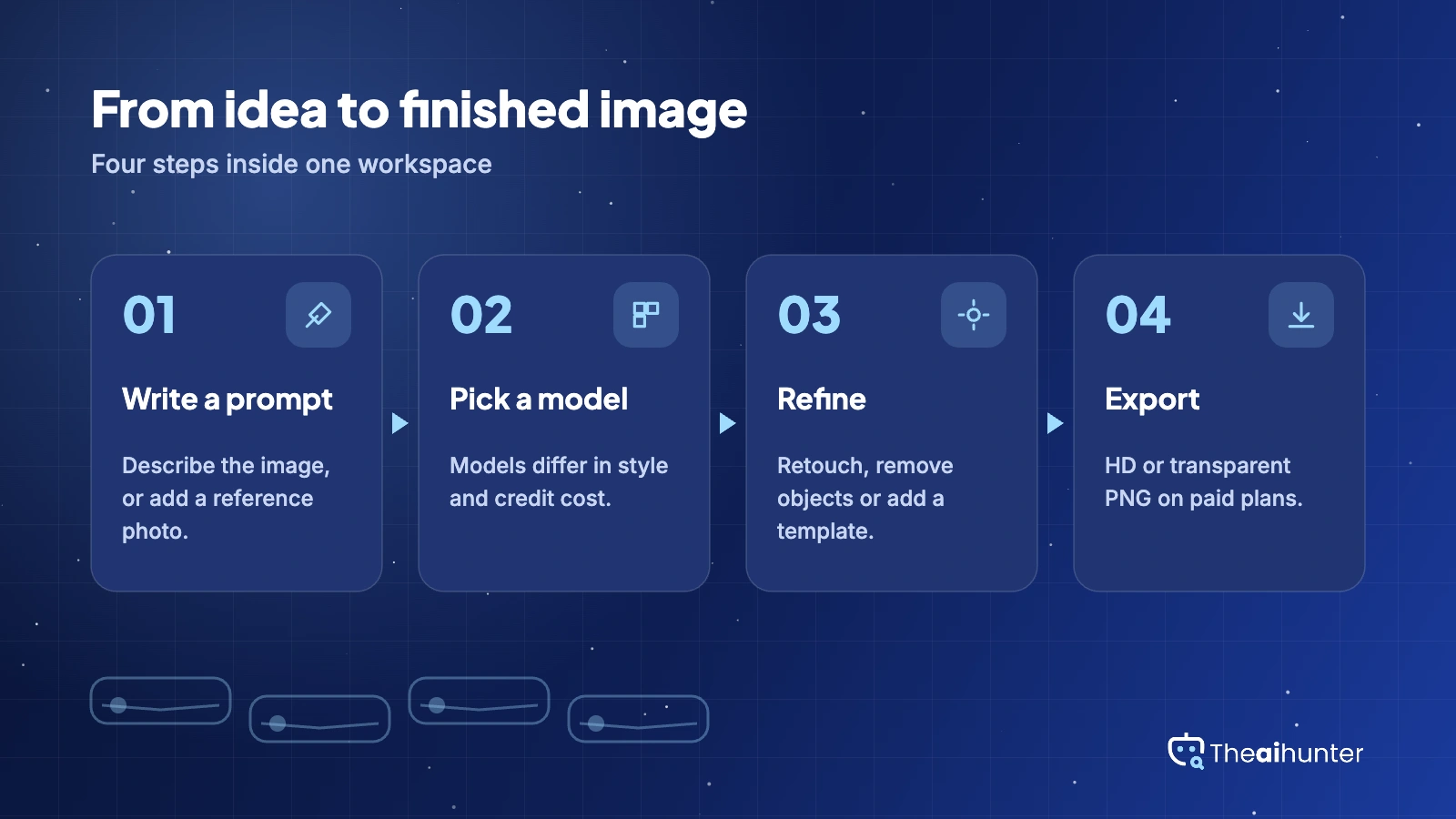
Object removal and retouching
Erase objects and clean up portraits without leaving the editor.
Free, more on ProTemplates and design tools
Collages, social templates and brand layouts for finishing the image you generated.
Free, more on paidAI video and agent tools
Short AI video clips and a chat agent for guided edits sit inside the same account.
CreditsPros and cons
Pros
- Generation and editing in one workspace
- Many models, including recent ones
- Low annual prices for Pro and Pro+
- Batch background removal for product photos
Cons
- Credits run out on heavy use
- Monthly billing costs far more than annual
- Free plan is personal use only
- Plan and pricing table is confusing
What users complain about
Reviews on features are positive. Complaints are mainly about credits, billing and the free plan.
Credits run out
Users on monthly plans report running out well before the month ends on heavy use. Fix: pick cheaper models for drafts and spend credits on finals.
Annual billing and refunds
Annual plans are billed upfront, with a 7-day refund window reported. Fix: test on the free plan or monthly first and keep the receipt.
Free plan is limited
Free credits are small and free use is personal only. Fix: use free to test, then pay before client work.
Confusing plan table
Prices load late and the plan rows are hard to compare. Fix: read the credits and concurrent generation rows before you choose.
Fotor alternatives
If you want a flat price, deeper controls or a specialist model, compare these.


Fotor FAQ
Is Fotor free?
Yes, with limits. The free plan gives a small amount of credits, one generation at a time and personal use only.
How much does Fotor cost?
Annual prices start at $3.99 a month for Pro, $5.83 for Pro+ and $13.99 for Max. Monthly billing costs more, so check the checkout price.
Can I use Fotor AI images commercially?
Yes. Fotor’s support page says AI images can be used for personal and commercial purposes. Free users get personal use only for other content.
Does Fotor charge per image?
It uses credits. Cost per image depends on the model, from about 1 credit on a basic model to 5 or more on newer ones.
Do unused Fotor credits roll over?
Yes, while you stay subscribed, for up to 5 months.
Which AI models does Fotor offer?
A long list that has included FLUX.2, Midjourney v7, Qwen and newer models. The lineup changes often.
Does Fotor remove backgrounds in bulk?
Yes. Batch background removal and replacement is listed on paid plans, and Pro+ is reported to allow larger batches.
Is Fotor good for product photos?
Yes. Background removal, upscaling and templates cover most listing images.
Is Fotor better than Midjourney?
For generating and then editing in one place, yes. For the most polished artistic images alone, Midjourney still leads.
What is the best Fotor alternative?
Leonardo AI for a free tier and editing canvas, Ideogram for text in images, and ClipDrop for quick cutouts.
How we review AI image tools
Every image tool on Theaihunter goes through the same four steps and gets the same eight scores, so any two image tool scores on this site can be compared directly.
Read the vendor’s own pages
Plans, credit and image limits, and license terms come from the product’s site first. We note the date we checked each one.
Test what we can reach
We sign up and check what the free plan and settings allow. When a login or paid credits are needed to go further, the review says what we did not test. Samples go on the page only when the license permits it.
Cross-check what users report
Independent reviews and user complaints from the last six months show what the sales page leaves out. Numbers copied across lookalike sites count once.
Score, date and update
Eight areas get a score from 1 to 5. When pricing or plans change, we recheck the review and log the change in its history.
How the score works
Each area is scored from 1 to 5. The overall score is their average, rounded to one decimal.
It is the same number on the review, the category page and anywhere else the tool appears.
- No review, no score. Tools we have not reviewed in full are never ranked.
- A strong output cannot hide unclear licensing, because each area is scored on its own.
Some links earn us a commission. A score or verdict is never changed because of one.
Prices, credits and limits are checked against the vendor’s pages and dated. When sources disagree, the review says so.
If we used a feature, we say so. If a detail comes from user reports, the review labels it as reported.
Ready to try Fotor?
Test the free plan with one prompt and one photo edit. Choose Pro on annual billing only after you know your credit use.
