

Is Dzine worth it?
Yes for regular creators who will use the editing tools and more than one model. Start on the 100 free credits, watch how fast credits drain on your own work, and only then pick Beginner or Creator.
Choose Dzine if you
- Want many top image models behind one subscription
- Edit with layers, masks and chat prompts
- Need consistent characters across a set of images
- Also make short videos in the same workspace
Look elsewhere if you
- Want a simple one-click generator
- Need a free plan you can use daily
- Plan to use video heavily on a small budget
- Need a clearly stated refund policy
Dzine scores
Eight creator-focused checks, each out of 5. The overall score is their average and matches the score shown everywhere on the site.
Output depends on the model you pick, and the list includes current top models.
Prompt results follow the chosen model, with chat editing to fix misses.
Layers, masked edits, style transfer and consistent characters give real control.
Generative fill, object removal, background swaps, an upscaler and a layer canvas.
Reviewers say the many features overwhelm new users and the canvas takes time to learn.
Commercial use is listed on paid plans. We did not find a refund policy on the pricing page.
Credits drain quickly on higher-quality models and video, and some reviewers dispute credit deductions.
New users get a one-time grant of 100 credits, with watermarks and public generations.
Dzine pricing in 2026
Dzine has four individual plans, all billed on a monthly credit balance. Annual billing saves 22 percent, and team plans are priced per seat.
| Plan | Price a month | Credits a month | Real output, roughly | What it adds |
|---|---|---|---|---|
| Beginner | $8.99 | 1,000 | 500 GPT Image 2.5 generations | Commercial use and private generation |
| CreatorBest credit rate | $24.99 | 6,000 | 3,000 GPT Image 2.5 generations | Commercial use and private generation |
| Master | $59.99 | 9,000 | Unlimited images under fair use | Commercial use and private generation |
| Master Pro | $149.99 | 30,000 | Unlimited images under fair use | Commercial use and private generation |
Monthly prices from the pricing page we read on November 18, 2026. Annual billing saves 22 percent. Credit amounts for generations are the page’s own estimates.
What a month of use really costs
A one-time grant with watermarks, public generations and no commercial use.
1,000 credits, or about 500 GPT Image 2.5 generations by the page’s estimate.
6,000 credits is the best rate per dollar on the page.
Video and top models use credits faster than basic images, so heavy video use will land well below the image estimates.
Can you use Dzine images commercially?
Paid plans list commercial use. A review from April 2026 says the free tier does not include it, and that free generations are public. Confirm the terms on the plan you buy.
| What you want to do | Free | Beginner and Creator | Master and Master Pro |
|---|---|---|---|
| Personal projects | Yes | Yes | Yes |
| Commercial use | No | Yes | Yes |
| Private generation | No | Yes | Yes |
| Unlimited image models | No | No | Yes |
| Monthly credits | One-time 100 | 1,000 to 6,000 | 9,000 to 30,000 |
| Refund policy | Not stated | Not stated | Not stated |
Free tier details come from a Vmake review, a competitor of Dzine, so treat them as a guide. Paid plan features are from the pricing page.
Dzine features
A creative workspace that wraps many models in editing tools.
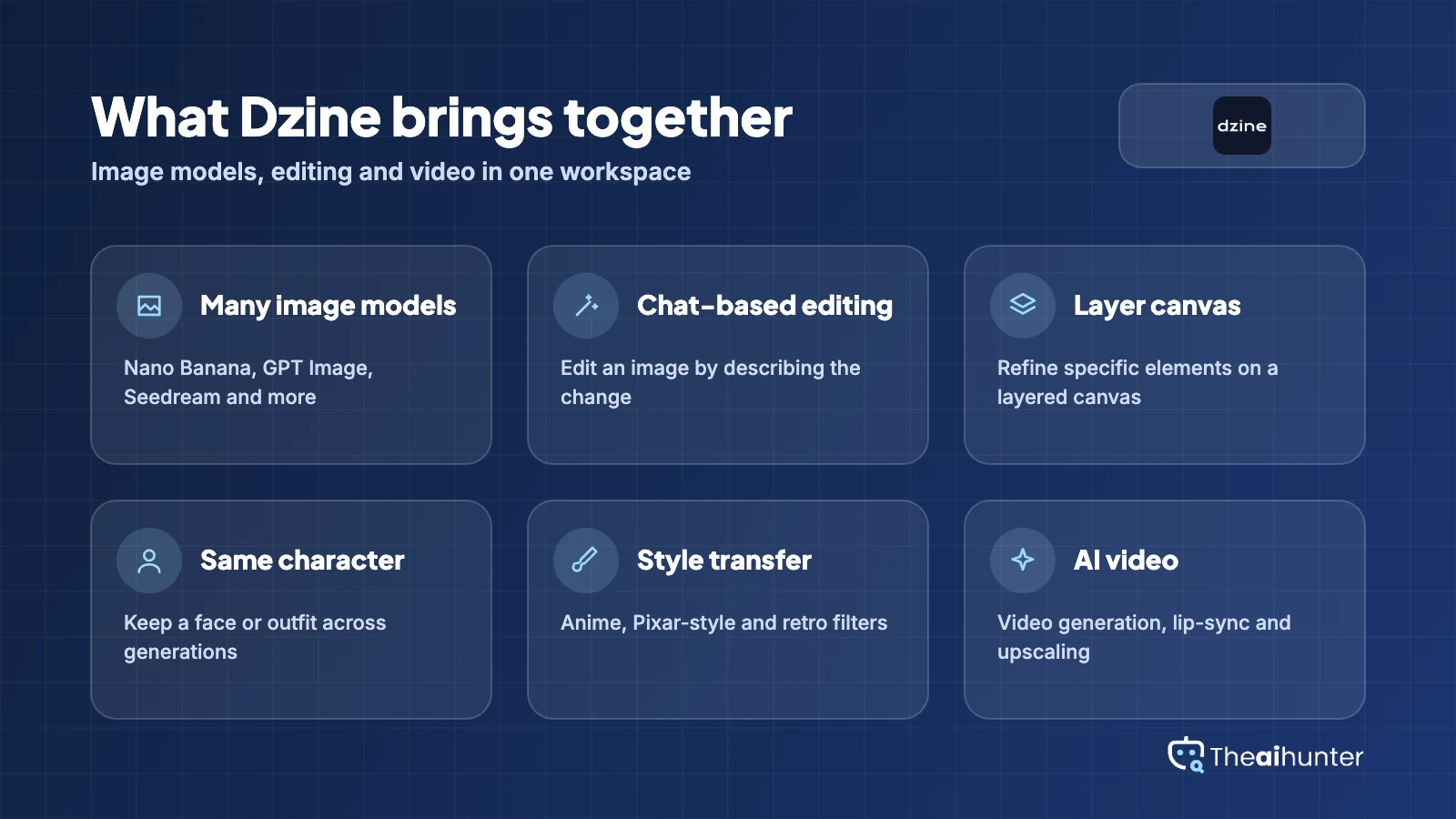
Many image models
Nano Banana, GPT Image, Seedream, Flux and more in one place.
Every planChat-based editing
Describe a change and edit an image with a prompt.
Every planLayer canvas
Refine specific parts of an image on a layered canvas.
Every plan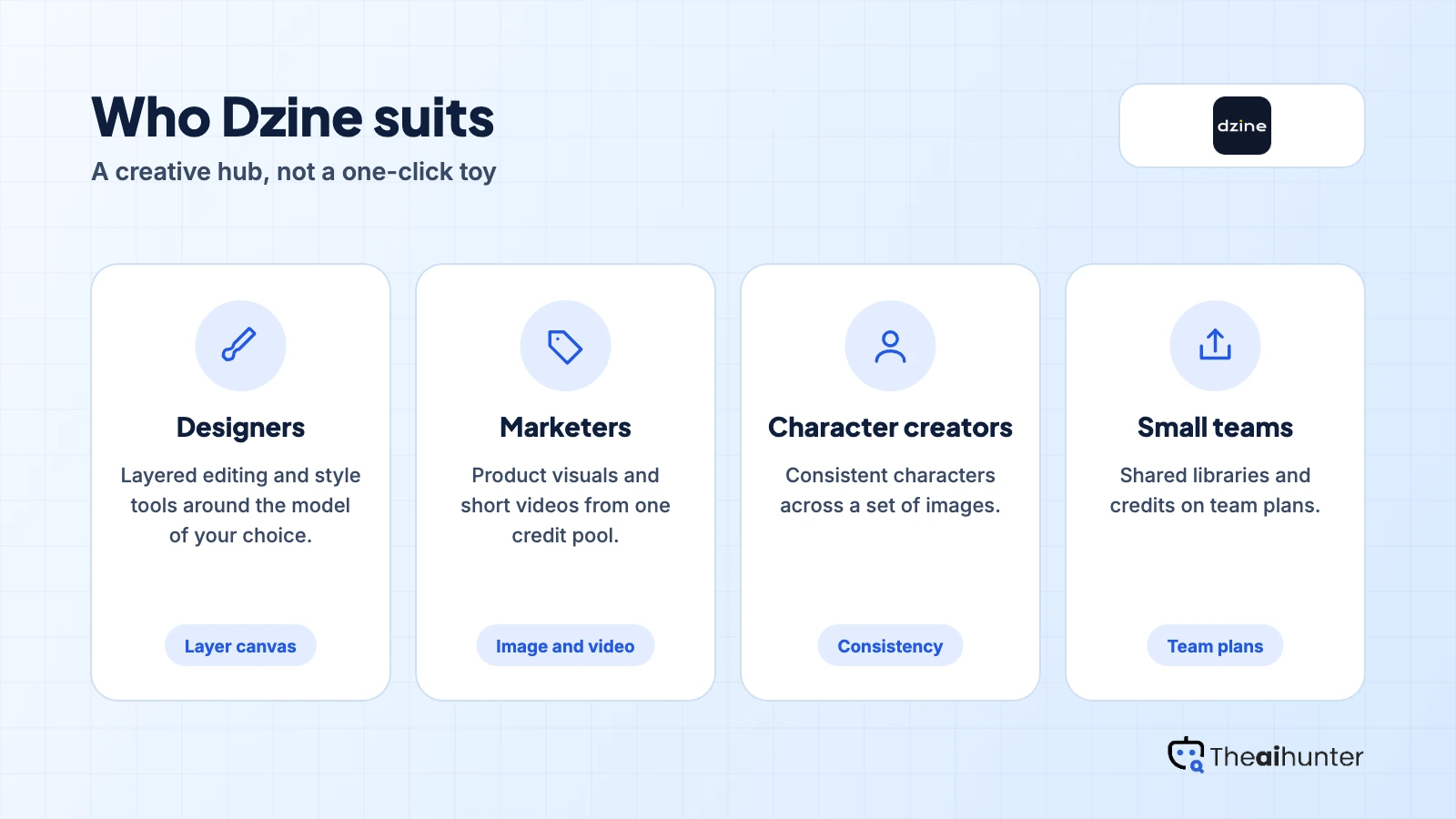
Consistent characters
Keep a face or outfit consistent across a set.
Every planStyle transfer
Anime, Pixar-style and retro looks with adjustable strength.
Every planAI video and lip-sync
Generate video, lip-sync and upscale it.
CreditsPros and cons
Pros
- Top image models and editing tools under one credit balance
- Layers, masks, chat edits and consistent characters
- Commercial use and private generation on paid plans
- Low entry price, with 22 percent off annual billing
Cons
- Credits drain fast on video and premium models
- Free tier is a one-time grant with watermarks
- Many features take time to learn
- No refund policy found on the pricing page
What users complain about
Trustpilot shows about 36 reviews and a 3.5 TrustScore, with praise for features and complaints about credits. We read them on November 18, 2026.
Credits taken after subscribing
One reviewer says credits were removed after subscribing, even though they had paid for the month.
No refund for cancelled jobs
Another reviewer says cancelled jobs do not return credits, even when a video job hung for hours.
Hard to test cheaply
One reviewer says it is hard to learn the tool without spending a lot of credits.
Many features, steep start
A review site notes the number of features can overwhelm new users.
Dzine alternatives
If you want a simpler tool or a different pricing model, these are worth a look.




Dzine FAQ
Is Dzine free?
Partly. New users get a one-time grant of 100 credits, according to a review from April 2026. Free outputs are watermarked and public, and commercial use is not included.
How much does Dzine cost?
Beginner is $8.99 a month, Creator $24.99, Master $59.99 and Master Pro $149.99. Annual billing saves 22 percent.
Can I use Dzine images commercially?
Paid plans list commercial use on the pricing page. The free tier does not include it, so upgrade before using images for work.
Was Dzine called Stylar?
Yes. Dzine was formerly Stylar AI.
Which models does Dzine include?
The pricing page lists Nano Banana, GPT Image, Seedream, Flux, Ideogram and other image models, plus video models, with unlimited use on the top plans under a fair usage policy.
How we review AI image tools
Every image tool on Theaihunter goes through the same four steps and gets the same eight scores, so any two image tool scores on this site can be compared directly.
Read the vendor’s own pages
Plans, credit and image limits, and license terms come from the product’s site first. We note the date we checked each one.
Test what we can reach
We sign up and check what the free plan and settings allow. When a login or paid credits are needed to go further, the review says what we did not test. Samples go on the page only when the license permits it.
Cross-check what users report
Independent reviews and user complaints from the last six months show what the sales page leaves out. Numbers copied across lookalike sites count once.
Score, date and update
Eight areas get a score from 1 to 5. When pricing or plans change, we recheck the review and log the change in its history.
How the score works
Each area is scored from 1 to 5. The overall score is their average, rounded to one decimal.
It is the same number on the review, the category page and anywhere else the tool appears.
- No review, no score. Tools we have not reviewed in full are never ranked.
- A strong output cannot hide unclear licensing, because each area is scored on its own.
Some links earn us a commission. A score or verdict is never changed because of one.
Prices, credits and limits are checked against the vendor’s pages and dated. When sources disagree, the review says so.
If we used a feature, we say so. If a detail comes from user reports, the review labels it as reported.
Ready to try Dzine?
Start with the free credits, then check how fast your own work uses them before you pick a plan.
