

Is Clipping Magic worth it?
For precise cutouts on product or portrait photos, yes. If you only need a quick free cutout, look elsewhere.
Choose Clipping Magic if you
- Need clean edges around hair or fine detail
- Want a manual editor on top of the auto cutout
- Process batches of product photos
- Are fine paying before you download
Look elsewhere if you
- Want a free plan with downloads
- Need a refund policy you can rely on
- Need written commercial-use terms
- Plan to pause and keep unused credits
Clipping Magic scores
Eight creator-focused checks, each out of 5. The overall score is their average and matches the score shown everywhere on the site.
G2 users rate it 4.7 from 18 reviews, and independent reviews point to hair and translucent edges as strengths.
It does not generate from prompts, so this scores on how well the automatic cutout follows the subject.
Green and red markers, a graphics mode and edge adjustments give real manual control.
Crop, rotate, color correction and shadows are included, but it is not a full photo editor.
Upload and auto cutout are quick, while manual fixes take some practice.
The pricing page does not state commercial use, fees are not refundable and credits end on cancellation.
Per-image cost falls on higher tiers, but credits are lost if you cancel.
There is no free plan. You can edit in preview but need a subscription to download.
Clipping Magic pricing in 2026
Clipping Magic sells monthly or yearly credit plans, and one credit equals one image.
| Plan | Price a month | Credits | Real output, roughly | What it adds |
|---|---|---|---|---|
| Light | $3.99 | 15 a month | About 15 cutouts a month | No bulk clipping. Yearly: $3.32 a month, billed $39.84 |
| StandardMost creators | $7.99 | 100 a month | About 100 cutouts a month | Bulk Clipping. Yearly: $6.65 a month, billed $79.80 |
| Pro | $19.99 | 500 a month | About 500 cutouts a month | Bulk Clipping. Yearly: $16.65 a month, billed $199.80 |
| Pro-1k | $29.99 | 1,000 a month | About 1,000 cutouts a month | Bulk Clipping. Bigger tiers reach 4,000 a month |
Prices from the pricing page we read on November 18, 2026. The page lists no free plan, and API access is priced separately.
What a month of use really costs
15 cutouts a month, with rollover up to 75 credits.
100 cutouts a month, plus Bulk Clipping.
500 cutouts a month, about four cents each.
One credit equals one image, and re-downloading the same result counts once. Duplicate uploads count again, and credits are lost when you cancel.
Can you use Clipping Magic images commercially?
The pricing page does not mention commercial use, so the answer is unconfirmed. Read the terms of service before you use cutouts in client work.
| What you want to do | Light | Standard | Pro |
|---|---|---|---|
| Download without a watermark | Yes | Yes | Yes |
| Bulk Clipping | No | Yes | Yes |
| Credit rollover | Yes | Yes | Yes |
| Credits kept after cancelling | No | No | No |
| Commercial use | Not stated | Not stated | Not stated |
| Refund policy | Not refundable | Not refundable | Not refundable |
We read the pricing page, not the full terms of service. The page says subscription fees are not refundable and that remaining credits are lost when a subscription ends.
Clipping Magic features
A background remover with a hands-on editor, plus bulk and API options.
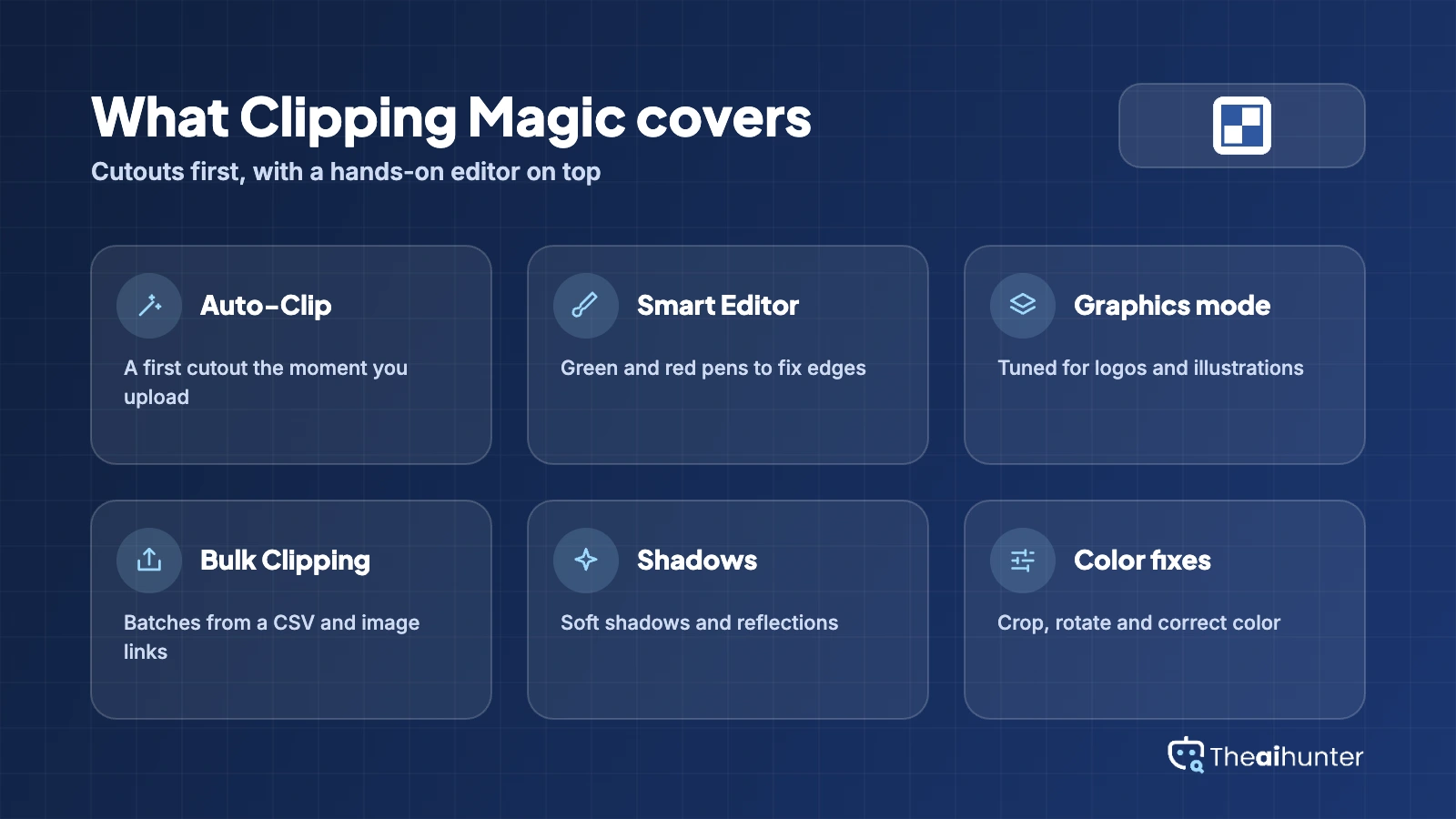
Auto-Clip
Upload an image and get a first cutout automatically.
Core toolSmart Editor
Mark areas to keep or remove with green and red pens.
Core toolGraphics mode
Tuned for logos and illustrations.
Core tool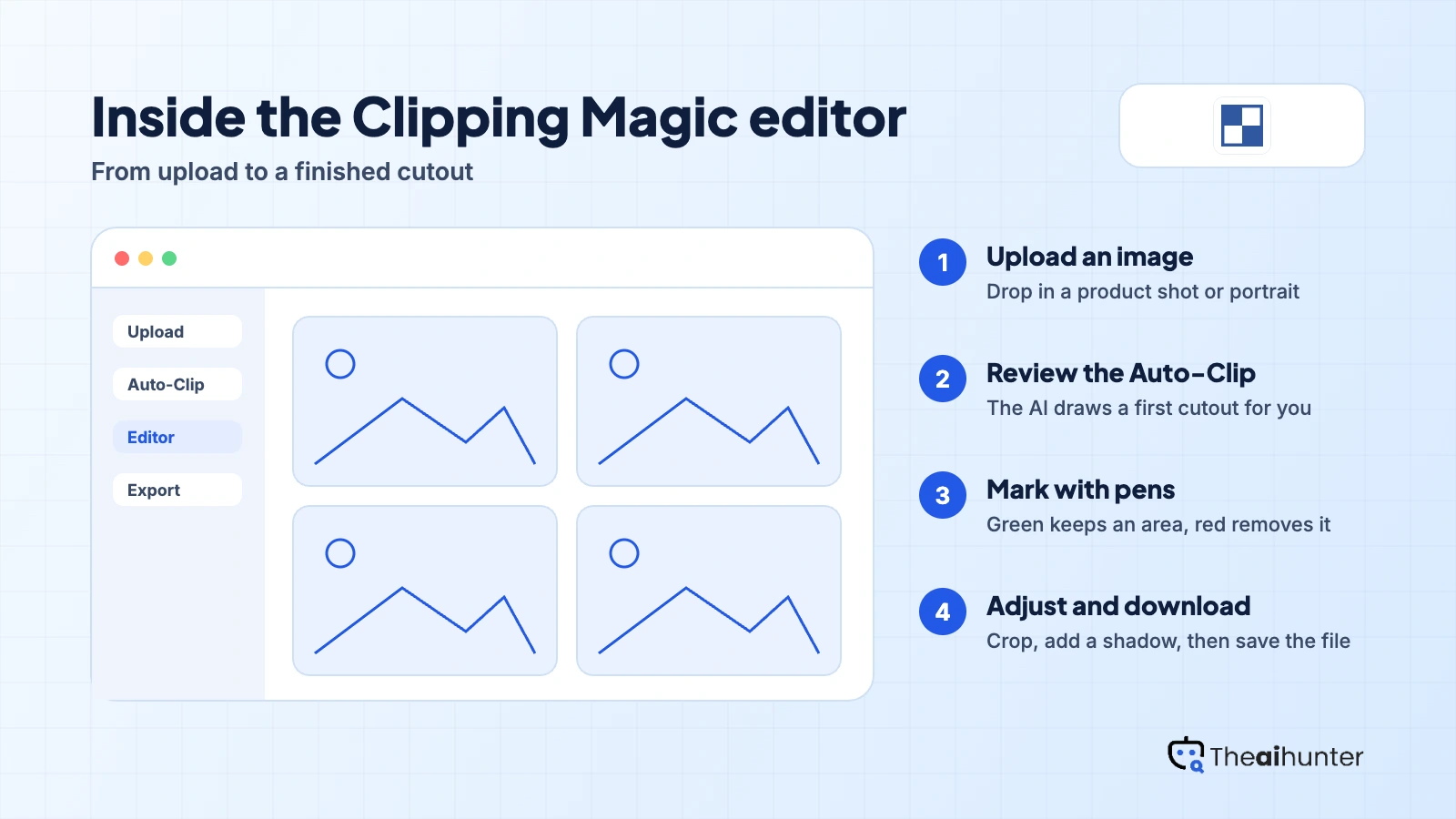
Bulk Clipping
Process many images from a CSV and image links.
Standard and upShadows and reflections
Add soft shadows and reflections to cutouts.
Core toolAPI
Sold separately for developers.
Add-onPros and cons
Pros
- Manual Smart Editor for hair and fine edges
- Bulk Clipping from the Standard plan
- Credits roll over while you stay subscribed
- G2 rating of 4.7 from 18 reviews
Cons
- No free plan, and downloads need a subscription
- Fees are not refundable
- Credits are lost when you cancel
- Commercial use is not stated
What users complain about
Clipping Magic has a small public review base, so these points come from Trustpilot and G2, read on November 18, 2026.
Charges after cancelling
A Trustpilot reviewer said charges continued after they cancelled and that a refund was refused.
Credits vanish on cancel
The pricing page says remaining credits are lost on cancellation, and a reviewer called that unfair.
Blurry results reported
One Trustpilot reviewer said the service made their images blurry.
Small Trustpilot sample
Trustpilot shows 5 reviews at 2.5, while G2 shows 4.7 from 18, so read both as rough signals.
Clipping Magic alternatives
If you want a free tier, clearer terms or a wider editor, these reviews are the closest fits.




Clipping Magic FAQ
Is Clipping Magic free?
No. You can upload and edit with a live preview, but you need a paid plan to remove the watermark and download.
How much does Clipping Magic cost?
Light starts at $3.99 a month for 15 images. Standard is $7.99 for 100, and Pro is $19.99 for 500. Yearly billing lowers the monthly price.
Do Clipping Magic credits roll over?
Yes, up to a cap that depends on the plan, such as 75 credits on Light. Remaining credits are lost if you cancel.
Can I get a refund?
The pricing page says subscription fees are not refundable. You can cancel anytime, and access runs to the end of the billing period.
Does Clipping Magic offer bulk processing?
Yes. Bulk Clipping is included from the Standard plan and works from a CSV file and image links.
Is there a Clipping Magic API?
Yes, but it is sold separately and priced on its own page, not on the main pricing page.
Can I use Clipping Magic cutouts commercially?
The pricing page does not say. Read the terms of service before you use cutouts in client work.
How we review AI image tools
Every image tool on Theaihunter goes through the same four steps and gets the same eight scores, so any two image tool scores on this site can be compared directly.
Read the vendor’s own pages
Plans, credit and image limits, and license terms come from the product’s site first. We note the date we checked each one.
Test what we can reach
We sign up and check what the free plan and settings allow. When a login or paid credits are needed to go further, the review says what we did not test. Samples go on the page only when the license permits it.
Cross-check what users report
Independent reviews and user complaints from the last six months show what the sales page leaves out. Numbers copied across lookalike sites count once.
Score, date and update
Eight areas get a score from 1 to 5. When pricing or plans change, we recheck the review and log the change in its history.
How the score works
Each area is scored from 1 to 5. The overall score is their average, rounded to one decimal.
It is the same number on the review, the category page and anywhere else the tool appears.
- No review, no score. Tools we have not reviewed in full are never ranked.
- A strong output cannot hide unclear licensing, because each area is scored on its own.
Some links earn us a commission. A score or verdict is never changed because of one.
Prices, credits and limits are checked against the vendor’s pages and dated. When sources disagree, the review says so.
If we used a feature, we say so. If a detail comes from user reports, the review labels it as reported.
Ready to try Clipping Magic?
Upload a test image to see the preview, then pick a small plan if the edges look right.
