

Is PhotoScissors worth it?
For occasional, simple cutouts, yes. For hard edges or ongoing volume, look at the alternatives first.
Choose PhotoScissors if you
- Need a few cutouts and dislike subscriptions
- Want an offline Windows or Mac app
- Work with clear, high-contrast subjects
- Can use credits within a year
Look elsewhere if you
- Need a full free plan
- Cut out hair or complex edges often
- Want a refund option
- Need written commercial-use terms
PhotoScissors scores
Eight creator-focused checks, each out of 5. The overall score is their average and matches the score shown everywhere on the site.
Results work for simple, high-contrast subjects, but one Trustpilot reviewer found them weak on harder images.
It does not generate from prompts, so this scores on how well the cutout follows the subject.
Marker tools let you keep or erase areas by hand, with little else beyond that.
You can swap in a new background, but this is not a general photo editor.
Upload, cutout and download take a few clicks in the browser or the app.
The pricing page does not state commercial use, and the desktop license runs one year.
Per-image cost drops to 3 cents at 1,000 credits, but credits expire after a year.
You can test the tool, but downloads cost credits and the page gives no trial terms.
PhotoScissors pricing in 2026
PhotoScissors sells credit packs where one credit equals one image, plus a one-year desktop license.
| Plan | Price a month | Credits | Real output, roughly | What it adds |
|---|---|---|---|---|
| 10 credits | $4.99 | One-time | About 10 cutouts | 50 cents per image |
| 200 credits | $19.99 | One-time | About 200 cutouts | 10 cents per image |
| 1,000 credits | $29.99 | One-time | About 1,000 cutouts | 3 cents per image. Desktop license: $29.99 for one year |
Prices from the pricing page we read on November 18, 2026. All prices are one-time, not monthly, and credits are valid for one year from the last purchase.
What a month of use really costs
Enough for one small project, at 50 cents per image.
About 200 cutouts at 10 cents each.
About 1,000 cutouts at 3 cents each, within one year.
One credit equals one image. Online, a credit is used on download and re-editing the same image is free. In the desktop and iOS apps, a credit is used each time you open an image.
Can you use PhotoScissors images commercially?
The pricing page makes no statement on commercial use. Read the terms of service before you use cutouts in client work.
| What you want to do | Credits | Desktop license | Bundles |
|---|---|---|---|
| Use offline | No | Yes | Yes |
| Unlimited images | No | Yes | Yes |
| Validity period | One year | One year | One year |
| Commercial use | Not stated | Not stated | Not stated |
| Cash refund | No | No | No |
| Works with the iOS app | Yes | Not stated | Not stated |
We read the pricing page, not the full terms of service. The page says credits last one year from the last purchase and that no cash refund or exchange is offered.
PhotoScissors features
A cutout tool with an offline option and a pay-per-image model.
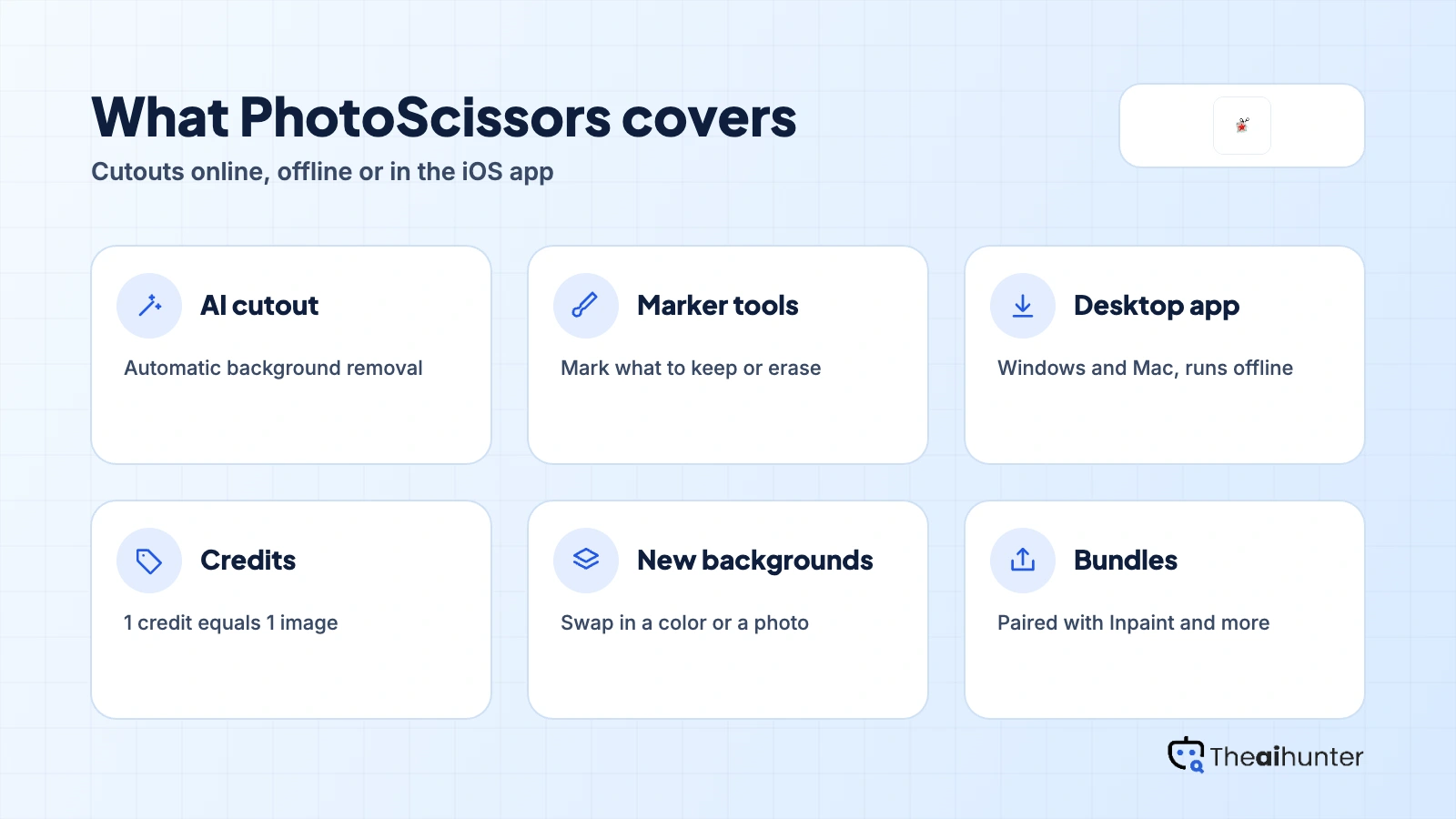
AI cutout
Removes the background automatically on upload.
Core toolMarker tools
Mark areas to keep or erase by hand.
Core toolDesktop app
Runs offline on Windows and Mac.
Desktop license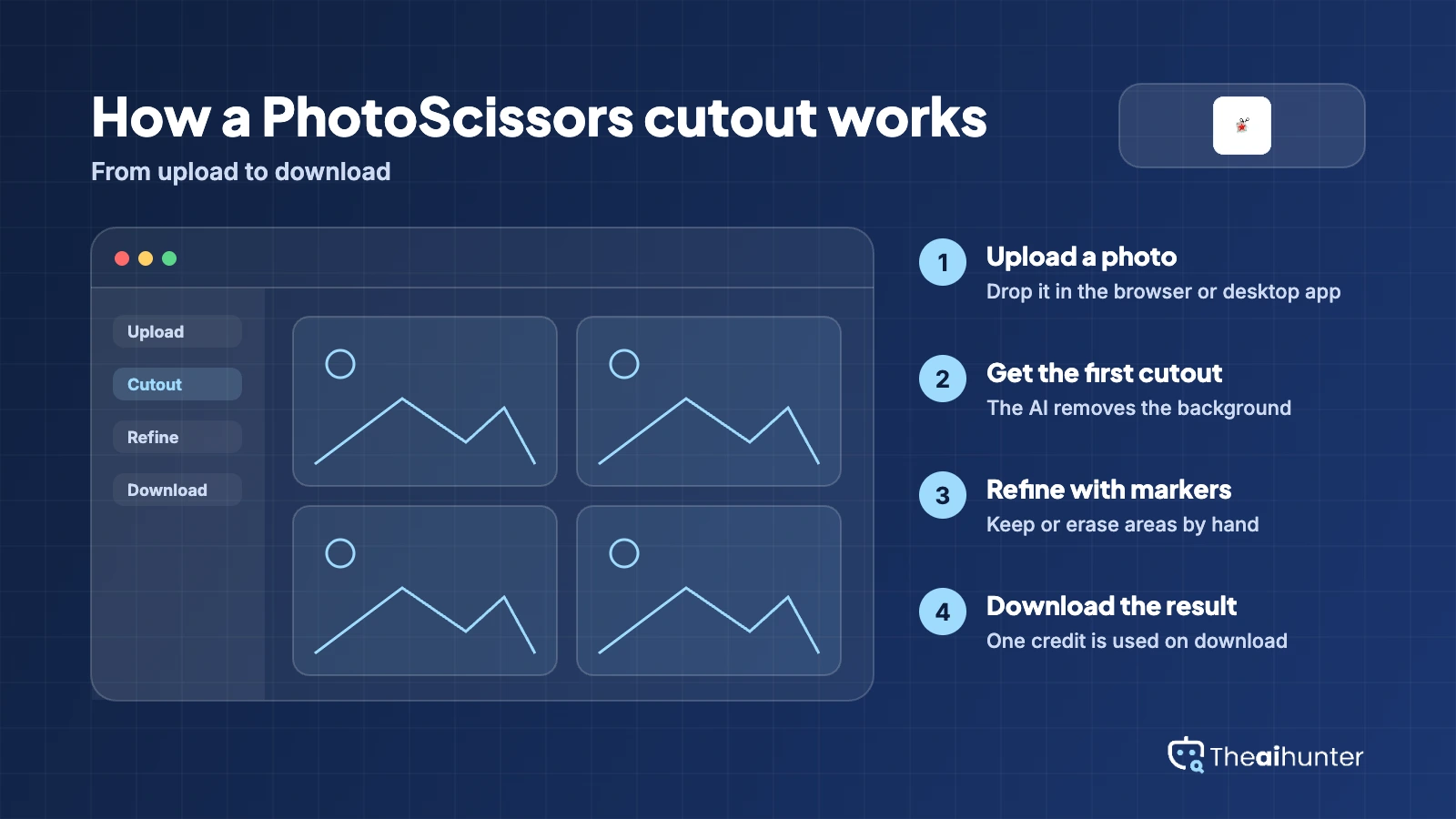
Credit packs
Buy 10 to 1,000 credits with no subscription.
CreditsBackground swap
Place the subject on a new color or photo.
Core toolBundles
Pair with Inpaint or a wider photo tool set.
BundlesPros and cons
Pros
- No subscription, pay only for the images you need
- Offline desktop app for Windows and Mac
- Re-editing an image online costs no extra credit
- Per-image cost falls to 3 cents at 1,000 credits
Cons
- Credits expire after one year
- The desktop license also lasts one year
- No cash refund or exchange
- Commercial use is not stated
What users complain about
PhotoScissors has a very small public review base, so these points come from Trustpilot, read on November 18, 2026.
Credits expiring unexpectedly
Several reviewers said unused credits expired, often after a year, and that they missed the policy.
A purchase that is a license
One reviewer found their purchase was a one-year license, not a permanent one.
Weak on harder images
One reviewer said results were weak outside simple, high-contrast images.
Only 9 reviews
Trustpilot shows 2.4 from 9 reviews and the profile is unclaimed, so treat it as a rough signal.
PhotoScissors alternatives
If you want a free tier, stronger edge handling or a broader editor, these reviews are the closest fits.




PhotoScissors FAQ
Is PhotoScissors free?
Not fully. You can test the tool, but downloading a result costs a credit. The pricing page gives no trial terms.
How much does PhotoScissors cost?
Credits start at $4.99 for 10 and run to $29.99 for 1,000. The desktop license is $29.99 and lasts one year.
Do PhotoScissors credits expire?
Yes. Credits are valid for one year from the date of your last purchase, so a new purchase extends the date.
Is the desktop version a one-time purchase?
It is billed once, but the license period is one year from purchase. Free updates last for that period.
Can I get a refund?
The pricing page says there is no cash refund or exchange once you buy.
Does PhotoScissors work offline?
Yes, the desktop app for Windows and Mac processes images offline, though activation needs an internet connection.
Can I use PhotoScissors cutouts commercially?
The pricing page does not say. Read the terms of service before you use cutouts in client work.
How we review AI image tools
Every image tool on Theaihunter goes through the same four steps and gets the same eight scores, so any two image tool scores on this site can be compared directly.
Read the vendor’s own pages
Plans, credit and image limits, and license terms come from the product’s site first. We note the date we checked each one.
Test what we can reach
We sign up and check what the free plan and settings allow. When a login or paid credits are needed to go further, the review says what we did not test. Samples go on the page only when the license permits it.
Cross-check what users report
Independent reviews and user complaints from the last six months show what the sales page leaves out. Numbers copied across lookalike sites count once.
Score, date and update
Eight areas get a score from 1 to 5. When pricing or plans change, we recheck the review and log the change in its history.
How the score works
Each area is scored from 1 to 5. The overall score is their average, rounded to one decimal.
It is the same number on the review, the category page and anywhere else the tool appears.
- No review, no score. Tools we have not reviewed in full are never ranked.
- A strong output cannot hide unclear licensing, because each area is scored on its own.
Some links earn us a commission. A score or verdict is never changed because of one.
Prices, credits and limits are checked against the vendor’s pages and dated. When sources disagree, the review says so.
If we used a feature, we say so. If a detail comes from user reports, the review labels it as reported.
Ready to try PhotoScissors?
Test one image first, then buy the smallest credit pack if the edges hold up.
