Noty AI Logo
Editor's Rating:
Noty AI is best for transcribing meetings, capturing key points, and generating follow-ups, making team collaboration and decision-making easier.
Pricing Model: Premium
Starting Price: $19.99
Noty AI Review

What is Noty AI?

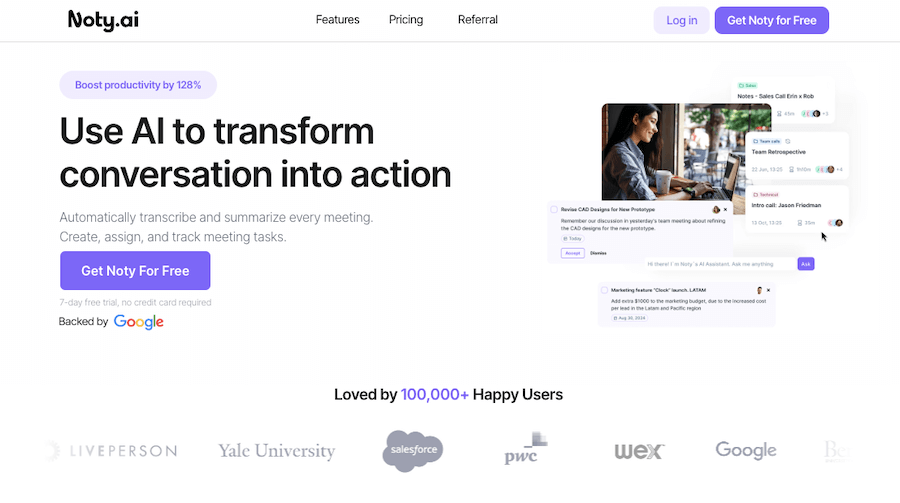
Meetings can feel like a blur, with important details slipping away the moment the call ends. That’s where Noty AI steps in. It’s an AI-powered meeting assistant that transcribes conversations in real time, captures key points, and even helps with follow-ups, all without you lifting a finger.

Whether you’re deep in a brainstorming session, managing client calls, or juggling back-to-back meetings, Noty AI ensures you never miss important details.

What makes it stand out is its ability to keep everything organized. It doesn’t just transcribe; it highlights action items, decisions, and essential points so you can quickly scan what matters most.

Instead of rewatching hour-long recordings, you get clean, structured notes that are easy to review and share. It works seamlessly with platforms like Google Meet, Zoom, and Microsoft Teams, slipping right into your workflow without disrupting how you work.

For teams, it’s a productivity boost. Meeting summaries can be shared instantly, ensuring everyone stays on the same page. Need to send a follow-up email? Noty AI can help draft one based on the conversation.

It even integrates with tools like Slack and Notion, making sure tasks and decisions move smoothly into your daily workflow. Whether you’re handling client negotiations, team discussions, or project updates, Noty AI keeps your meetings structured, clear, and actionable, so nothing gets lost in the chaos of the day.
Noty AI Review 2026: Top Features, Pricing, Pros & Cons

Noty AI: Editor's Rating

Here's a detailed breakdown of Noty AI rating based on different parameters.
Ease of Use
4.2/5
Interface feels straightforward and easy to navigate; Google Meet setup is quick and intuitive.
Features & Functionality
4.1/5
Real-time transcription, summaries, action items, and to-do lists cover core meeting needs.
Output Quality
4.0/5
Transcription and summaries are generally accurate and usable; occasional inaccuracies noted.
Performance & Speed
4.1/5
Transcripts and summaries generate quickly during and after meetings.
Customization / Controls
3.9/5
Editing options and task management controls are helpful; deeper customization is limited.
Reliability
4.0/5
Consistent real-time performance; some users report minor quirks with export and integrations.
Integrations / Export Options
4.0/5
Integrates well with Google Meet, Calendar, Docs, and Slack; export formats are solid.
Pricing & Value
3.8/5
Free plan with transcription is generous; paid tiers add export, to-do, and storage features.
Support & Resources
3.9/5
Documentation exists and support is responsive; some users want more guidance.
Privacy & Data Safety
3.9/5
Standard cloud data handling; transparency and privacy options could be clearer.
Overall rating
4.0/5
A capable AI meeting assistant that turns calls into transcriptions, summaries, and tasks with solid accuracy and useful integrations.

Noty AI Top Features

Real-Time Transcription
Captures and converts spoken words into text instantly, so you don’t have to take notes manually.
AI-Powered Summaries
Automatically highlights key points, decisions, and action items, making post-meeting reviews quick and easy.
Follow-Up Email Drafting
Generates follow-up emails based on meeting discussions, saving time on post-call communication.
Seamless Integration with Meeting Platforms
Works effortlessly with Google Meet, Zoom, and Microsoft Teams, fitting naturally into your workflow.
Smart Action Item Detection
Identifies tasks and next steps, ensuring nothing gets lost after the meeting ends.
Searchable Meeting Archives
Lets you revisit past conversations by searching for keywords, so important details are never lost.
Multi-Language Support
Transcribes meetings in multiple languages, making it useful for global teams.
Speaker Identification
Distinguishes between different speakers, ensuring clear and structured transcripts.
Integration with Productivity Tools
Syncs with Slack, Notion, and other apps to streamline collaboration.
Secure & Private Data Handling
Uses encryption to protect meeting content, ensuring confidentiality.

Noty AI Pros & Cons 2026

Pros
Transcribes meetings in real time with high accuracy.
Highlights key points, action items, and decisions automatically.
Works with Google Meet, Zoom, and Microsoft Teams.
Helps draft follow-up emails based on meeting discussions.
Integrates with Slack, Notion, and other productivity tools.
Cons
AI-generated summaries may need occasional edits for clarity.
Free plan has limited features and recording time.
Requires internet access for real-time transcription.
Not ideal for meetings with heavy technical jargon.

Noty AI Pricing 2026

Elevate your workflow with an AI Meeting Assistant.
Pro
$19.99 per user / month
Pay-as-you-go
$1 per hour

Please note that pricing information may not be up to date. For the most accurate and current pricing details, please refer to the official website.

Noty AI Use Cases

Team Meetings & Project Updates

Automatically transcribes discussions and highlights key takeaways for easy reference.

Client Calls & Sales Meetings

Captures important details and generates follow-ups to keep deals moving forward.

Research & Brainstorming Sessions

Keeps track of creative ideas, making it easy to revisit and refine them later.

Interview Documentation

Records and transcribes interviews, helping hiring teams review and compare candidates.

Legal & Compliance Record-Keeping

Ensures accurate documentation of meetings, helping teams stay compliant.

Education & Online Learning

Transcribes lectures and discussions for easy review and note-taking.

Noty AI Questions & Answers

Noty AI offers a free plan with limited features, but advanced transcription, summaries, and integrations require a paid subscription.
It provides high-accuracy real-time transcription, but background noise and unclear speech can affect results.
Yes, it can draft follow-up emails based on meeting discussions, saving time on post-meeting communication.
It works with Google Meet, Zoom, and Microsoft Teams, making it easy to integrate into daily workflows.
Yes, it uses encryption and privacy controls to keep all transcriptions and meeting data secure.

Noty AI User Reviews 2026

Overall Noty AI Rating
0.0 out of 5 stars (based on 0 reviews)
Rating Distribution
Excellent0%
Very good0%
Average0%
Poor0%
Terrible0%
Share Your Experience

Noty AI: Recent Reviews

There are no reviews yet. Be the first one to write one.

Submit Your Review For Noty AI

Pricing:
Categories:
Social

Best Noty AI Alternatives AIs

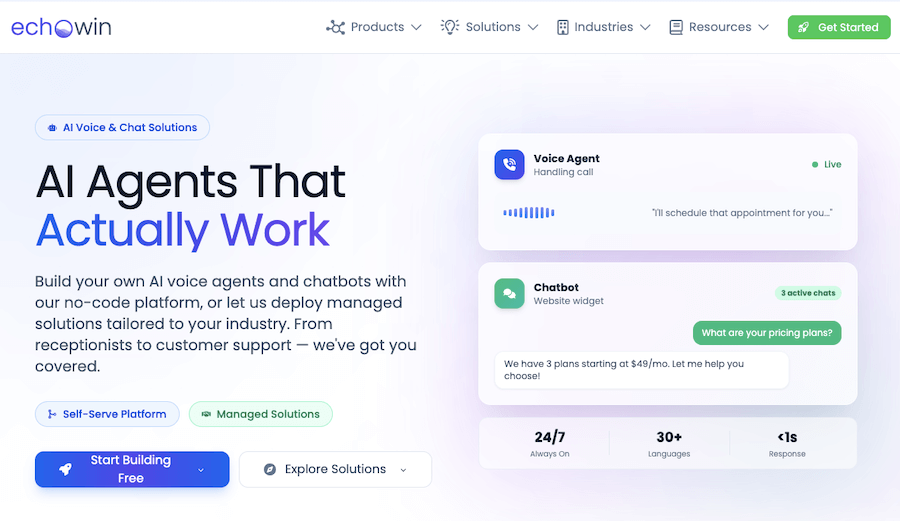
Echowin Review

Echowin

Handling phone calls can be overwhelming, especially when you’re juggling...
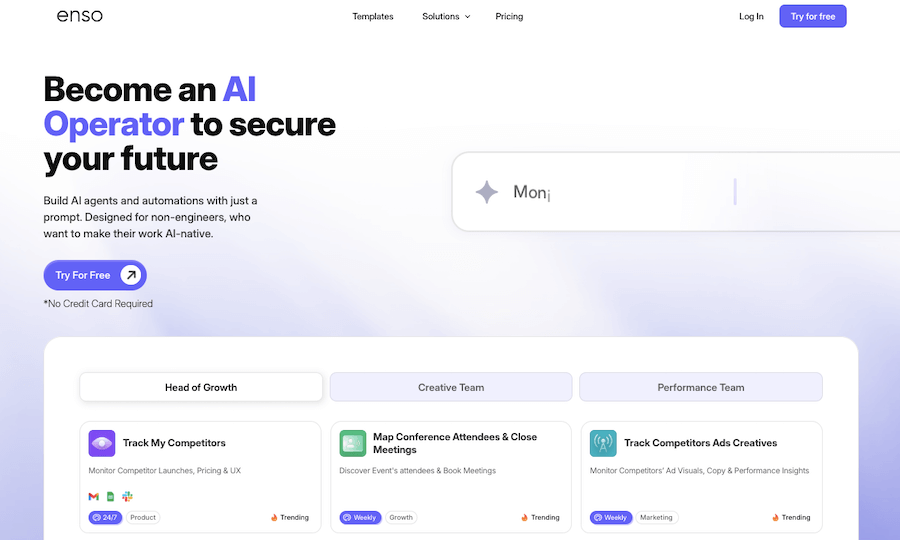
Enso Review

Enso

Enso is like having an intelligent assistant that understands what...

AI Perfect Assistant

AI Perfect Assistant is like having a personal helper that’s...
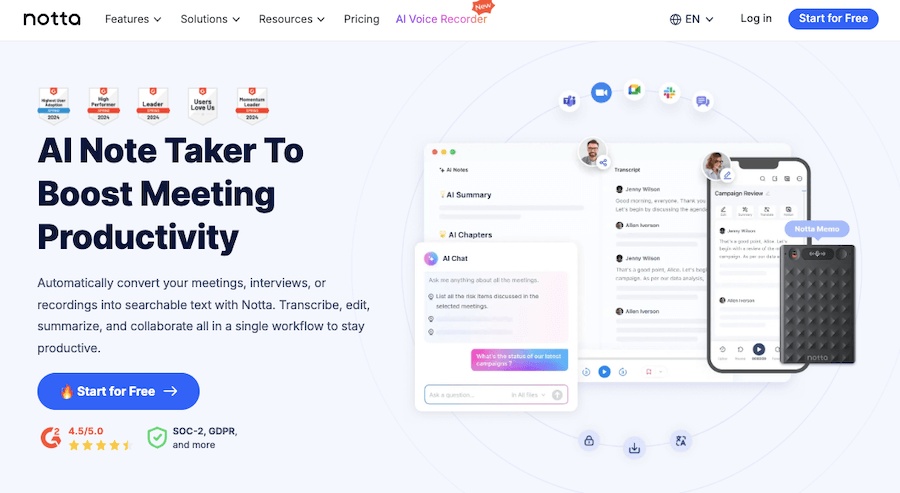
Notta AI Review

Notta AI

Notta AI is a powerful yet easy-to-use transcription tool that...
Receive the latest AI news

Learn About AI in 5 Min Daily

Get our daily email newsletter with trending AI news and top AI tools. Subscribe for FREE.

Cookie Policy

Theaihunter uses cookies

This website uses cookies to enhance user experience and to analyze performance and traffic on our website. By continuing to browse this site you are agreeing to our use of cookies.