timeOS Logo
Editor's Rating:
timeOS is best for automating meeting notes, tracking key decisions, and ensuring follow-ups are never missed—all seamlessly integrated with your calendar.
Pricing Model: Freemium
Starting Price: $29
timeOS Review

What is timeOS?

Keeping track of meetings, notes, and action items can be a mess, but timeOS makes it all feel effortless. It’s an AI-powered tool that works right inside your calendar, making meetings smarter and follow-ups smoother.

Instead of scrambling to take notes or remembering what was discussed, timeOS automatically transcribes conversations, pulls out key points, and even suggests action items. It’s like having an extra brain that organizes everything while you focus on the actual discussion.

What makes timeOS stand out is how seamlessly it fits into your workflow. It syncs with your Google or Outlook calendar, works across different meeting platforms, and captures every important detail without you lifting a finger.

It can summarize meetings in real time, highlight decisions, and even integrate with tools like Notion and Slack to keep your team in the loop. No more digging through emails or asking, “What did we decide in that meeting?” the answers are already there, neatly structured and easy to review.

For teams juggling multiple meetings, it’s a lifesaver. It keeps track of past conversations, ensures follow-ups don’t slip through the cracks, and even helps prepare for upcoming discussions by surfacing relevant notes.

And if you ever miss a meeting, you can catch up in minutes instead of sitting through a long recording. With timeOS, meetings finally feel productive instead of like a black hole where time disappears.
timeOS Review 2026: Top Features, Pricing, Pros & Cons

timeOS Top Features

AI-Powered Meeting Notes
Automatically transcribes conversations and captures key points, so you don’t have to take notes.
Real-Time Summarization
Get instant summaries of meetings, highlighting decisions, tasks, and important discussions.
Action Item Detection
Identifies tasks and next steps from meetings, ensuring follow-ups don’t slip through the cracks.
Seamless Calendar Integration
Works directly with Google Calendar and Outlook, making it easy to access meeting insights.
Multi-Platform Compatibility
Supports Zoom, Google Meet, Microsoft Teams, and other major video conferencing tools.
Collaboration with Productivity Apps
Syncs with Notion, Slack, and other tools to keep teams aligned without extra effort.
AI-Powered Reminders
Sends automatic reminders about upcoming meetings and past discussions.
Searchable Meeting History
Find past conversations instantly with AI-driven search, instead of scrolling through long recordings.
Meeting Insights & Analytics
Provides insights on meeting efficiency, helping teams reduce unnecessary calls.
Secure & Private AI Processing
Uses advanced security measures to keep meeting data private and protected.

timeOS Pros & Cons 2026

Pros
Automatically transcribes and summarizes meetings.
Integrates with Google Calendar, Outlook, Notion, Slack, and more.
Extracts key decisions and action items in real time.
Helps teams stay organized without manual note-taking.
Saves time by making meeting follow-ups effortless.
Cons
Works mainly with scheduled meetings, not casual conversations.
AI-generated summaries may need occasional review.
Requires calendar access, which some may find a privacy concern.
Limited compatibility with certain video conferencing tools.

timeOS Pricing 2026

timeOS offers a free plan with up to 10 AI meetings when you sign up. You can get more credits by subscribing and referring your friends. Here are details of their plans
Pro
$29 Per person/month billed monthly
Business
$39 Per person/month billed monthly

Please note that pricing information may not be up to date. For the most accurate and current pricing details, please refer to the official website.

timeOS Use Cases

Team Meetings & Follow-Ups

Ensure every discussion is documented, and follow-ups are automatically assigned.

Client Calls & Sales Meetings

Capture key takeaways from client conversations without worrying about note-taking.

Project Management

Keep track of project updates, action items, and decisions across multiple meetings.

Interview Recording & Summarization

Easily review interview discussions without having to relisten to long recordings.

Research & Brainstorming Sessions

Summarize key ideas and insights from collaborative brainstorming meetings.

Catching Up on Missed Meetings

Instantly review past discussions without sitting through entire recordings.

timeOS Questions & Answers

timeOS offers a free plan with limited features, but advanced AI-powered meeting notes and integrations require a paid subscription.
It uses AI to transcribe meetings, summarize key discussions, and highlight action items automatically, working across various video conferencing platforms.
Yes, it connects with Notion, Slack, Google Calendar, and other apps to streamline workflows and keep teams organized.
Yes, you can use it to capture notes from in-person discussions by recording audio and letting the AI generate summaries.
timeOS uses advanced encryption and security measures to protect meeting data and ensure privacy.

timeOS User Reviews 2026

Overall timeOS Rating
0.0 out of 5 stars (based on 0 reviews)
Rating Distribution
Excellent0%
Very good0%
Average0%
Poor0%
Terrible0%
Share Your Experience

timeOS: Recent Reviews

There are no reviews yet. Be the first one to write one.

Submit Your Review For timeOS

Pricing:
Categories:
Social

Best timeOS Alternatives AIs

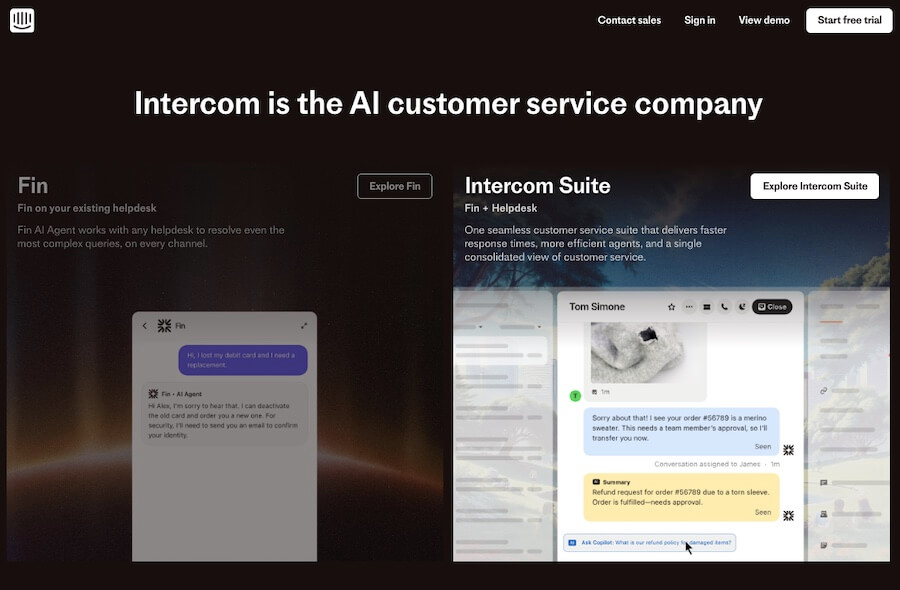
Intercom

Intercom

tercom AI Agent is an advanced support assistant designed to...
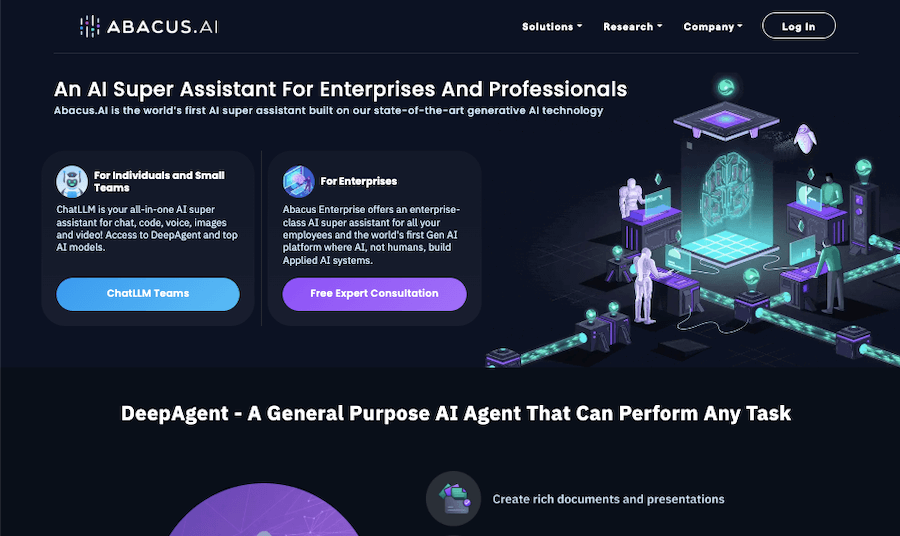
Abacus AI Review

Abacus AI

Abacus.AI is a platform that helps businesses bring artificial intelligence...
Lindy AI Review

Lindy AI

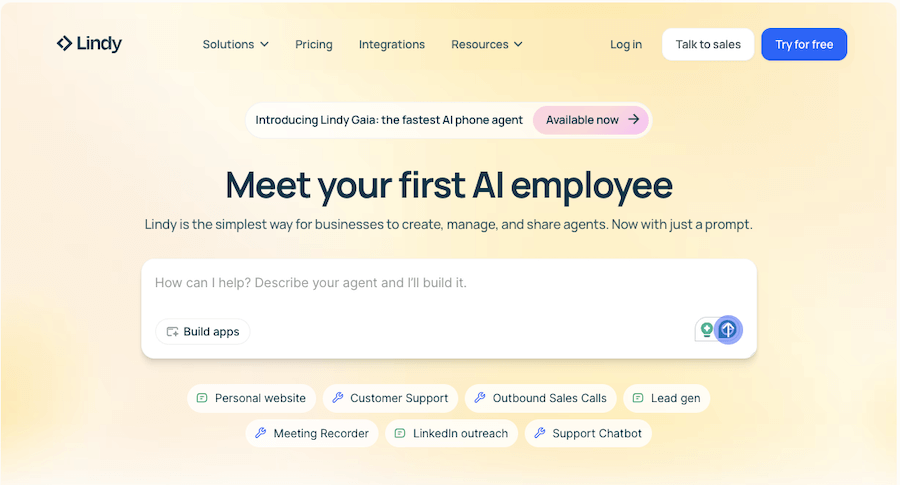
Lindy AI is an intelligent personal assistant designed to handle...
Tome AI Review

Tome

Sometimes, putting together a presentation, pitch, or visual story feels...
Receive the latest AI news

Learn About AI in 5 Min Daily

Get our daily email newsletter with trending AI news and top AI tools. Subscribe for FREE.

Cookie Policy

Theaihunter uses cookies

This website uses cookies to enhance user experience and to analyze performance and traffic on our website. By continuing to browse this site you are agreeing to our use of cookies.