Editor's Rating:
Otter AI is best for automatically transcribing meetings, interviews, and lectures in real time, making note-taking effortless and keeping conversations organized.
Pricing Model: Freemium
Starting Price: $16.99
Otter AI Review

What is Otter AI?

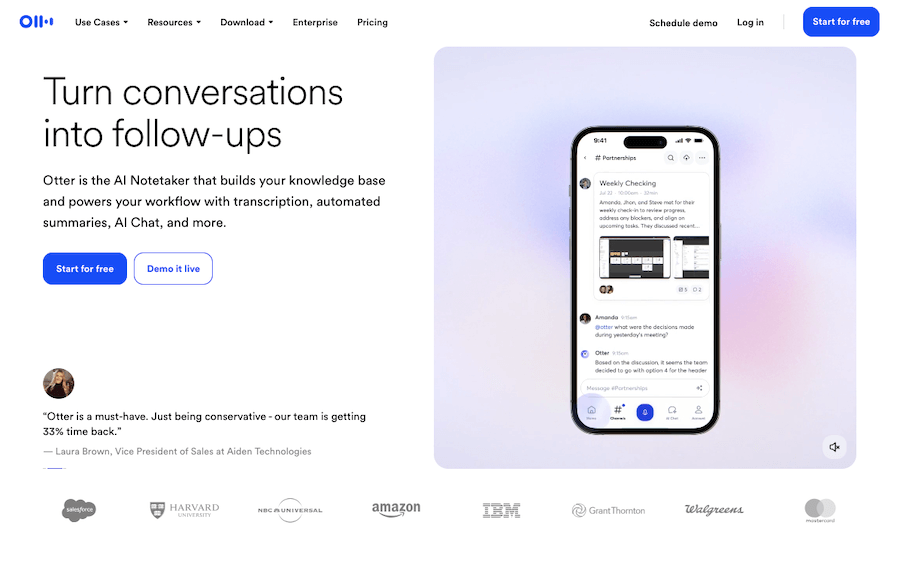
Otter AI is a smart transcription tool that listens, writes, and organizes conversations in real time. Whether you’re in a meeting, attending a lecture, or conducting an interview, Otter AI captures every word and turns it into accurate, searchable text instantly.

No more struggling to take notes while trying to stay engaged, Otter AI does the heavy lifting for you.

One of its standout features is its ability to transcribe live conversations with impressive accuracy. It not only converts speech to text but also identifies different speakers, making it easy to follow who said what.

And if you ever need to go back and find something specific, the searchable transcripts save a ton of time. Just type in a keyword, and Otter AI instantly pulls up the exact moment in the conversation.

It syncs smoothly with Zoom, Microsoft Teams, and Google Meet, automatically generating meeting notes without any extra effort. You don’t even have to be present; Otter AI can join virtual meetings, take notes, and share them with your team, making sure no detail gets lost.

Plus, it allows you to highlight key points, add comments, and even insert images, turning simple transcripts into organized, shareable notes.

For professionals, students, and teams, this tool makes work so much easier. Instead of spending hours replaying recordings and writing summaries, you can focus on discussions while Otter AI handles the documentation.

Whether you’re capturing ideas, keeping track of important details, or ensuring no information slips through the cracks, Otter AI helps you stay productive without the stress of manual note-taking.
Show More

Otter AI Review 2026: Top Features, Pricing, Pros & Cons

Otter AI: Editor's Rating

Here's a detailed breakdown of Otter AI rating based on different parameters.
Ease of Use
4.4/5
Very easy to set up and use; recordings and transcripts start with minimal effort.
Features & Functionality
4.2/5
Strong transcription, summaries, highlights, and search; deeper workflows are limited.
Output Quality
4.3/5
Accurate transcripts for clear audio; struggles with heavy accents or overlap.
Performance & Speed
4.1/5
Live transcription is smooth; longer meetings take slightly more time to process.
Customization / Controls
3.7/5
Basic controls available; limited flexibility for summaries and automation.
Reliability
4.2/5
Consistently records meetings; occasional missed joins reported.
Integrations / Export Options
4.0/5
Works well with Zoom, Google Meet, Teams, Slack, and calendars.
Pricing & Value
3.8/5
Free plan is useful; paid tiers feel pricey for solo users.
Support & Resources
3.9/5
Helpful documentation; support speed varies by plan.
Privacy & Data Safety
4.1/5
Solid security standards; finer data controls could improve.
Overall Rating
4.2/5
A dependable AI meeting assistant with excellent transcription quality.

Otter AI Top Features

Real-Time Transcription
Otter AI instantly converts spoken words into text, making it easy to follow conversations without taking notes.
Speaker Identification
Automatically detects and labels different speakers, so you always know who said what in a conversation.
Syncs with Zoom, Microsoft Teams & Google Meet
Directly integrates with popular meeting platforms, generating automatic meeting notes without extra effort.
Searchable Transcripts
Find key information quickly by searching specific words or phrases within transcripts.
Highlight & Comment Features
Mark important sections and add comments to keep notes clear, structured, and easy to review.
Voice Recording & Playback
Records audio while transcribing, allowing you to play back conversations and verify details anytime.
Custom Vocabulary
Add industry-specific or unique terms to improve transcription accuracy for specialized discussions.
Auto-Summarization
Generates short summaries of meetings and lectures, saving time on manual note organization.
Cloud Sync & Access
All transcripts are stored in the cloud, making them accessible from any device, anytime.
Team Collaboration
Share transcripts with team members, assign highlights, and keep everyone on the same page effortlessly.

Otter AI Pros & Cons 2026

Pros
Real-time transcription with high accuracy.
Identifies and separates different speakers.
Syncs with Zoom, Microsoft Teams, and Google Meet.
Searchable transcripts for quick information retrieval.
Allows highlights, comments, and image inserts.
Saves time on manual note-taking and documentation.
Cons
Accuracy may drop with heavy accents or background noise.
Requires an internet connection for live transcription.
Speaker identification isn’t always perfect.
Free plan has limited transcription minutes.

Otter AI Pricing 2026

You can get transcripts, automated summaries, action items, and chat with Otter to get answers from your meetings with Otter AI Assistant. Choose Free or Paid plan as per your needs. Check out their plans
Basic
Free
Pro
$16.99 USD per user Billed Monthly
Business
$30 USD per user Billed Monthly
Enterprise
Custom

Please note that pricing information may not be up to date. For the most accurate and current pricing details, please refer to the official website.

Otter AI Use Cases

Business Meetings

Capture key discussions, decisions, and action points without missing a detail.

Interviews & Journalism

Transcribe interviews in real time, making content creation faster and more efficient.

Online Classes & Lectures

Students can focus on learning while Otter AI records and transcribes lessons for later review.

Team Collaboration

Automatically generate and share meeting notes so everyone stays aligned on projects.

Legal & Medical Documentation

Professionals can quickly transcribe important conversations and consultations for record-keeping.

Content Creation & Research

Writers and researchers can easily convert spoken ideas into written text, streamlining workflow.

Otter AI Questions & Answers

Otter AI delivers high accuracy, especially in clear audio conditions, but accuracy may drop with heavy accents, fast speech, or background noise.
Yes, it integrates with Zoom, Microsoft Teams, and Google Meet to automatically transcribe meetings and generate notes.
Yes, it can differentiate and label speakers, though accuracy may vary depending on voice clarity and number of participants.
Otter AI offers a free plan with limited transcription minutes, while paid plans provide more features and higher usage limits.
Yes, you can edit transcripts, highlight key points, add comments, and share them with team members for collaboration.

Otter AI User Reviews 2026

Overall Otter AI Rating
0.0 out of 5 stars (based on 0 reviews)
Rating Distribution
Excellent0%
Very good0%
Average0%
Poor0%
Terrible0%
Share Your Experience

Otter AI: Recent Reviews

There are no reviews yet. Be the first one to write one.

Submit Your Review For Otter AI

Pricing:
Categories:
Social

Best Otter AI Alternatives AIs

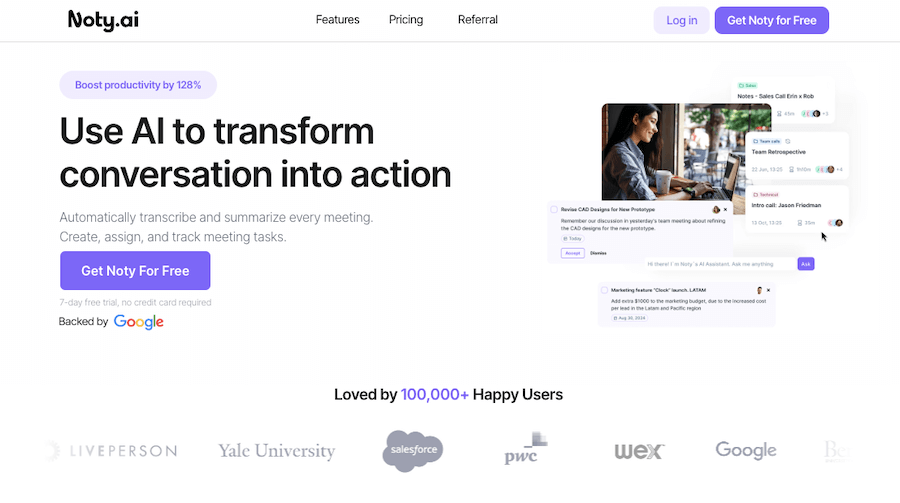
Noty AI Review

Noty AI

Meetings can feel like a blur, with important details slipping...
Echowin Review

Echowin

Handling phone calls can be overwhelming, especially when you’re juggling...
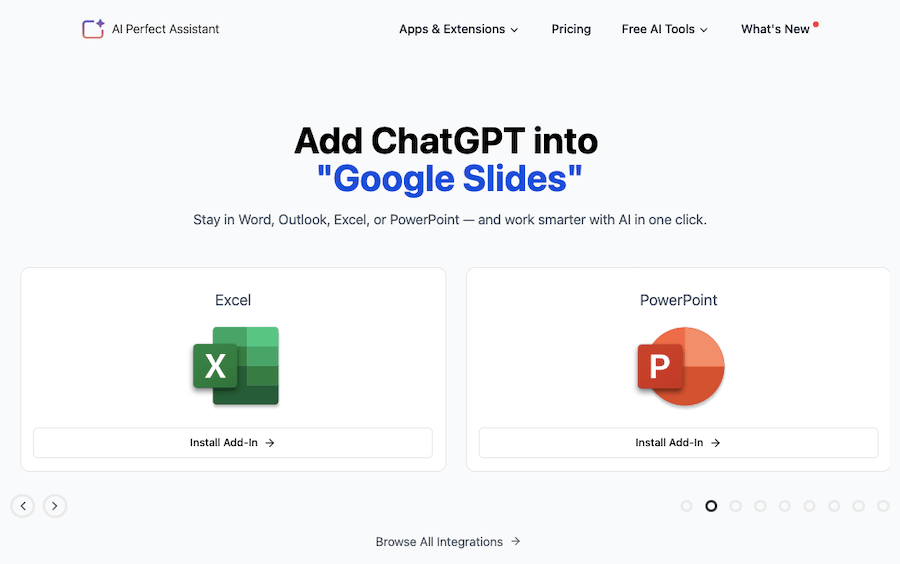
Enso Review

Enso

Enso is like having an intelligent assistant that understands what...

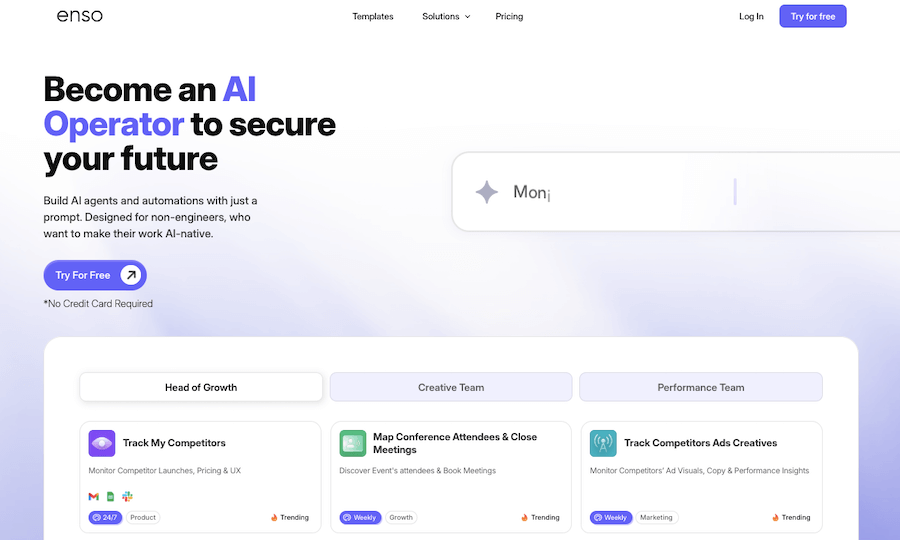
AI Perfect Assistant

AI Perfect Assistant is like having a personal helper that’s...
Receive the latest AI news

Learn About AI in 5 Min Daily

Get our daily email newsletter with trending AI news and top AI tools. Subscribe for FREE.

Cookie Policy

Theaihunter uses cookies

This website uses cookies to enhance user experience and to analyze performance and traffic on our website. By continuing to browse this site you are agreeing to our use of cookies.