
Motion Logo
Editor's Rating:
Rate It
Motion AI Assistant is best for automatically scheduling tasks, meetings, and projects, helping individuals and teams stay organized and maximize productivity effortlessly.
Pricing Model: Premium
Starting Price: $19
Motion AI Review

What is Motion?

Keeping track of tasks, meetings, and deadlines can feel overwhelming, but Motion AI Assistant makes it easier. It’s an intelligent scheduling and task management tool that plans your day automatically, helping you stay productive without the stress of manually organizing everything.

Whether you have back-to-back meetings, urgent deadlines, or a long to-do list, Motion figures out the best way to structure your time so you can focus on getting things done.

What makes Motion so useful is how it combines a smart calendar, task manager, and project planning in one place. Instead of juggling different apps, you get a single tool that schedules your meetings, arranges your tasks into your day, and ensures you’re not overbooked.

It automatically prioritizes work based on urgency and deadlines, making sure nothing slips through the cracks. If something changes, Motion adapts, rescheduling tasks and meetings to keep your day balanced.

It’s perfect for individuals who want to manage their time better, but it’s also a lifesaver for teams. Shared project planning keeps everyone on track, adjusting schedules in real-time so deadlines are met without last-minute chaos.

With integrations for Google Calendar, Outlook, and other essential work tools, Motion fits into your workflow seamlessly.

Instead of spending time deciding what to do next, you just open Motion and follow the plan. It takes the mental load off scheduling, letting you focus on deep work while ensuring meetings and tasks are handled efficiently.

Whether you’re an entrepreneur, a busy professional, or part of a fast-moving team, Motion keeps everything organized so you can be productive without feeling overwhelmed.


Show More

Motion Review 2026: Top Features, Pricing, Pros & Cons

Motion: Editor's Rating

Here's a detailed breakdown of Motion rating based on different parameters.
Ease of Use
4.3/5
Onboarding is straightforward; UI is intuitive once learned.
Features & Functionality
4.2/5
All-in-one AI calendar, task, project and meeting management.
Output Quality
4.1/5
Smart scheduling and task planning mostly accurate and helpful.
Performance & Speed
4.0/5
Responsive overall; occasional minor bugs reported.
Customization / Controls
3.9/5
Flexible scheduling options; deeper project settings could expand.
Reliability
4.0/5
Solid daily use; some users mention occasional glitches.
Integrations / Export Options
4.0/5
Works well with calendars and core tools; broader native integrations limited.
Pricing & Value
3.8/5
Pricing feels premium for smaller teams; free testing available.
Support & Resources
3.9/5
Helpful guides; some users wish onboarding support was stronger.
Privacy & Data Safety
4.0/5
Standard security practices; enterprise grade compliance available.
Overall rating
4.1/5
Strong AI productivity suite with room to refine pricing and deeper integrations

Motion Top Features

AI-Powered Task Scheduling
Motion automatically plans your tasks based on priority and deadlines, so you don’t have to figure out what to do next.
Smart Calendar Management
Meetings, deadlines, and tasks are scheduled seamlessly, ensuring you never double-book or overload your day.
Real-Time Schedule Adjustments
If priorities shift, Motion instantly reschedules tasks and meetings to keep your workflow smooth.
Integrated Task Manager
You can track, organize, and manage tasks in one place, reducing the need for multiple productivity apps.
Project Planning for Teams
Teams can collaborate efficiently, with shared project timelines and automatic adjustments based on workload.
Deadline and Priority Automation
Tasks are ranked by urgency, so you never miss an important deadline.
Google Calendar and Outlook Integration
Syncs with your existing calendars to fit seamlessly into your workflow.
Focus Mode for Deep Work
Blocks distractions by scheduling uninterrupted time for high-priority tasks.
Meeting Time Optimization
Finds the best time slots for meetings, ensuring they don’t disrupt focus time.
Mobile and Desktop Accessibility
Manage your schedule from anywhere with a fully functional web and mobile app.

Motion Pros & Cons 2026

Pros
Automatically schedules tasks and meetings.
Combines calendar, task management, and project planning.
Prioritizes tasks based on deadlines and urgency.
Adapts schedules in real-time when changes occur.
Integrates with Google Calendar, Outlook, and other tools.
Helps teams collaborate with shared project planning.
Cons
Can feel too automated for users who prefer manual planning.
Limited customization in task prioritization.
Mobile app functionality is less advanced than desktop.
Learning curve for new users adjusting to AI scheduling.

Motion Pricing 2026

Automatically plan your day based on your tasks and priorities with the help of Motion AI Assistant. Check out details of their plans
Individual
$19/Month
Business Standard
$12/Month
Business Pro
Custom

Please note that pricing information may not be up to date. For the most accurate and current pricing details, please refer to the official website.

Motion Use Cases

Automating Daily Schedules

Motion plans your day by scheduling tasks and meetings efficiently without manual effort.

Managing Deadlines and Priorities

It prioritizes urgent tasks and adjusts your schedule to ensure nothing is forgotten.

Organizing Team Projects

Teams can track progress, manage deadlines, and stay aligned with real-time schedule updates.

Avoiding Calendar Conflicts

Prevents overlapping meetings and ensures a balanced schedule.

Blocking Focus Time

Automatically reserves uninterrupted work sessions to help you stay productive.

Streamlining Remote Team Collaboration

Helps remote teams stay on the same page by optimizing schedules across time zones.

Motion Questions & Answers

Motion AI Assistant is a scheduling and task management tool that uses AI to automatically plan your day, prioritize tasks, and optimize meetings for better productivity.
Motion offers a free trial, but full access requires a paid subscription, which includes AI-powered scheduling, task management, and team collaboration features.
Yes, Motion syncs with Google Calendar and Outlook, allowing users to manage their schedules seamlessly across different platforms.
Yes, Motion provides project planning features, allowing teams to track tasks, deadlines, and workloads with automatic scheduling adjustments.
Yes, Motion offers both web and mobile apps, making it easy to manage schedules and tasks from anywhere.

Motion User Reviews 2026

Overall Motion Rating
0.0 out of 5 stars (based on 0 reviews)
Rating Distribution
Excellent0%
Very good0%
Average0%
Poor0%
Terrible0%
Share Your Experience

Motion: Recent Reviews

There are no reviews yet. Be the first one to write one.

Submit Your Review For Motion

Pricing:
Categories:
Social

Best Motion Alternatives AIs

Noty AI Review

Noty AI

Meetings can feel like a blur, with important details slipping...
Echowin Review

Echowin

Handling phone calls can be overwhelming, especially when you’re juggling...
Enso Review

Enso

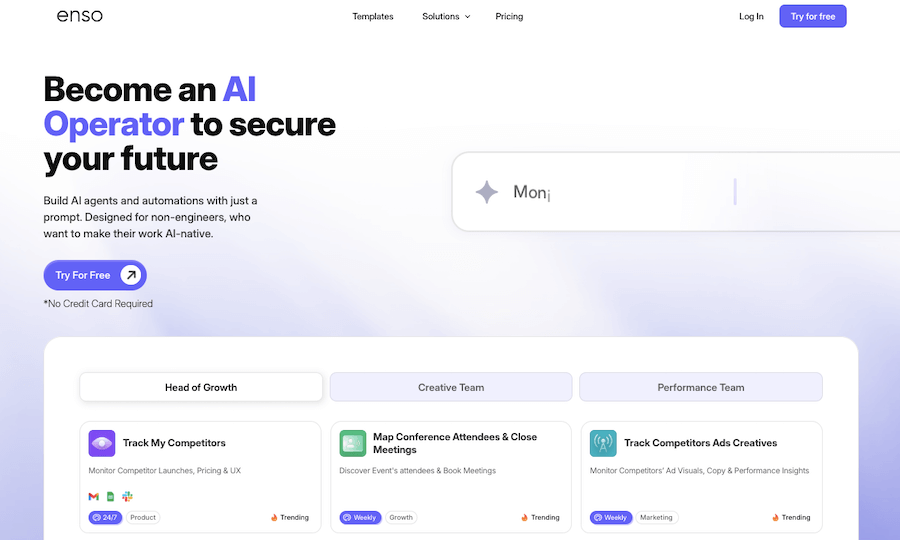
Enso is like having an intelligent assistant that understands what...

AI Perfect Assistant

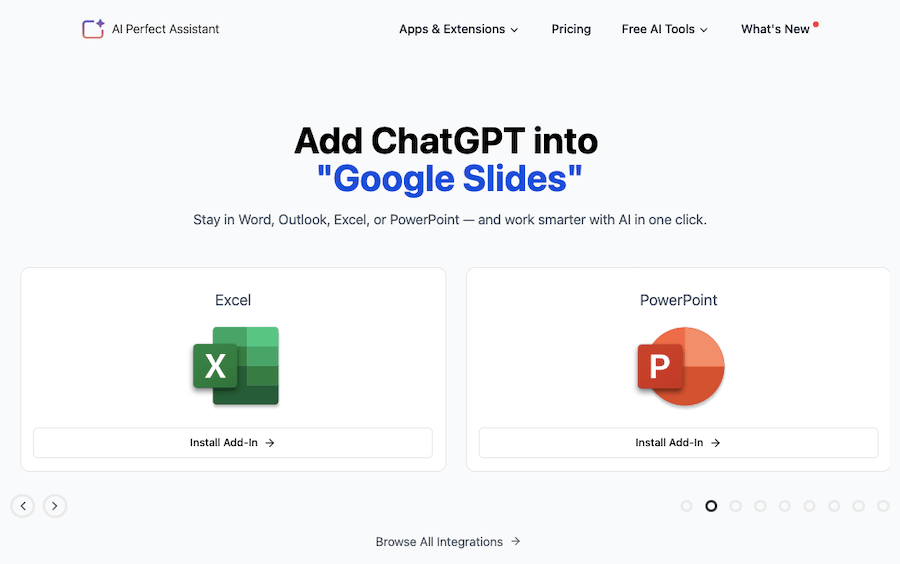
AI Perfect Assistant is like having a personal helper that’s...
Receive the latest AI news

Learn About AI in 5 Min Daily

Get our daily email newsletter with trending AI news and top AI tools. Subscribe for FREE.

Cookie Policy

Theaihunter uses cookies

This website uses cookies to enhance user experience and to analyze performance and traffic on our website. By continuing to browse this site you are agreeing to our use of cookies.