Continue Dev Logo
Editor's Rating:
Continue Dev is best for seamlessly integrating AI assistance into your code editor, helping you write, debug, and understand code without breaking your workflow.
Pricing Model: Freemium
Starting Price: $10/Month
Continue Dev Review

What is Continue Dev?

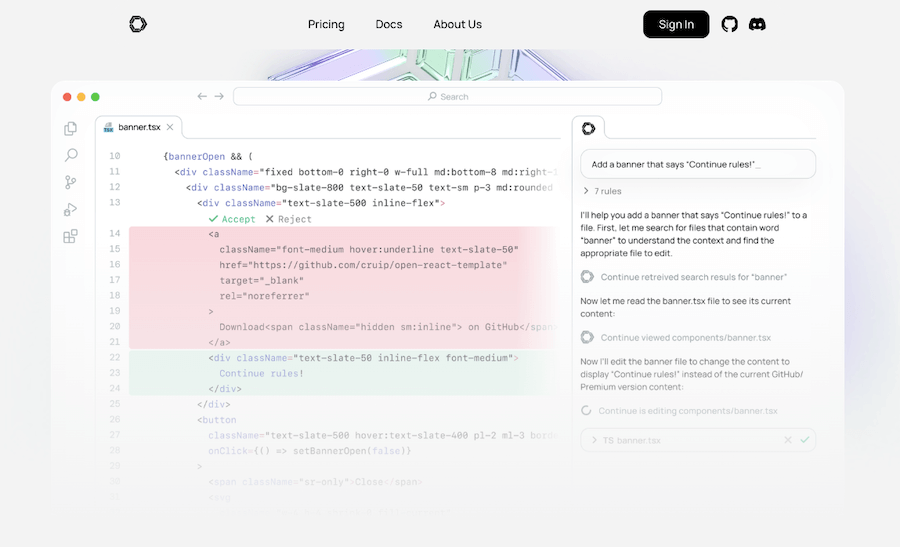
Continue Dev is like having a supercharged coding assistant built right into your editor, helping you write, debug, and understand code without breaking your flow. No more switching between windows or copying code into an external AI tool; everything happens right where you work.

It’s open-source, customizable, and designed to fit your workflow, whether you’re a beginner learning the ropes or an experienced developer trying to move faster.

What makes Continue special is how naturally it integrates into your coding environment. It’s not just about autocompleting code; it helps you understand tricky functions, debug issues, and even refactor messy code with ease.

If you ever find yourself staring at a confusing piece of code, just highlight it and ask for an explanation. If a bug is driving you crazy, Continue can help you figure out what’s wrong and suggest fixes. It’s like having an extra brain focused on coding, always ready to help.

Since it’s open-source, you get full control over how it works. You can connect it to different AI models, whether it’s OpenAI, a local model, or something else entirely.

And if privacy is a concern, you can even run it offline, keeping everything on your own machine. Flexibility is at the core of Continue, making it a tool that works for you, not the other way around.

It supports multiple editors, including VS Code and JetBrains, so you don’t have to change your setup to use it.

Whether you’re writing a quick script or working on a massive project, Continue helps you stay focused, solve problems faster, and spend more time actually coding. It’s not just an assistant, it’s a way to make coding feel smoother, smarter, and a little more fun.
Show More

Continue Dev Review 2026: Top Features, Pricing, Pros & Cons

Continue Dev Top Features

Seamless Editor Integration
Continue Dev works directly inside your code editor, so you don’t have to switch between tools or disrupt your workflow.
AI-Powered Code Completion
It suggests and completes code as you type, helping you write faster and reduce errors.
Instant Code Explanations
Highlight any piece of code and get a quick, AI-generated explanation in plain language.
Smart Debugging Assistance
Easily identify and fix errors with AI-powered debugging suggestions and explanations.
Refactoring and Code Optimization
Improve your code quality by getting smart refactoring suggestions that enhance readability and efficiency.
Open-Source and Customizable
Modify and extend Continue Dev to fit your needs, with full control over configurations and integrations.
Support for Multiple AI Models
Use OpenAI, local models, or any compatible AI service, giving you flexibility in choosing your assistant.
Works Offline
Run it on your local machine for privacy and security, keeping all your code and queries private.
Multi-Editor Compatibility
Supports VS Code, JetBrains, and other popular code editors for a smooth experience across different platforms
Context-Aware Assistance
Understands your code context to provide relevant suggestions, explanations, and completions.

Continue Dev Pros & Cons 2026

Pros
Seamlessly integrates into your code editor.
Open-source and fully customizable.
Supports multiple AI models, including local options.
Helps with code writing, debugging, and explanations.
Compatible with VS Code, JetBrains, and more.
Enhances productivity without disrupting workflow.
Cons
Requires setup and configuration for custom AI models.
Limited to supported code editors.
Performance depends on the AI model used.
Offline mode may need powerful local hardware.

Continue Dev Pricing 2026

Generate code effortlessly, get real-time explanations, and improve productivity today with Continue Dev. Check out their pricing details
Free Trial
$0/Month
Team
$10/Month

Please note that pricing information may not be up to date. For the most accurate and current pricing details, please refer to the official website.

Continue Dev Use Cases

Faster Code Writing

Speed up development with AI-powered code suggestions that complete functions and reduce typing.

Debugging Complex Issues

Find and fix errors effortlessly with AI-generated insights that explain what went wrong.

Learning New Codebases

Quickly understand unfamiliar code by getting instant explanations of functions and logic.

Improving Code Quality

Refactor and optimize your code with AI-driven suggestions for better readability and efficiency.

Offline AI Assistance

Work with AI-powered coding help even without an internet connection, ensuring privacy and security.

Multi-Editor Support

Use Continue seamlessly across different editors like VS Code and JetBrains without changing your workflow.

Continue Dev Questions & Answers

Continue Dev is an AI-powered coding assistant that integrates into code editors to help with code completion, debugging, explanations, and refactoring.
Yes, Continue Dev is open-source and free to use. You can also customize it and choose different AI models, including local ones, for added flexibility.
Yes, you can run Continue Dev entirely offline using local AI models, ensuring privacy and security while coding.
Continue Dev works with VS Code, JetBrains, and other popular editors, providing seamless AI assistance across different platforms.
Yes, Continue Dev supports various AI models, including OpenAI and locally hosted models, giving users full control over their coding assistant.

Continue Dev User Reviews 2026

Overall Continue Dev Rating
0.0 out of 5 stars (based on 0 reviews)
Rating Distribution
Excellent0%
Very good0%
Average0%
Poor0%
Terrible0%
Share Your Experience

Continue Dev: Recent Reviews

There are no reviews yet. Be the first one to write one.

Submit Your Review For Continue Dev

Pricing:
Categories:
Social

Best Continue Dev Alternatives AIs

Codeium Review

Codeium

Coding doesn’t have to be a slow, repetitive process, and...

SQLAI

SQLAI is a smart tool designed to simplify how people...
PearAI Review

PearAI

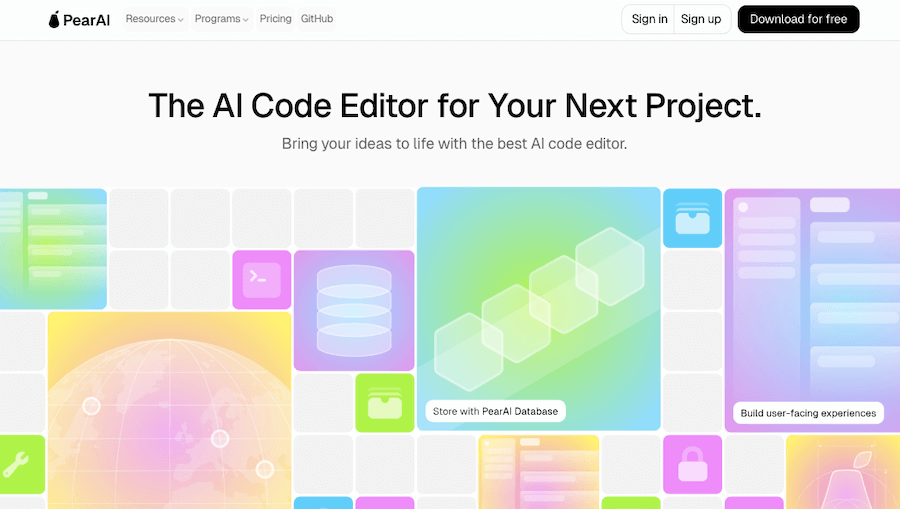
PearAI is a powerful open-source code editor that brings AI-driven...

GitHub Copilot

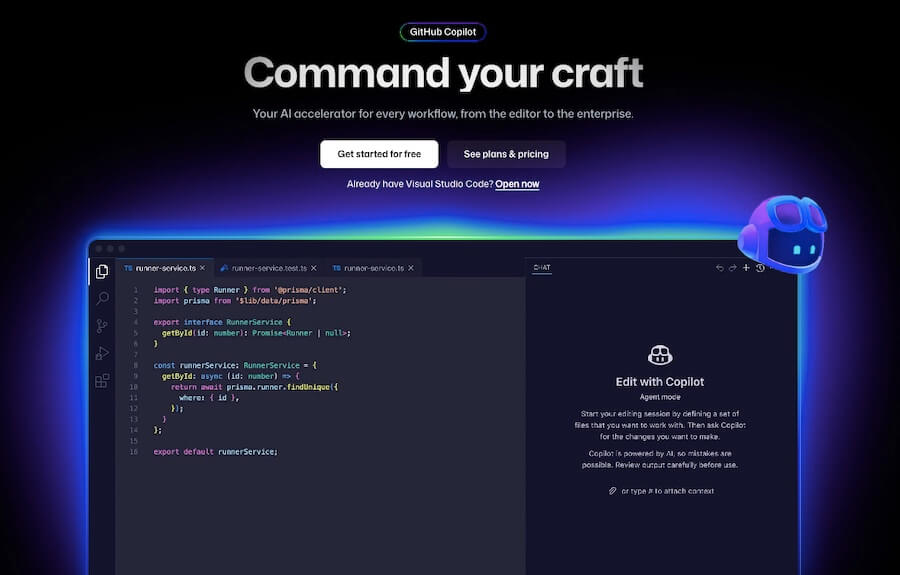
GitHub Copilot is like having a coding partner who’s always...
Receive the latest AI news

Learn About AI in 5 Min Daily

Get our daily email newsletter with trending AI news and top AI tools. Subscribe for FREE.

Cookie Policy

Theaihunter uses cookies

This website uses cookies to enhance user experience and to analyze performance and traffic on our website. By continuing to browse this site you are agreeing to our use of cookies.