

Is Topaz Labs worth it?
If upscaling and photo repair are part of your regular work, yes, and the Studio bundle is the better buy once you need more than one app. For occasional use, the yearly fee is hard to justify.
Choose Topaz Labs if you
- Upscale or repair photos on a regular basis
- Want unlimited rendering on your own machine
- Need Photoshop or Lightroom plugin workflows
- Use both photos and video
Look elsewhere if you
- Want to generate images from text prompts
- Prefer a one-time purchase
- Only need occasional fixes
- Need full commercial rights without paying for Pro
Topaz Labs scores
Eight creator-focused checks, each out of 5. The overall score is their average and matches the score shown everywhere on the site.
Reviewers rate it among the best for pure upscaling and enhancement.
It does not generate from prompts, so this scores on its creative models only.
Several models and manual settings for how much to enhance.
Sharpen, denoise, face recovery and upscaling in one workflow.
Clean apps, with a learning curve across the product line.
Full commercial rights sit on Pro. Licensing is by subscription only.
Strong results, but yearly fees and no one-time option.
No free plan on the pricing page. Review sites mention a trial.
Topaz Labs pricing in 2026
Topaz sells yearly subscriptions only. The prices below are the Black Friday sale prices on the pricing page, with the regular price in the last column.
| Plan | Price a month | Apps covered | Real output, roughly | What it adds |
|---|---|---|---|---|
| Topaz Gigapixel | $10.58 | Gigapixel | Upscaling on Mac and PC | Billed $127 a year in the sale, regular $149 |
| Topaz Photo | $14.08 | Photo | Enhancing, sharpening and denoising on Mac and PC | Billed $169 a year in the sale, regular $199 |
| Topaz Studio | $24.92 | All apps | Desktop, browser and mobile apps, with 300 monthly video cloud credits | Billed $299 a year in the sale, regular $499 |
Monthly figures are the yearly price divided by 12. Studio Pro is $499 a year in the sale, regular $799. Single Pro apps run $499 to $699 a year.
What a month of use really costs
Upscaling only, billed yearly.
Sharpen, denoise and enhance in one app.
Every app, including video and web.
Sale prices end, so check the page for the current price before you buy.
Can you use Topaz Labs output commercially?
The pricing page says you need Pro for full commercial rights. Pro licenses add full commercial use for organizations over $1M in annual revenue.
| What you want to do | Single app | Studio | Studio Pro |
|---|---|---|---|
| Personal projects | Yes | Yes | Yes |
| Full commercial rights | No | No | Yes |
| Seat management | No | No | Yes |
| Perpetual license | No | No | No |
| Free plan | No | No | No |
| Refund policy | Not found | Not found | Not found |
Perpetual licenses ended in October 2025. People who bought one earlier keep it. We found no refund policy on the pricing page.
Topaz Labs features
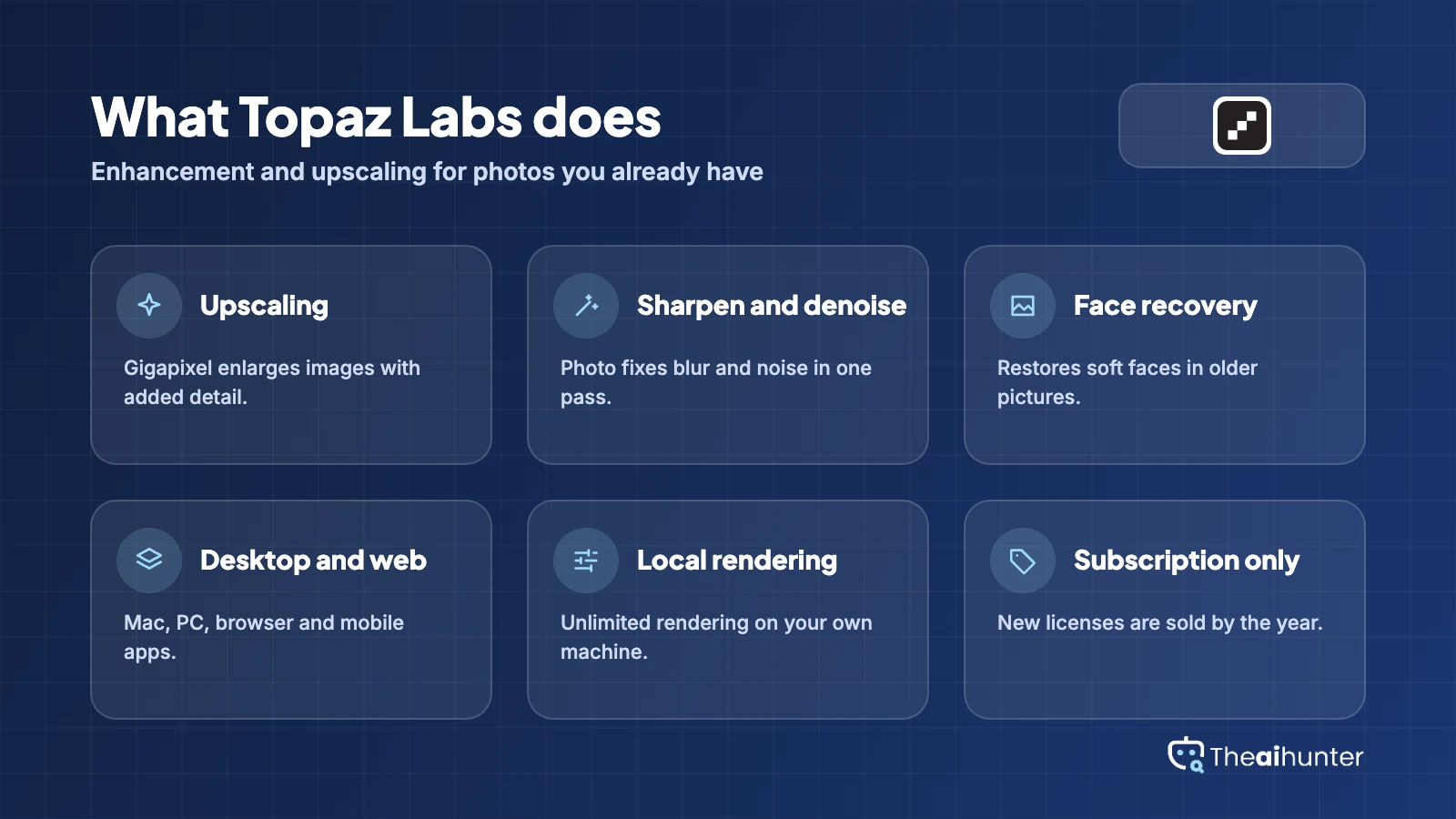
Enhancement tools for photos and video, from desktop apps to the browser.
Gigapixel upscaling
Enlarge images while adding detail.
Core toolPhoto enhancement
Sharpen, denoise and recover faces in one app.
Core toolVideo upscaling
Topaz Video for footage, with cloud credits on Studio.
Studio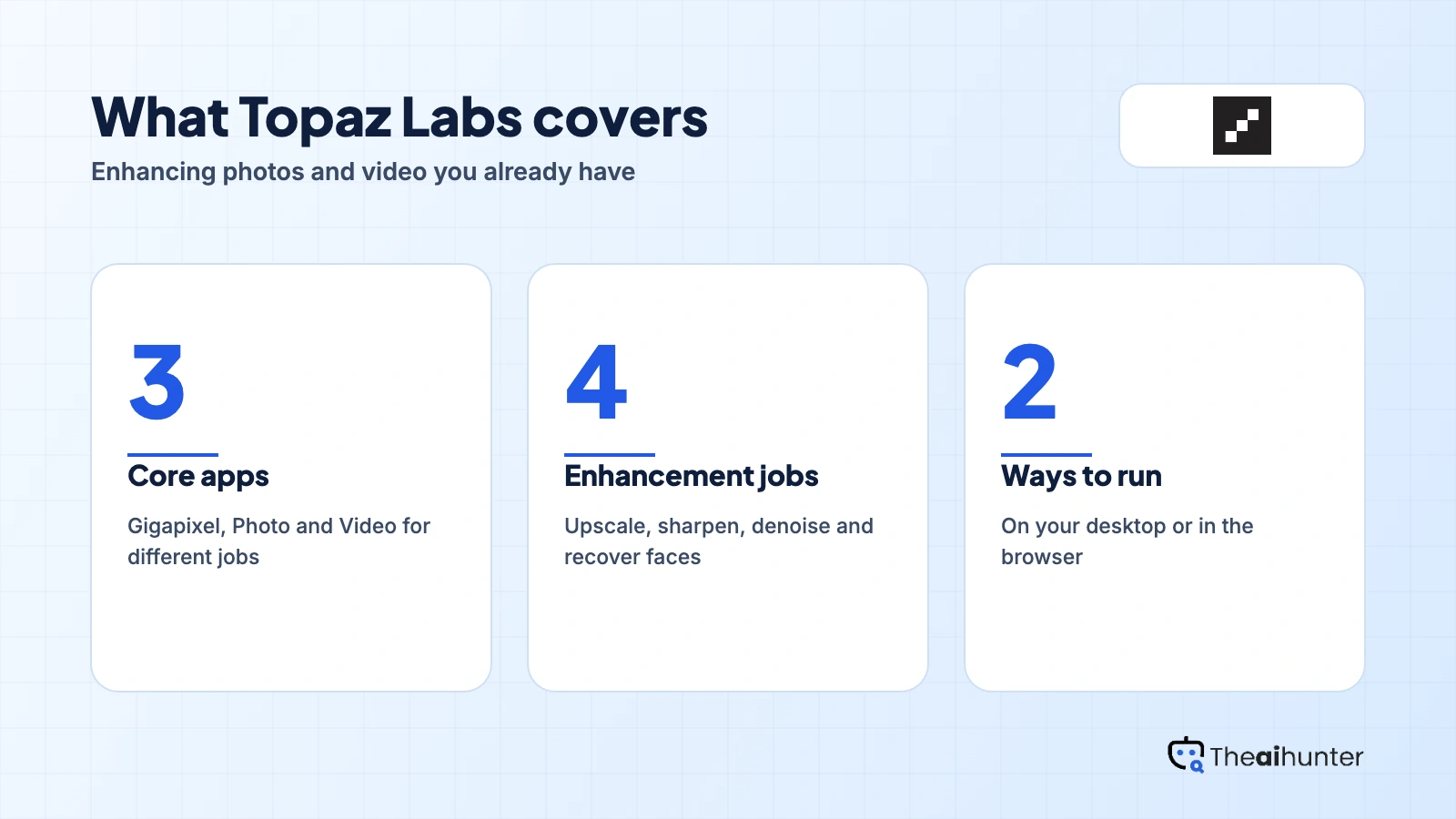
Unlimited rendering
Local and cloud image rendering on Studio plans.
StudioWeb and mobile apps
Browser tools that need no install.
Core toolPro licenses
Commercial rights, seat management and higher limits.
ProPros and cons
Pros
- Strong upscaling and enhancement results
- Unlimited local rendering on your machine
- Works as a plugin for Photoshop and Lightroom Classic
- Studio bundles photo, video and web apps
Cons
- Subscription only since October 2025
- Full commercial rights need Pro
- Does not generate images from prompts
- Some local models need the Pro tier
What users complain about
Topaz has no large review hub of its own, so these points come from independent reviews, community threads and Trustpilot, read on November 18, 2026.
One-time license ended
Perpetual licenses stopped on October 3, 2025, and the change caused a backlash among photographers.
Old licenses stop at a version
People who bought a perpetual license keep it, but do not get new model updates.
Pro for full commercial use
The pricing page says you need Pro for full commercial rights.
Low Trustpilot score
A cost tracker lists Trustpilot at 2.2 out of 5 from 24 reviews, so check recent complaints.
Topaz Labs alternatives
If you want a generator, a cheaper enhancer or a one-time model, these are worth a look.




Topaz Labs FAQ
Is Topaz Labs free?
There is no free plan on the pricing page. Review sites mention trials, so check the current offer on the site.
How much does Topaz Labs cost?
During the Black Friday sale, Gigapixel is $127 a year, Photo is $169 and Studio is $299. Regular prices are $149, $199 and $499.
Can I buy Topaz Gigapixel once?
No. Perpetual licenses ended in October 2025. Earlier buyers keep their license but do not get new model updates.
Can I use Topaz Labs output commercially?
The pricing page says you need Pro for full commercial rights. Pro adds full commercial use for organizations over $1M in annual revenue.
Does Topaz Labs generate images from prompts?
No. It enhances, upscales and repairs images you already have.
What is in Topaz Studio?
Studio includes Video, Photo, Gigapixel, Topaz for Web and Topaz for Mobile, with unlimited local and cloud image rendering.
Is Topaz Labs worth it over Photoshop upscaling?
If you upscale or repair photos often, reviewers rate it among the best. For occasional use, a cheaper tool may do.
How we review AI image tools
Every image tool on Theaihunter goes through the same four steps and gets the same eight scores, so any two image tool scores on this site can be compared directly.
Read the vendor’s own pages
Plans, credit and image limits, and license terms come from the product’s site first. We note the date we checked each one.
Test what we can reach
We sign up and check what the free plan and settings allow. When a login or paid credits are needed to go further, the review says what we did not test. Samples go on the page only when the license permits it.
Cross-check what users report
Independent reviews and user complaints from the last six months show what the sales page leaves out. Numbers copied across lookalike sites count once.
Score, date and update
Eight areas get a score from 1 to 5. When pricing or plans change, we recheck the review and log the change in its history.
How the score works
Each area is scored from 1 to 5. The overall score is their average, rounded to one decimal.
It is the same number on the review, the category page and anywhere else the tool appears.
- No review, no score. Tools we have not reviewed in full are never ranked.
- A strong output cannot hide unclear licensing, because each area is scored on its own.
Some links earn us a commission. A score or verdict is never changed because of one.
Prices, credits and limits are checked against the vendor’s pages and dated. When sources disagree, the review says so.
If we used a feature, we say so. If a detail comes from user reports, the review labels it as reported.
Ready to try Topaz Labs?
Check the current sale price and whether a trial is on offer, then pick the single app that matches your work.
