

Is PicWish worth it?
Yes for photo cleanup. Pro is $6.99 a month, or $3.33 billed yearly, and one-time credits never expire if you prefer not to subscribe. Use the free tools first, and read the license before client work.
Choose PicWish if you
- Need fast background removal and cutouts
- Want ID photos, restoration and object removal in one place
- Prefer one-time credits over a subscription
- Sell products and need listing images
Look elsewhere if you
- Want a prompt-driven art generator
- Need an explicit commercial license on the page
- Want deep control over styles or models
- Need quick, reliable support replies
PicWish scores
Eight creator-focused checks, each out of 5. The overall score is their average and matches the score shown everywhere on the site.
Cutouts and enhancing are the strength, and generation is a small add-on.
AI designer and listing image tools exist, but prompts are not the focus.
A wide toolset, but little control over styles or models.
Background removal, enhancing, object removal, ID photos, restoration, extending and text editing.
Web and app tools with one-click flows and clear plan limits.
We found no explicit commercial-use statement, and the watermark remover page tells users to verify rights.
Pro is $6.99 a month, or $3.33 billed yearly, and one-time credits never expire.
Free use is limited, with a few credit-based generations to try.
PicWish pricing in 2026
PicWish sells Pro and Max subscriptions plus one-time credits. Subscriptions give free HD downloads for core tools and monthly credits for AI features.
| Plan | Price a month | Credits a month | Real output, roughly | What it adds |
|---|---|---|---|---|
| Free | $0 | None listed | Limited cutouts and enhancing | A few credit-based generations to try |
| ProMost popular | $6.99 | 450 | 100 HD downloads a day | Credits for AI designer, listing images, restore and extend |
| Max | $17.99 | 2,000 | 15,000 HD downloads a month | Free uses of select AI tools, including watermark remover |
Monthly prices from the pricing page we read on November 18, 2026. Yearly billing brings Pro to $3.33 a month ($39.99 a year) and Max to $14.67 ($175.99 a year). One-time credits never expire.
What a month of use really costs
Limited free use covers a few background removals and fixes.
450 credits and 100 HD downloads a day cover a small shop.
2,000 credits and up to 15,000 HD downloads a month.
Usage numbers come from PicWish’s own pricing table and assume a single feature over 30 days. Mixed use will land lower.
Can you use PicWish images commercially?
We did not find a clear commercial-use statement on the pricing page. PicWish’s watermark remover page says to verify licensing rights before commercial use. Read the Terms and License Agreement before client work.
| What you want to do | Free | Pro | Max |
|---|---|---|---|
| Personal projects | Yes | Yes | Yes |
| Commercial use | Not stated | Not stated | Not stated |
| HD downloads, core tools | Limited | 100 a day | 15,000 a month |
| Select AI tools included | No | No | Yes |
| One-time credits | Yes | Yes | Yes |
| Refund window | Not applicable | 7 days | 7 days |
Refund terms are from PicWish’s refund policy page. Weekly plans get 3 days.
PicWish features
A photo toolkit first, with a few AI generators on top.
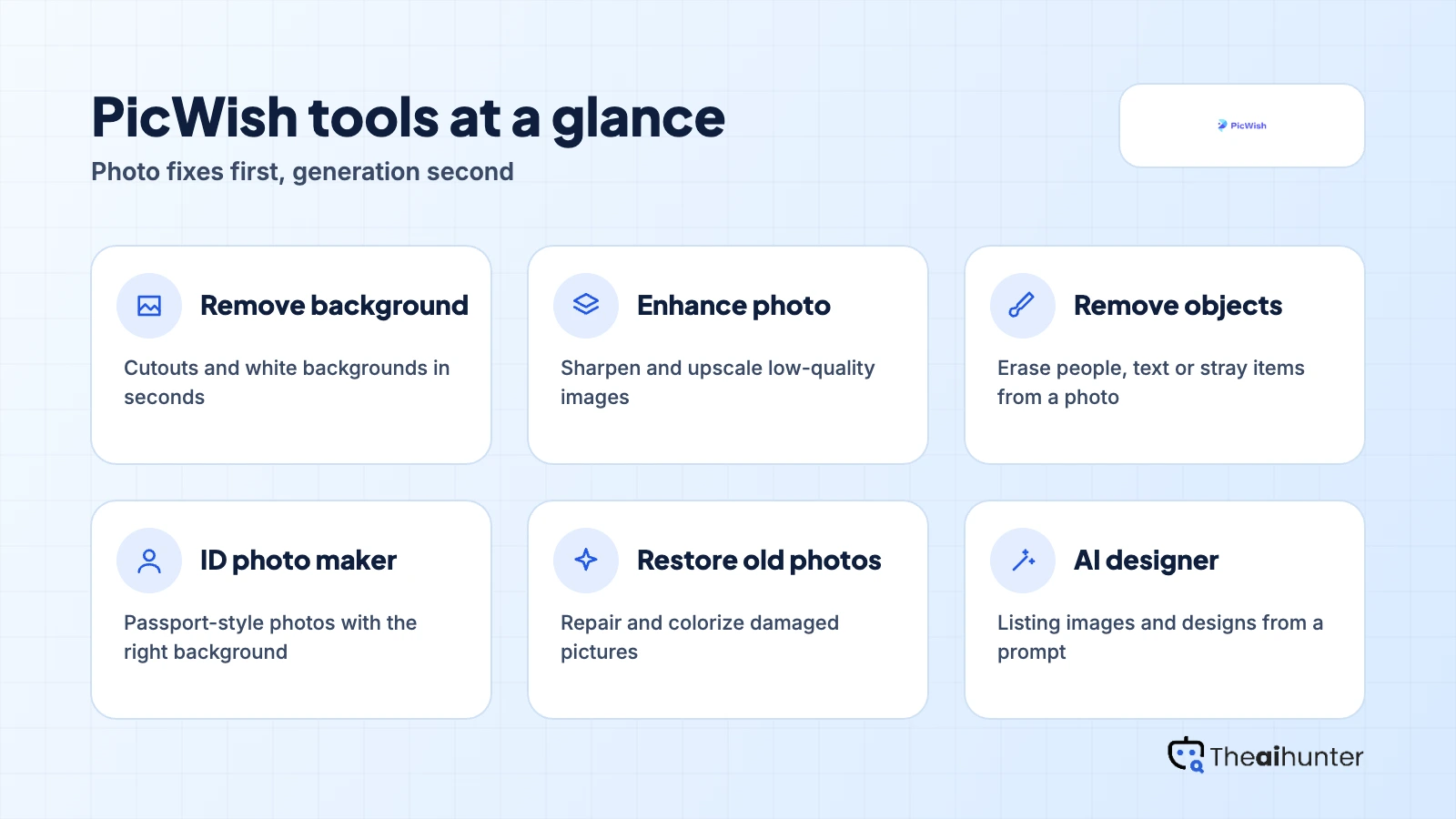
Background removal
Cut out products and people, or set a white background.
Free downloads on paidEnhance photo
Sharpen and upscale low-quality images.
Core toolRemove objects
Erase people, text or stray items from a photo.
Core tool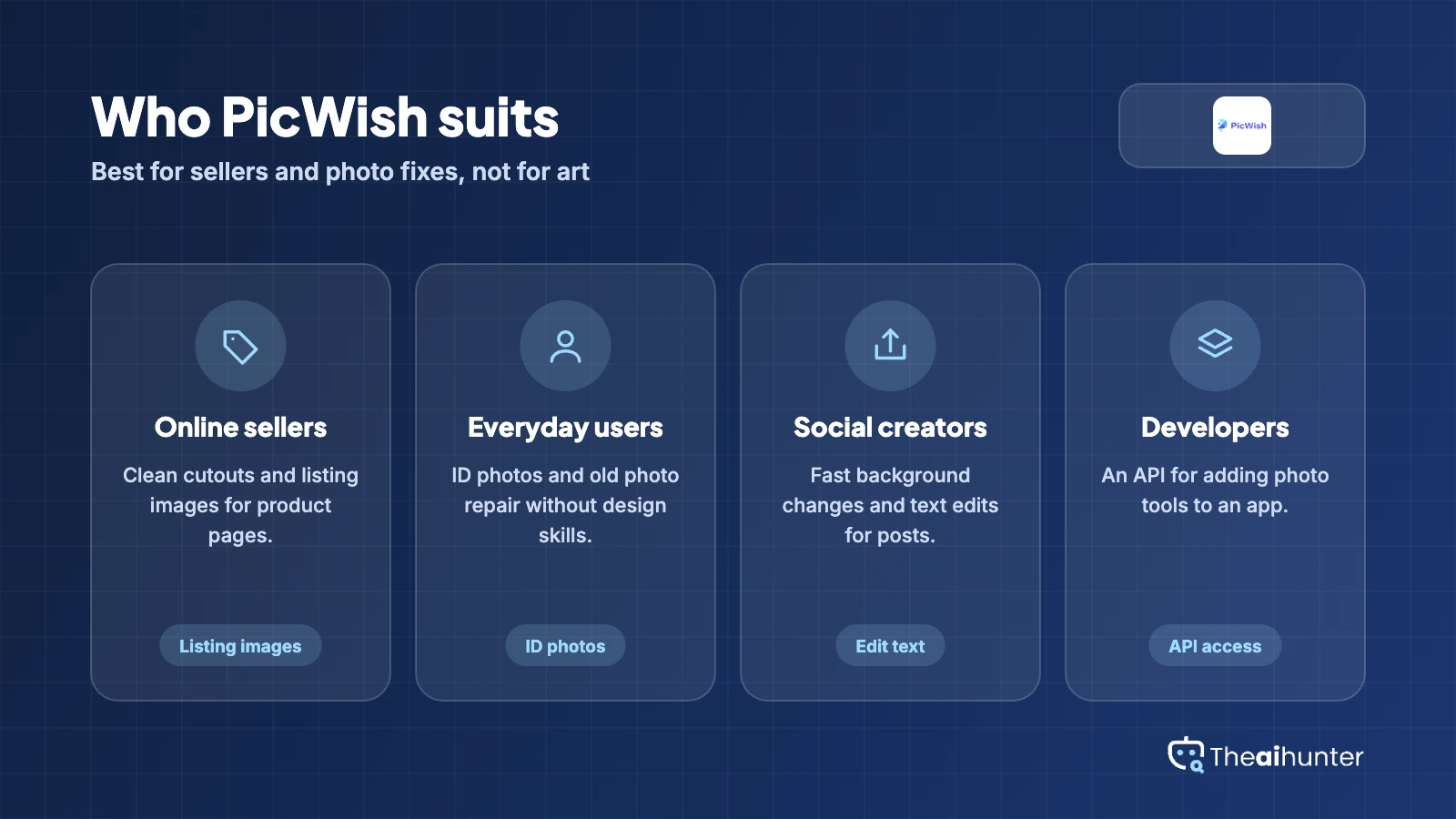
ID photo maker
Passport-style photos with the right background.
Core toolRestore old photos
Repair and colorize damaged pictures.
Uses creditsAI designer
Listing images and designs from a prompt.
Uses creditsPros and cons
Pros
- Strong editing tools for sellers and everyday photo fixes
- Low entry price, with a cheap yearly option
- One-time credits never expire
- Seven-day money-back guarantee on Pro
Cons
- No explicit commercial-use statement on the pricing page
- Generation is a small part of the product
- Reviewers mention upgrade prompts and errors
- Support can be slow to reply
What users complain about
Trustpilot lists 355 reviews, with a mix of praise and complaints. We read them on November 18, 2026.
Upgrade prompts after paying
One reviewer says the app kept prompting an upgrade even after they had upgraded. If it happens, contact support with your receipt.
Results that miss the mark
Some reviewers were unhappy with output quality and asked for refunds. Test the free tools on your own photos before you pay.
Errors that linger
One reviewer reported an error that lasted two weeks. PicWish replied and offered a refund by email.
Slow replies
Trustpilot shows PicWish usually replies to reviews after a month or more, though replies we saw offered refunds by email.
PicWish alternatives
If you want a broader editor or stronger generation, these are the closest options.




PicWish FAQ
Is PicWish free?
Partly. Free use is limited, and HD downloads for core tools need a subscription. A few credit-based generations are included to try.
How much does PicWish cost?
Pro is $6.99 a month and Max is $17.99. Billed yearly they come to $3.33 and $14.67 a month.
What are PicWish credits?
Credits pay for AI tools such as restoration, extending, text editing and the AI designer. Pro includes 450 a month and Max 2,000. One-time credits never expire.
Can I use PicWish images commercially?
We found no clear commercial-use statement on the pricing page. Read the Terms and License Agreement before client work.
Does PicWish offer refunds?
Yes. The refund policy lists a 7-day money-back guarantee on monthly and annual Pro plans, and 3 days for weekly plans.
What is the difference between a subscription and one-time credits?
A subscription gives free HD downloads for core features plus monthly credits. One-time credits work for any feature with no daily download limit and never expire.
Does PicWish work on mobile?
Yes. Subscription benefits apply on the website and the mobile app.
Is PicWish an AI image generator?
Mostly it is a photo editor. It has an AI designer and listing image tools, but cutouts, enhancing and object removal are its strengths.
How we review AI image tools
Every image tool on Theaihunter goes through the same four steps and gets the same eight scores, so any two image tool scores on this site can be compared directly.
Read the vendor’s own pages
Plans, credit and image limits, and license terms come from the product’s site first. We note the date we checked each one.
Test what we can reach
We sign up and check what the free plan and settings allow. When a login or paid credits are needed to go further, the review says what we did not test. Samples go on the page only when the license permits it.
Cross-check what users report
Independent reviews and user complaints from the last six months show what the sales page leaves out. Numbers copied across lookalike sites count once.
Score, date and update
Eight areas get a score from 1 to 5. When pricing or plans change, we recheck the review and log the change in its history.
How the score works
Each area is scored from 1 to 5. The overall score is their average, rounded to one decimal.
It is the same number on the review, the category page and anywhere else the tool appears.
- No review, no score. Tools we have not reviewed in full are never ranked.
- A strong output cannot hide unclear licensing, because each area is scored on its own.
Some links earn us a commission. A score or verdict is never changed because of one.
Prices, credits and limits are checked against the vendor’s pages and dated. When sources disagree, the review says so.
If we used a feature, we say so. If a detail comes from user reports, the review labels it as reported.
Ready to try PicWish?
Test the free tools on your own photos, then move to Pro if you need HD downloads and credits.
